6
The keys on your handset can be divided into two categories: Function keys
and Alphanumeric keys.
In standby mode, when you press a key on the keypad, the electroluminescent
back light will be turned on automatically. If you want to turn off the back light,
please refer to page 34 for details.
Function keys
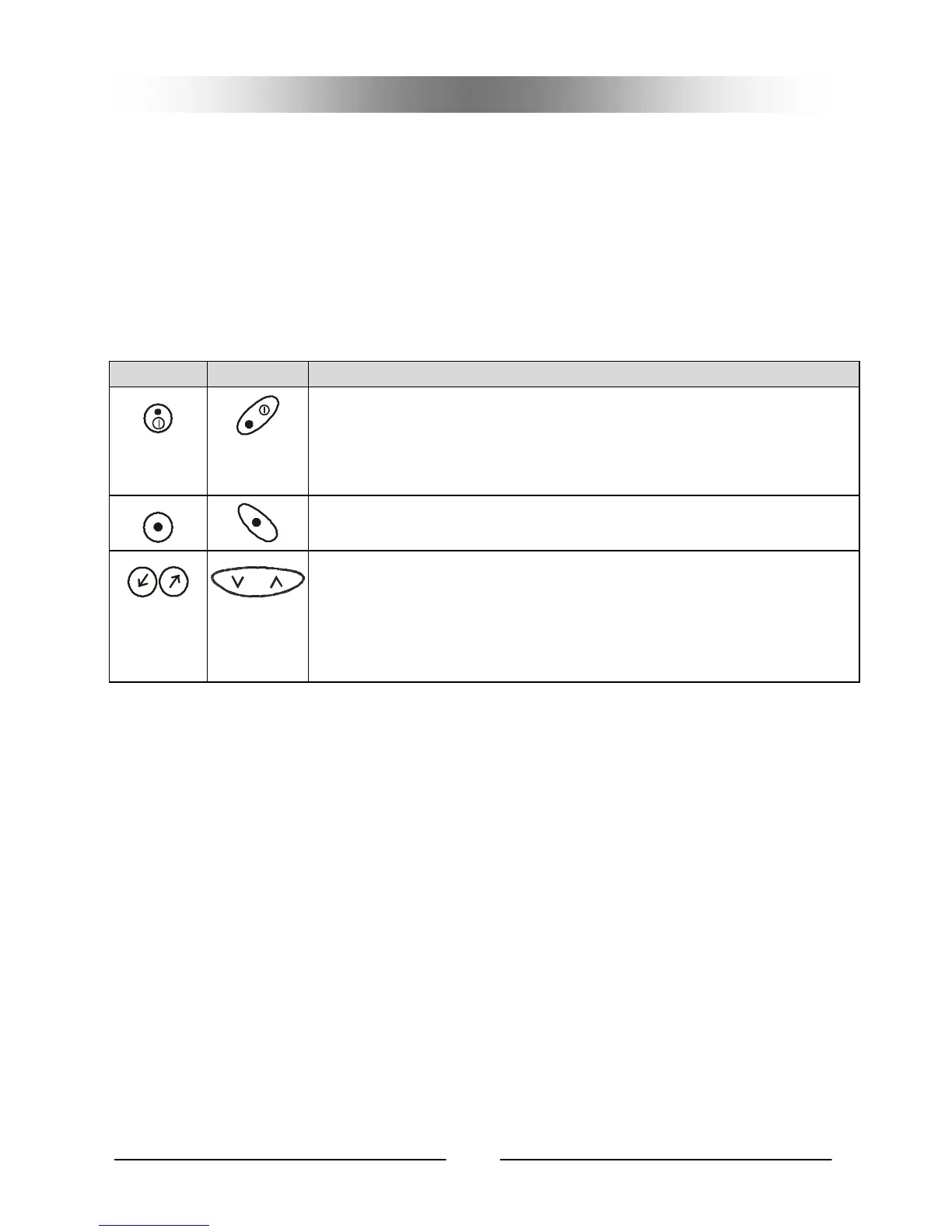
There are 3 function keys on the keypad:
G70 G75
Power On/Off Key
Long press this key to turn the handset power on or off.
When used to access the menu functions, you can use this
key to return to an upper layer of the menu.
Send Key
Press this key to send your dial or confirm menu selections.
Selection Key
This key is used to navigate and select among function
items in the menu or submenu. For example, to access the
Phone Book, you can press the key downward to enter the
Phone Book item.
Keys



 To Next Page