EasyManua.ls Logo

Acer G75 - Chapter 4. Menu Structure Map

Acer G75
70 pages
Print Icon
To Next Page IconTo Next Page
To Previous Page IconTo Previous Page
Loading...
43
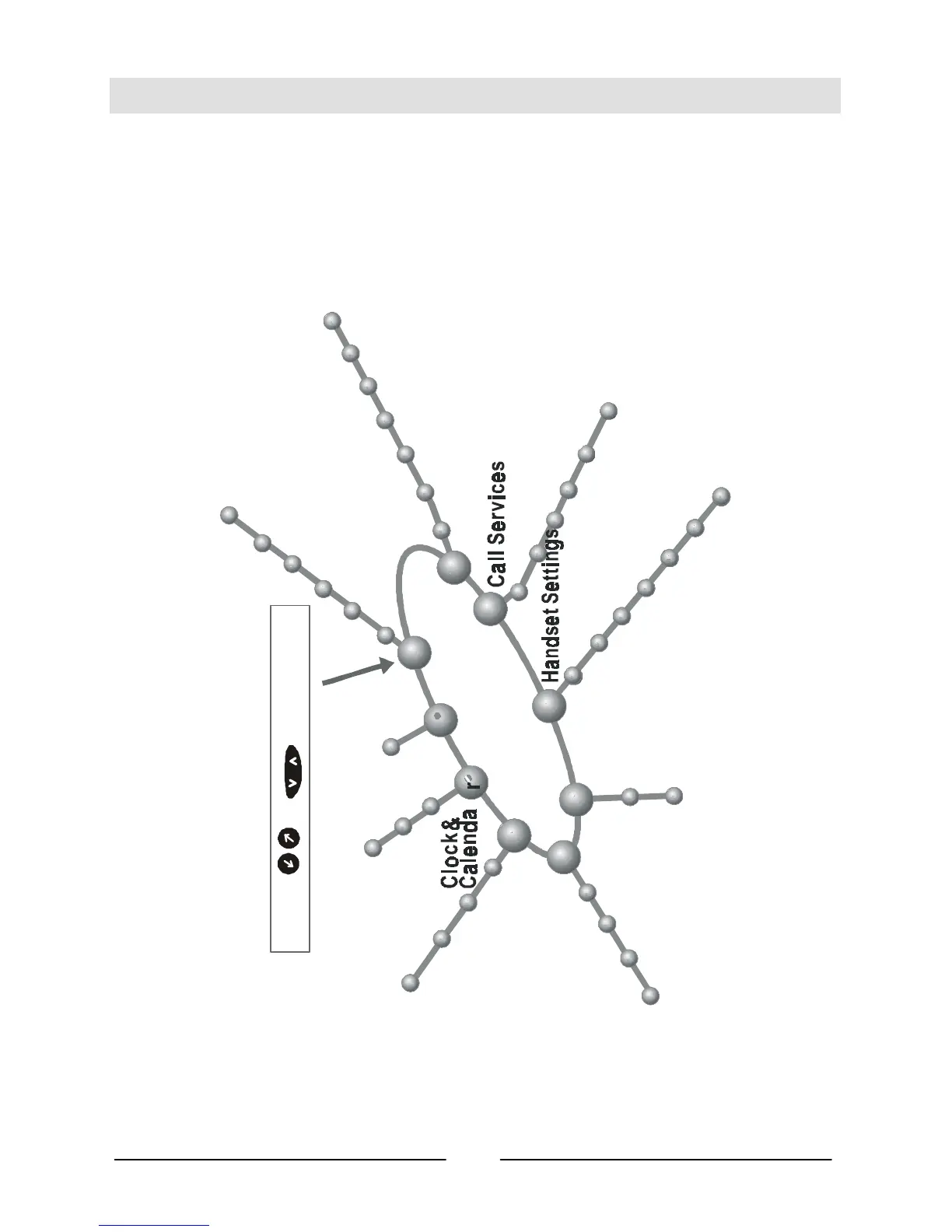
Chapter 4. Menu Structure Map
Please refer to the Menu Structure Map below to access each function item
quickly and easily:
Press
key to start
1-1 Last Number
1-2 Find Record
1-3 Add Record
1-4 Delete Record
1-5 Memory Selection
1-6 Own Number
Messages
2-1 Inbox
2-2 Write Message
2-3 Outbox
2-4 Listen Message
2-5 Cell Broadcast
2-6 Message Settings
2-7 Delete All
3-1 Call Divert
3-2 Call Barring
3-3 Call Waiting
3-4 Call Information
4-1 Back Light
4-2 Auto Redial
4-3 Answer by
4-4 Key Lock
4-5 Language
4-6 Time Alert
4-7 Restore
Network
Selection
5-1 Automatic Selection
5-2 Manual Selection
6-1 Set Code Status
6-2 Change Password
6-3 Fixed Dial
7-1 Ring Volume
7-2 Ring Type
7-3 Keypad Tone
8-1 Set Alarm
8-3 Calendar
8-2 Set Time
1
2
3
4
5
6
7
-4
Alarm Type
3-5 Line In Use
Audio Settings
Security Settings
Phone Book
3-6 Next Call
8
r
9
9-1 SIM
SIM
or
6-4 SIM Lock

Table of Contents

Related product manuals