10
1.5 Answer a Call
When the phone rings or vibrates, the screen will display the name and the
number of the caller (If your network service provider supports such function).
The name displayed depends on the data in the Phone Book.
Press (or ) key to answer a call. There are three answer mode options
for you to answer your calls. Please refer to page 34 for details.
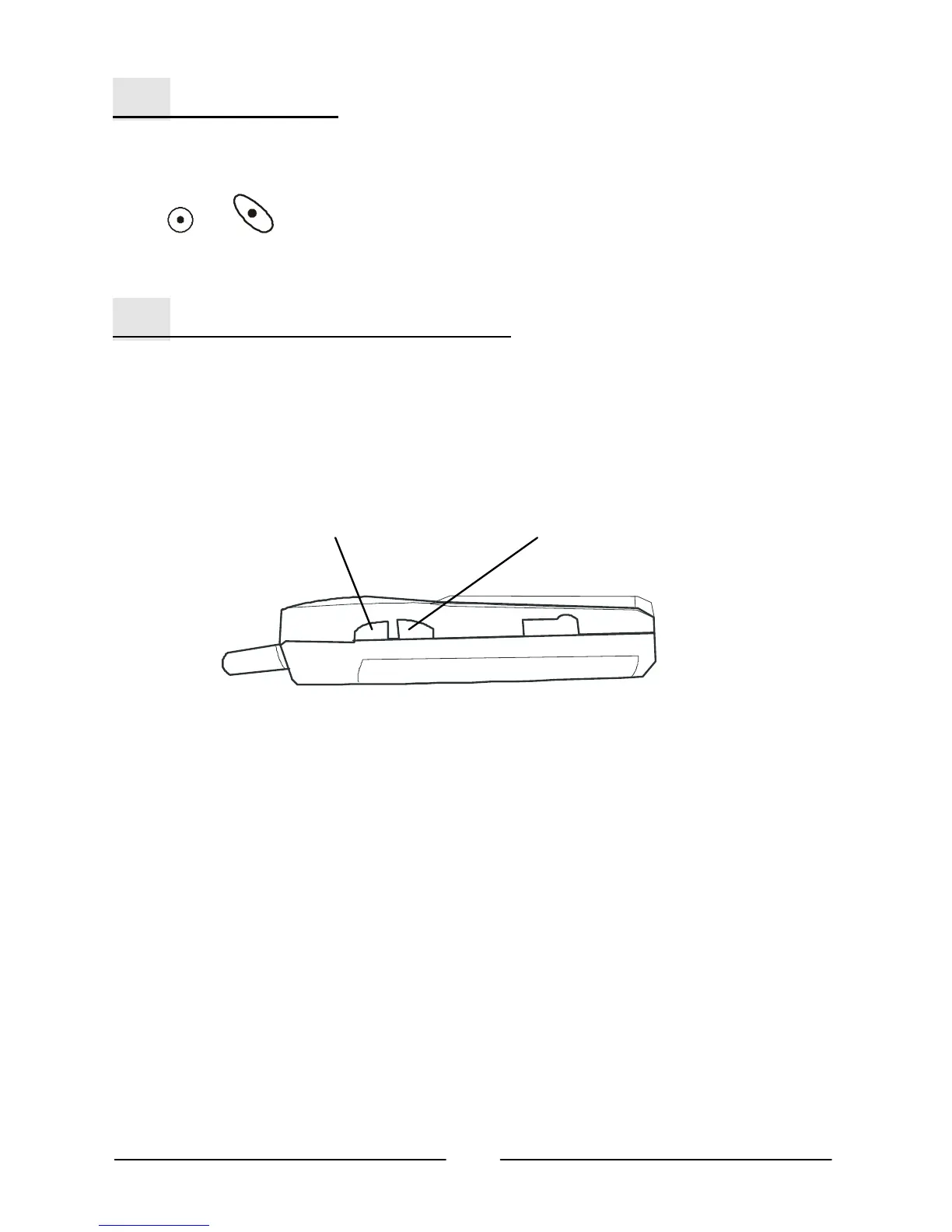
1.6 Adjust the Earpiece Volume
Press the buttons on the side of the phone to adjust the volume of the
earpiece. Five levels of volume are available for your selection.
Increasing volume Decreasing volume



 To Next Page