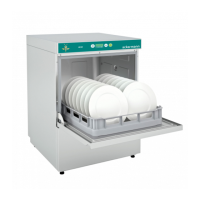
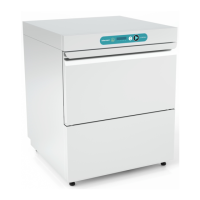
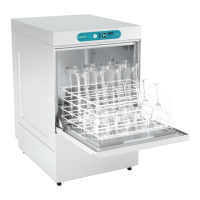
INSTRUCTION MANUAL FOR DISHWASHERS
Page 5 of 12
Chap 4 MACHINE USE
To simplify the description of the various functions, the layout of the control panel is shown below, with
the name of each key or indicator lamp
and the corresponding numbers. The figures to which reference
is made are included and the beginning of the manual. In the description of the operation of the machine,
reference is always made to these numbers or names.
4.1
Fig.1
shows:
1 ON/OFF BUTTON 4 INFORMATION DISPLAY
2 PROGRAMME SELECTION BUTTON 5 TIME BAR
3 START BUTTON
4.2
•
Turn on the main electrical switch and open the
external water tap.
• Check that there is enough detergent and ri
aid in the tanks.
•
Check the presence of the overflow (when
included).
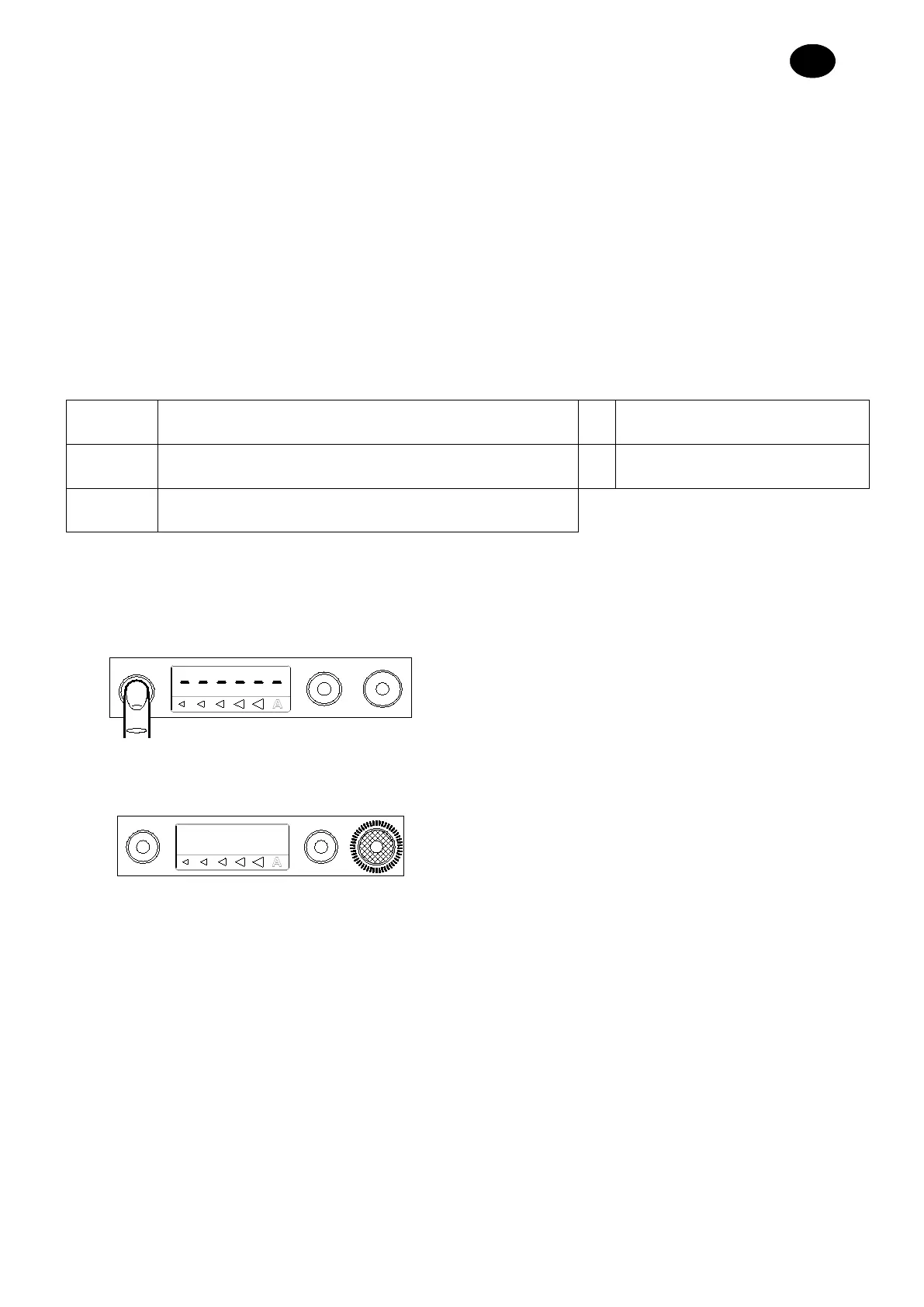
• Press the ON/OFF key (1) as shown alongside
•
The machine will automatically start filling. The
START button (3)
flashes. When the machine is
ready, the button turns green and the t
illuminates completely (
Fig.2
).



 To Next Page