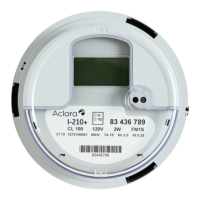
2.12 Physical Buttons
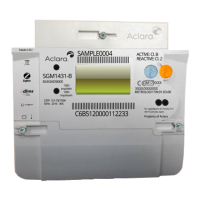
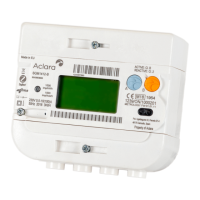
The SGM3000 Series meters have physical buttons on the front of the meter for performing
various relay control tasks and managing the display of testing the meter.
The following physical buttons are located on the SGM3000 Series meters:
• A supply arm/reconnect button for the main supply disconnect/reconnect relay
The arm/reconnect button is used to reconnect supply when the meter is armed.
The meter provides a visual indication on the LCD whether the meter is armed.
• A boost button for meters that have an auxiliary load control relay
The boost button is used to reconnect the auxiliary load for a period of time.
The meter provides a visual indication on LCD whether the meter boost functionality is
enabled.
Note: The arm/reconnect button and the boost button will not be active at the same time.
The boost functionality to close the load control relay can only be activated if the main
supply relay is closed.
• A display scroll button
The display scroll button toggles through the various meter displays and also provides a
means to initiate timed scrolling of the various meter displays.
The display scroll button is available at all times that the meter is powered from the main
supply, regardless of the state of any of the meter relays.
2.13 Firmware Variants
The SGM3000 Series meters will separate firmware modules for the metrology processor and
the application processor.
The meters have a single firmware build for all meter variants that is specific to the application
processor and two versions of a firmware built for the metrology processor.
A metrology firmware build will exist for the single phase meters (SGM3011, SGM3013,
SGM3022 and SGM3023) and three phase meters (SGM3030, SGM3031, SGM3033, and
SGM30C2).
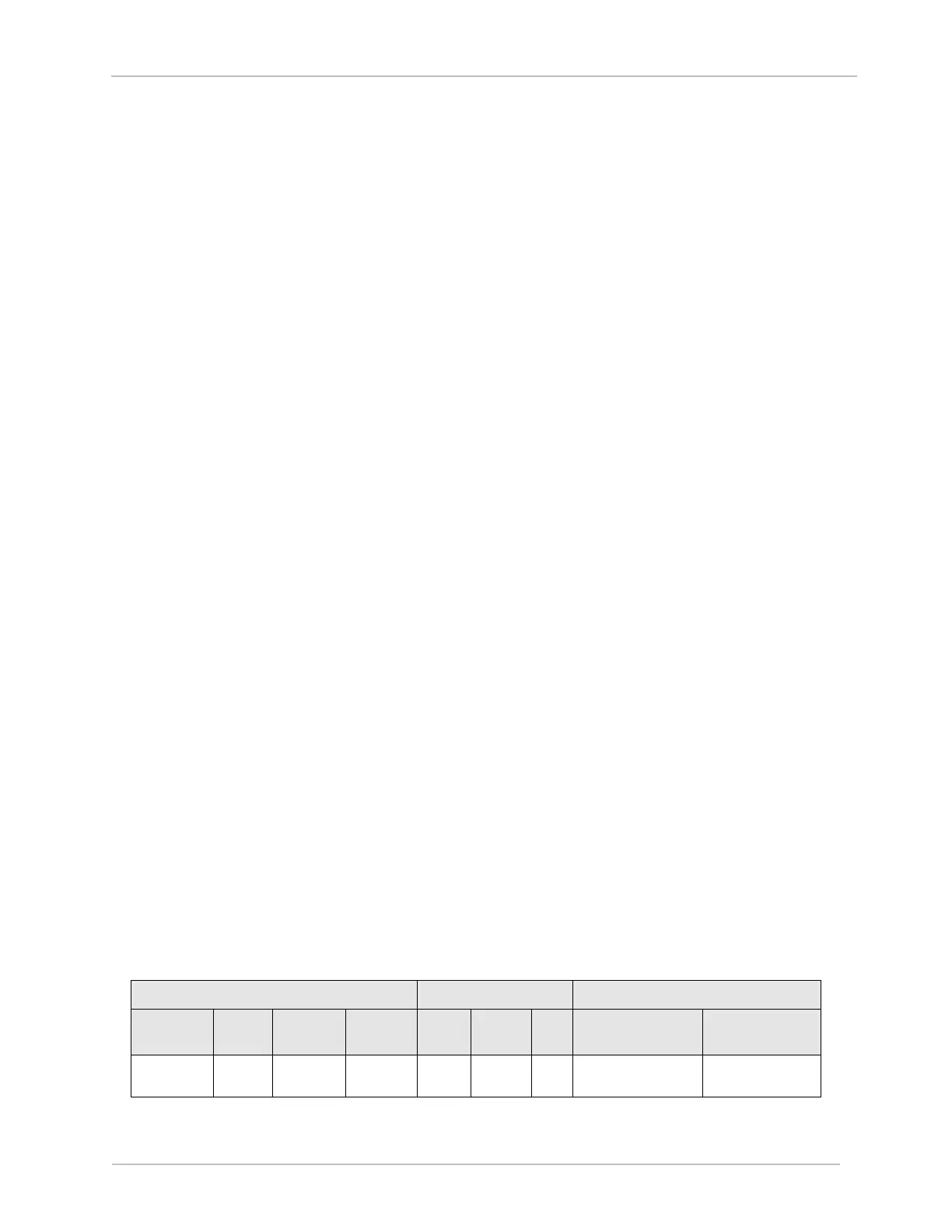
The following table provides a summary of the firmware resident on the various meter models.
Table 3 Metrology and Application Processor Firmware Variants



 To Next Page