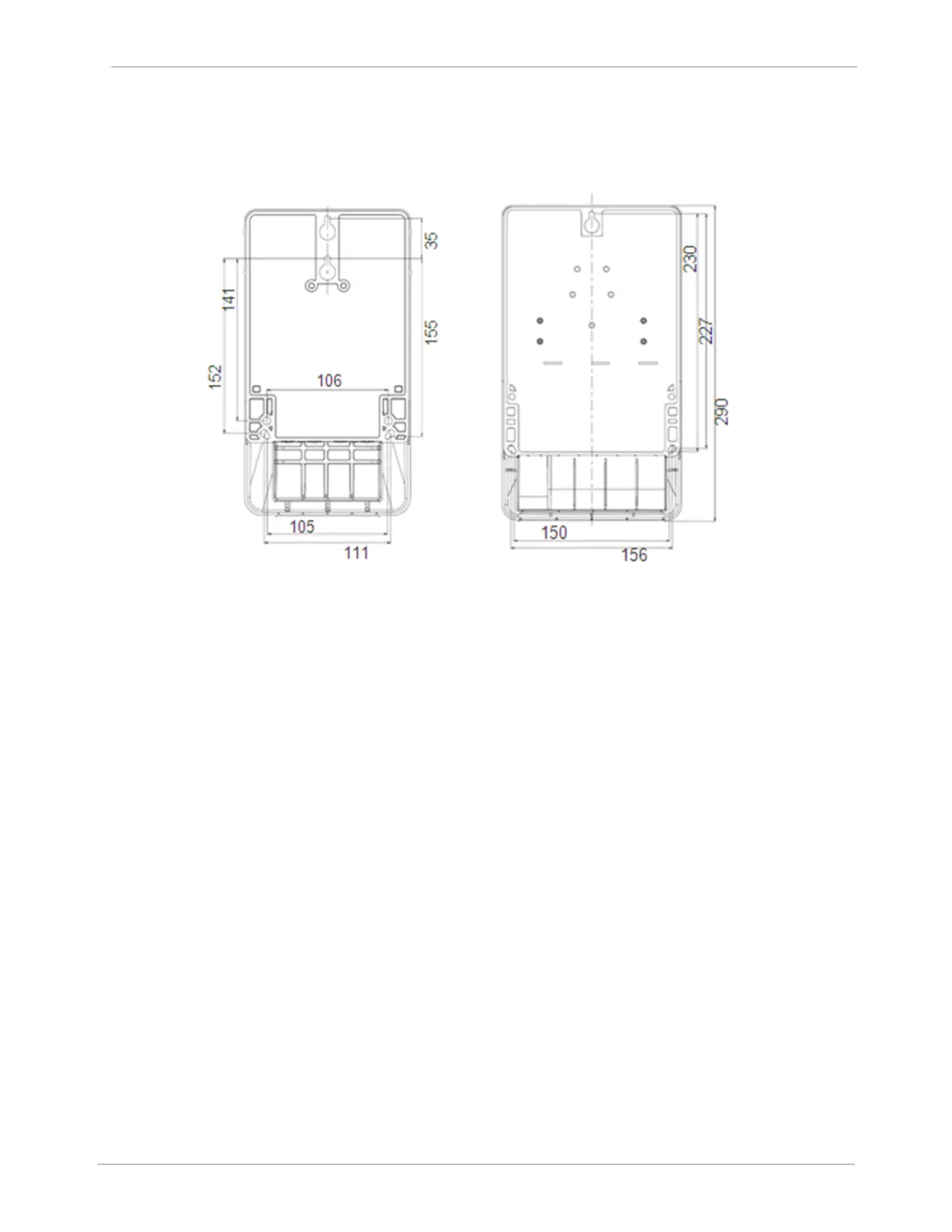
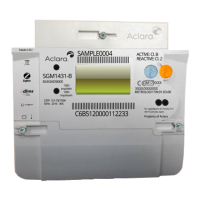
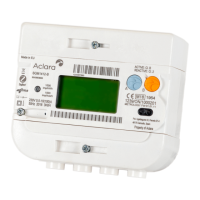
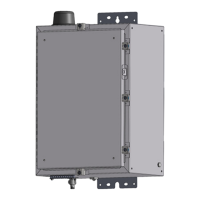
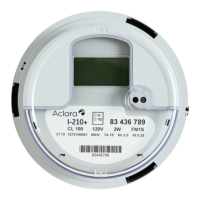
Figure 18 SGM3000 Meters Mounting Detail
b) Connect wiring to meter terminals as specific to each meter model.
c) Where required, remove punch-outs from terminal cover.
d) Attach terminal cover to meter and attach seal.
Note: Do not overtighten the screw.
7. Ensure all sealing screws and meter equipment are sealed.
8. Upon completing both installation of the meter and completion of safety checks, re-
energize the supply circuits.



 To Next Page