User's Manual | ACOM 1200S | 1.8-54 MHz Linear Power Amplifier
S e c t i o n MENUS - SETTINGS AND OPTIONS | Page
37
of
60
5.1. Menu AMP MEASURE (Amplifier Measurements)
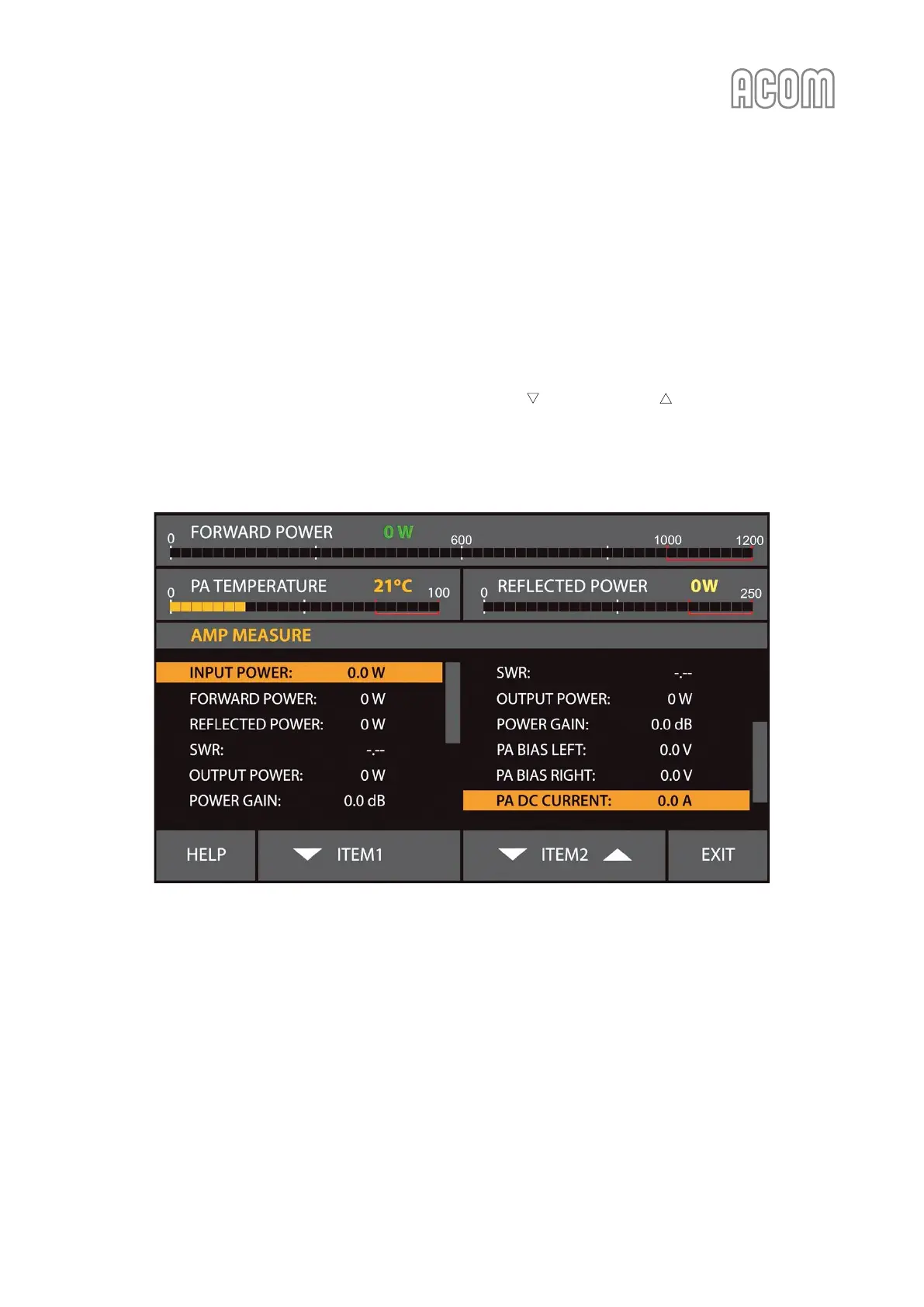
The menu AMP MEASURE (see Figure 5-2 Menu AMP MEASURE) is accessible from the MENU SELECTION
screen (see Figure 5-1 MENU SELECTION) in all modes. Here you can constantly observe the values of eleven
parameters.
Two identical lists appear on the left and the right halves of the screen, each one containing the same 11
values.
Any value can be selected in each screen half. Using buttons ITEM and ITEM (up and down arrows)
select the desired values. The two currently selected values will appear also on the basic screen
continuously (see Figure 3-2 Basic screen without ACOM 04AT antenna tuner assigned, Pos. (b)) - after leaving
this menu (EXIT button).
Figure 5-2 Menu AMP MEASURE
Figure 5-2 Menu AMP MEASURE



 To Next Page