22 / Chapter 3 Installation
4. Install the HSS Base by pushing each side down firmly into the
holes on the mainboard. (HSS Base can only be installed in one
direction). Make sure it locks into place.
5. Replace the HSS Pins on each end of the HSS Base. These pins
will insert through the HSS Base to secure it to the mainboard.
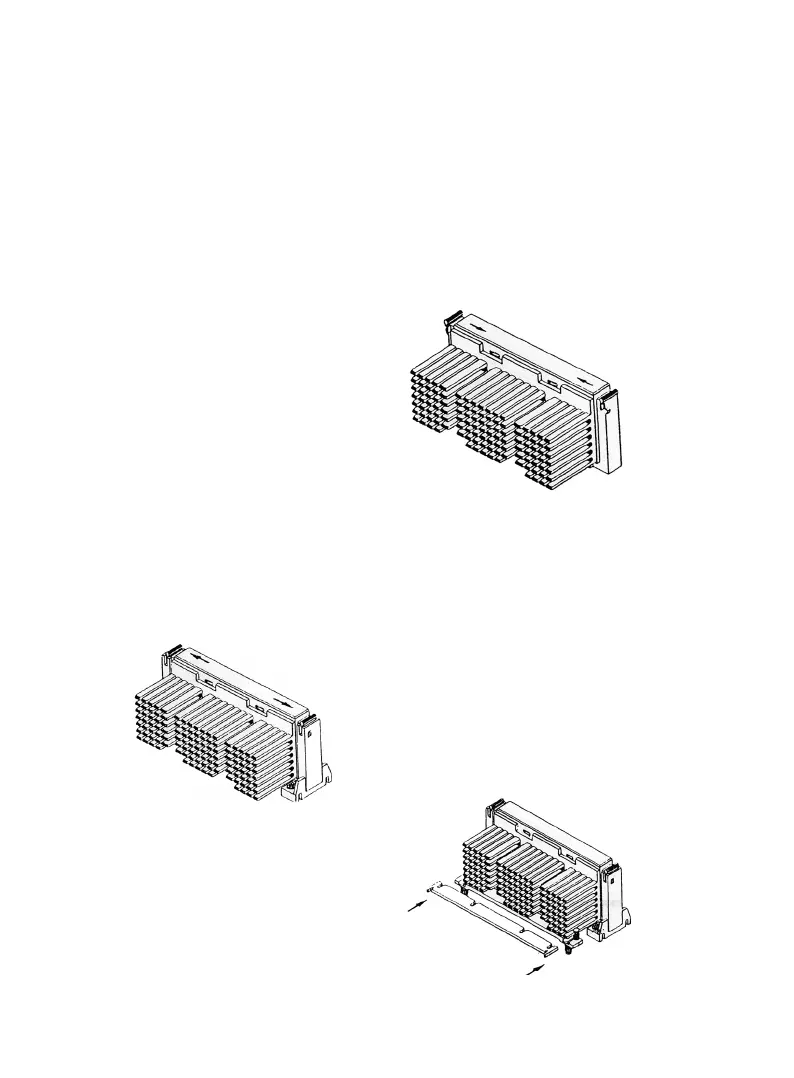
6. Hold the processor and push the latches toward the center of
processor until they click into
place.
7. Hold the processor so that the
heatsink is facing toward the
HSS base on the moainboard. Slide the processor into the Re-
tention Mechanism. Make sure that the alignment notch in the
processor fits into the Plug & Play in SLOT 1. Push the proces-
sor down firmly, with even pressure on both sides of the top,
until it is seated.
8.Push the latches on the proc-
essor outward until they click into
place in the Retention Mechanism. The
latches must be secured for proper
electrical of the processor.
9. Slide the HSS Top bar into the
heatsink until it locks into place.



 To Next Page