12
Change Date
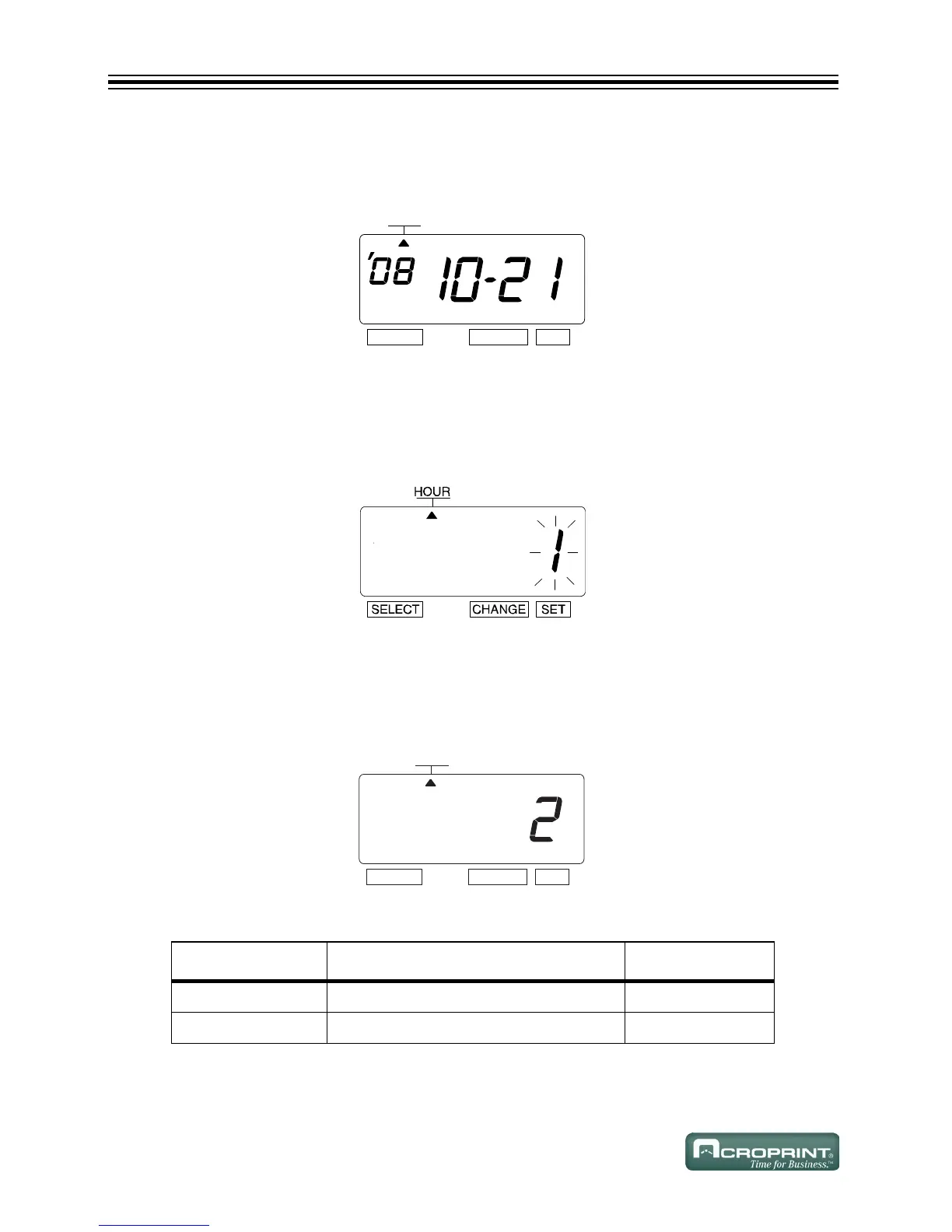
1. Press CHANGE until the Date is "21".
2. Press SET.
12/24 Hour Format
Example: Change the hour format from 12 hour format to 24 hour format.
1. Press SELECT until the S is under the "HOUR" mark.
2. The flashing digit indicates "Hour Display Format Options".
Change Hour
1. In this example, press CHANGE until the option is "2" (24 Hour Format). Refer to Hour Dis-
play Options below.
2. Press SET.
Hour Display Options
O
PTION HOUR DISPLAY FORMAT OPTIONS DISPLAY
1 12 Hour PM 3:00
2 24 Hour 15:00



 To Next Page