ES900 User’s Manual 33
Customized Comments
Example:
Customized Comments Example
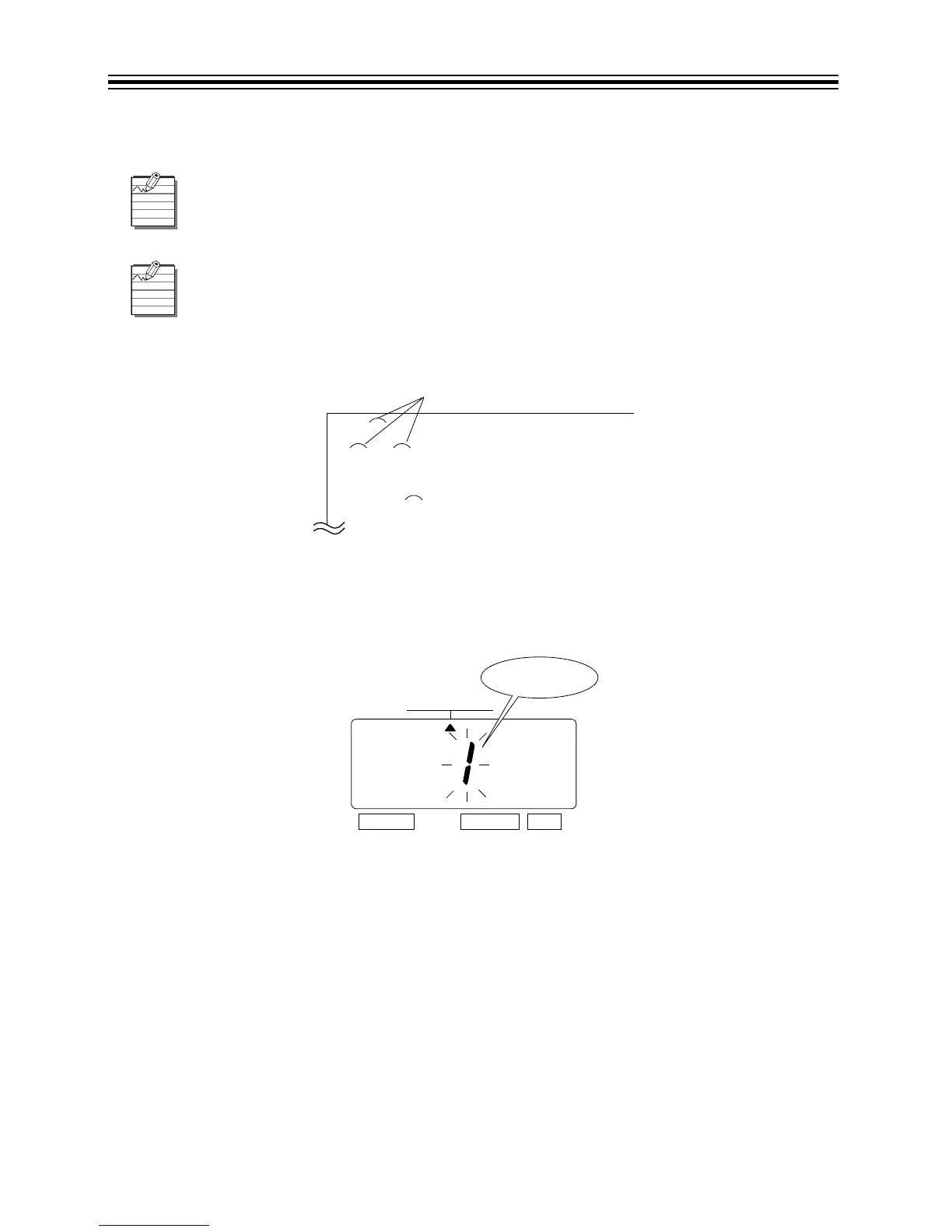
1. Press SELECT until the S is under the "PRINT ORDER" mark.
2. The flashing digit indicates "Print Order Options".
There is a maximum of 3 lines of comment that can be set to print.
This unit can print a maximum of 31 characters. However, the number of acceptable
characters is dependent on the size of the font used. Refer to “Character Code for
Alphanumeric” on pages 64-68.
$%&+27(/VWFRPPHQWOLQH
2&7QGFRPPHQWOLQH
'DWH0RQWK <HDU
%267210$UGFRPPHQWOLQH
6SDFH



 To Next Page