ES900 User’s Manual 29
Initial Number
Example: Set the Initial Number to "123". Refer to “Numbering Print” on page 26.
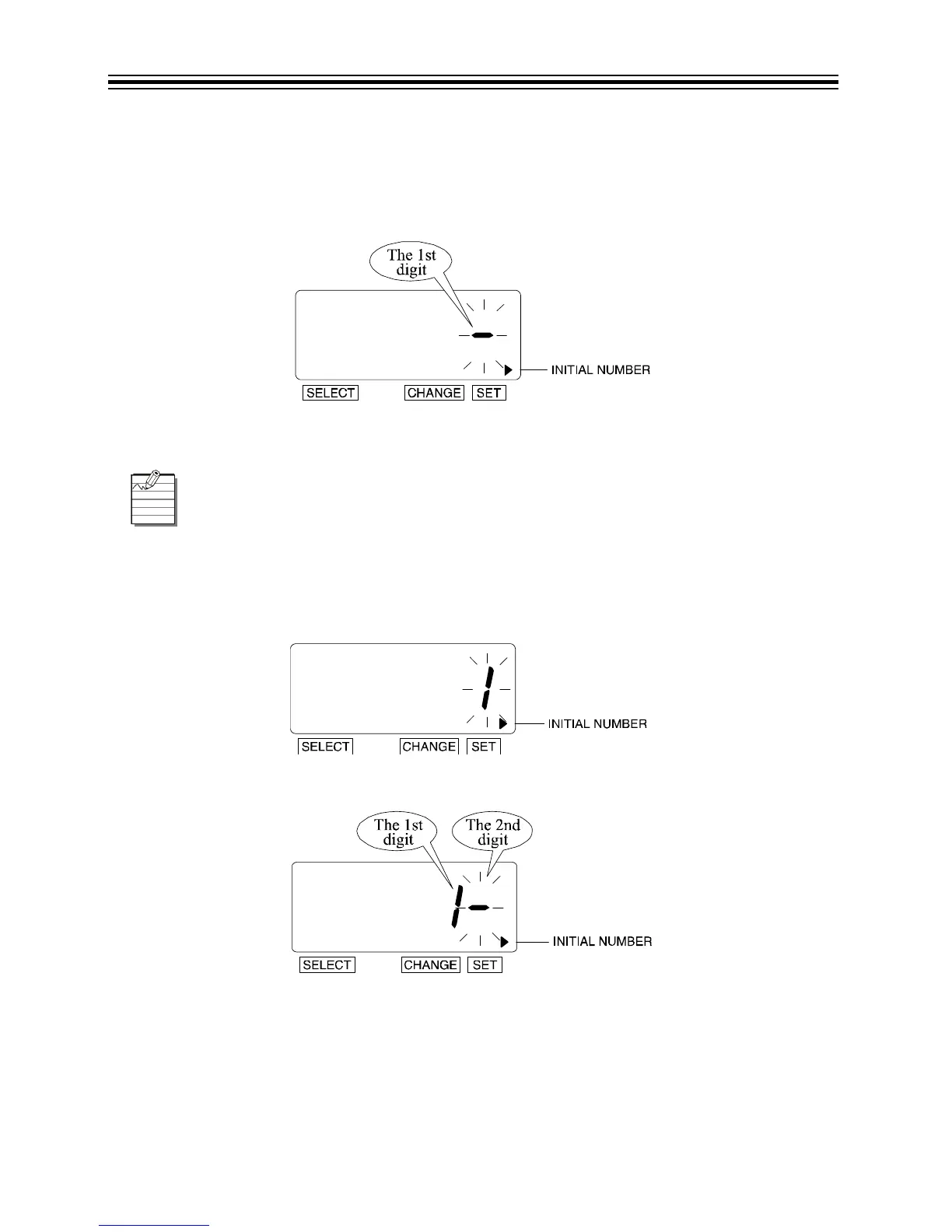
1. Press SELECT until the X is beside the "INITIAL NUMBER" mark.
2. The flashing digit "-" indicates the 1st digit of the initial number.
Set Initial Number
1st Digit
1. In this example, press CHANGE until the 1st digit is "1".
2. Press SET.
3. The 2nd digit of the "Initial Number" appears next to "1" (1st digit).
Up to 8 digits can be set; however, the number of digits for "Initial Number" depends
on the number set. Refer to “Numbering Print” on page 26.



 To Next Page