28
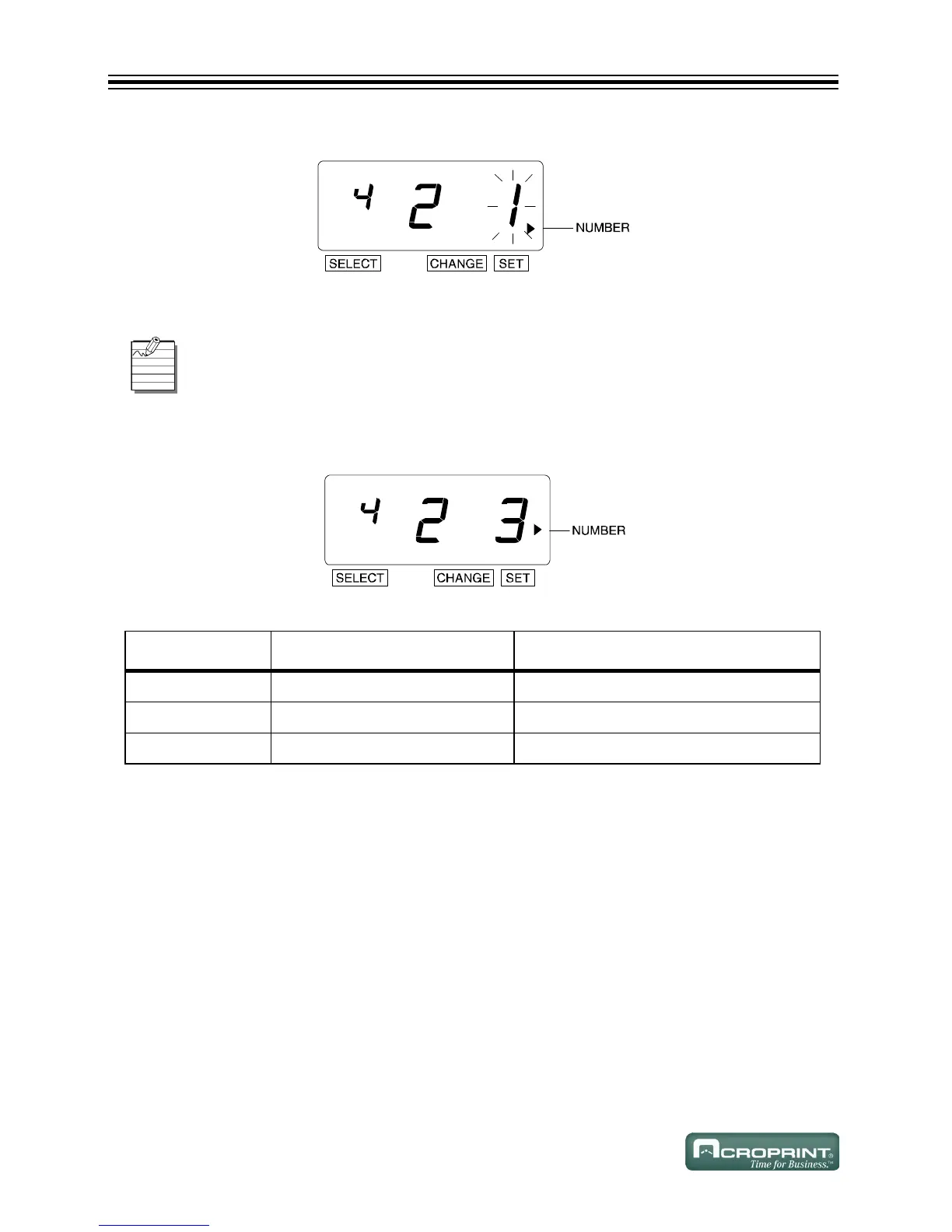
3. The flashing digit changes from "Repeat Times" to "Reset Options".
Change Reset Options
1. In this example, press CHANGE until the option is "3".
2. Press SET.
Reset Options
The Reset Option can be set from 1 to 3. Refer to Reset Options below.
OPTION DESCRIPTION RESET OCCURS
1 Disabled N/A
2 Return to INITIAL NUMBER Change of Date (change at midnight)
3 Return to 0 Change of Date (change at midnight)



 To Next Page