ES900 User’s Manual 27
Change Number of Digits
1. In this example, press CHANGE until the number digit is "4".
2. Press SET.
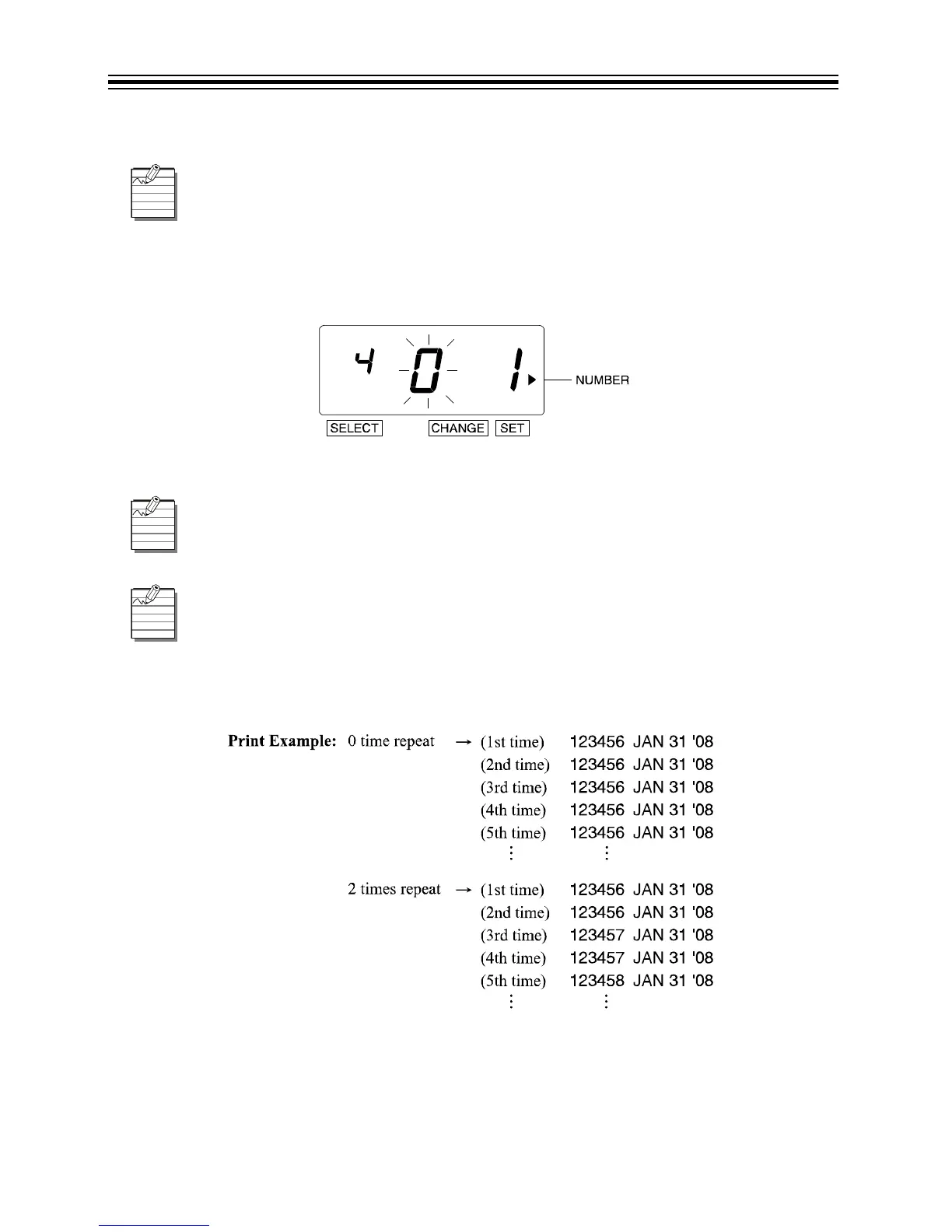
3. The flashing digit changes from "Number Digit" to "Repeat Times".
Change Repeat Times
1. In this example, press CHANGE until the option is "2".
2. Press SET.
The Number of Digits can be set from 1 to 8.
The Repeat Times can be set from 0 to 9. The "0" means no advancing of numbers.
If the recorder is set to repeat 0 times, the number will not advance.



 To Next Page