ES900 User’s Manual 31
Set Password
Once the password is set, you must enter it before changing any settings. Refer to “Enter Password”
on page 32.
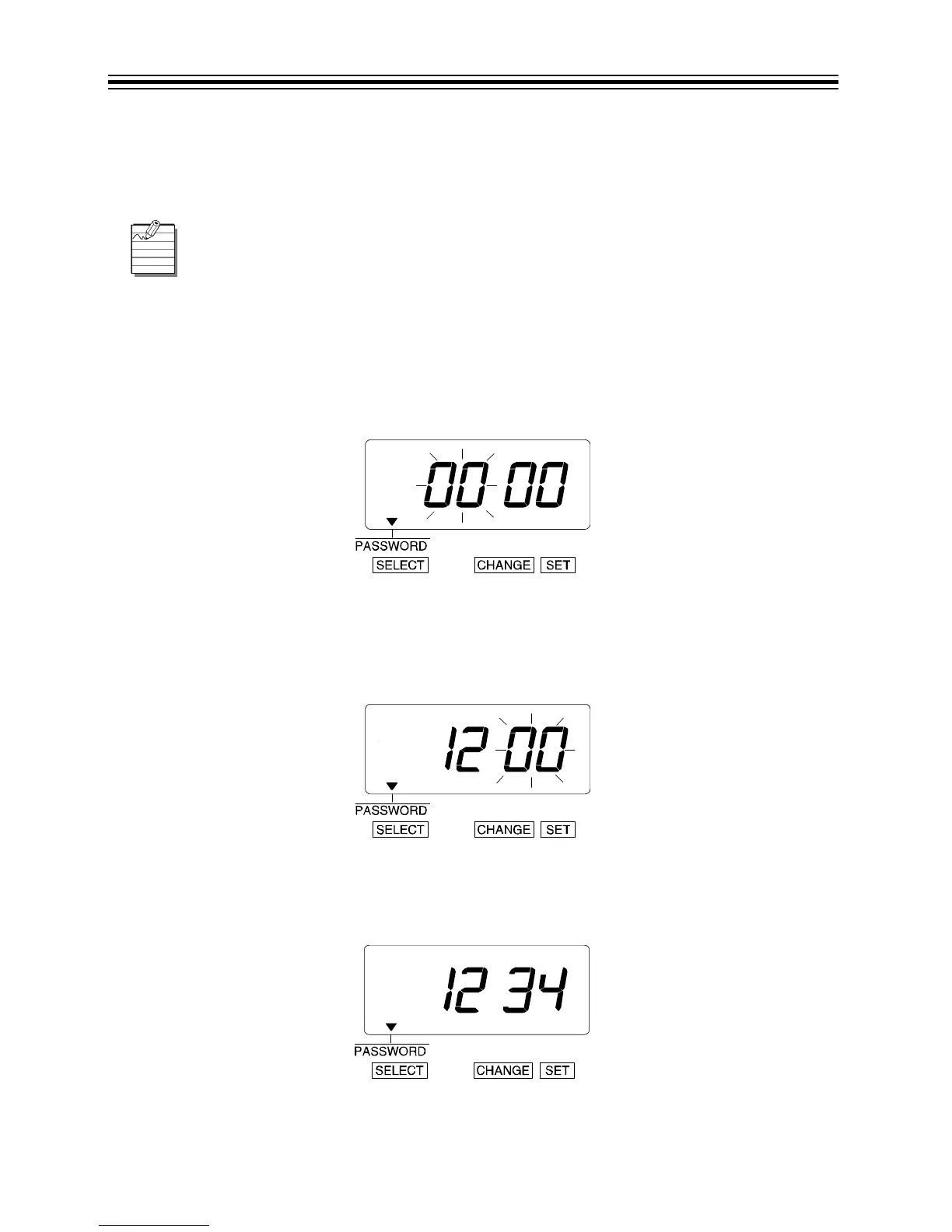
Example: Set the Password to "1234".
1. Press SELECT until the T is above the "PASSWORD" mark.
2. The first two digits flash.
Change the First Two Digits
1. In this example, press CHANGE until the first two digits are "12".
2. Press SET.
3. The flashing changes to the last two digits.
Change the Last Two Digits
1. In this example, press CHANGE until the last two digits are "34".
2. Press SET.
You may choose any 4-digit number from 0001 to 9998.
Numbers "0000" and "9999" are not valid passwords.
All settings must be reset if you forget the password. Refer to “Reset Factory Default
Settings” on page 59.



 To Next Page