52
Confirm Time Table Program Settings
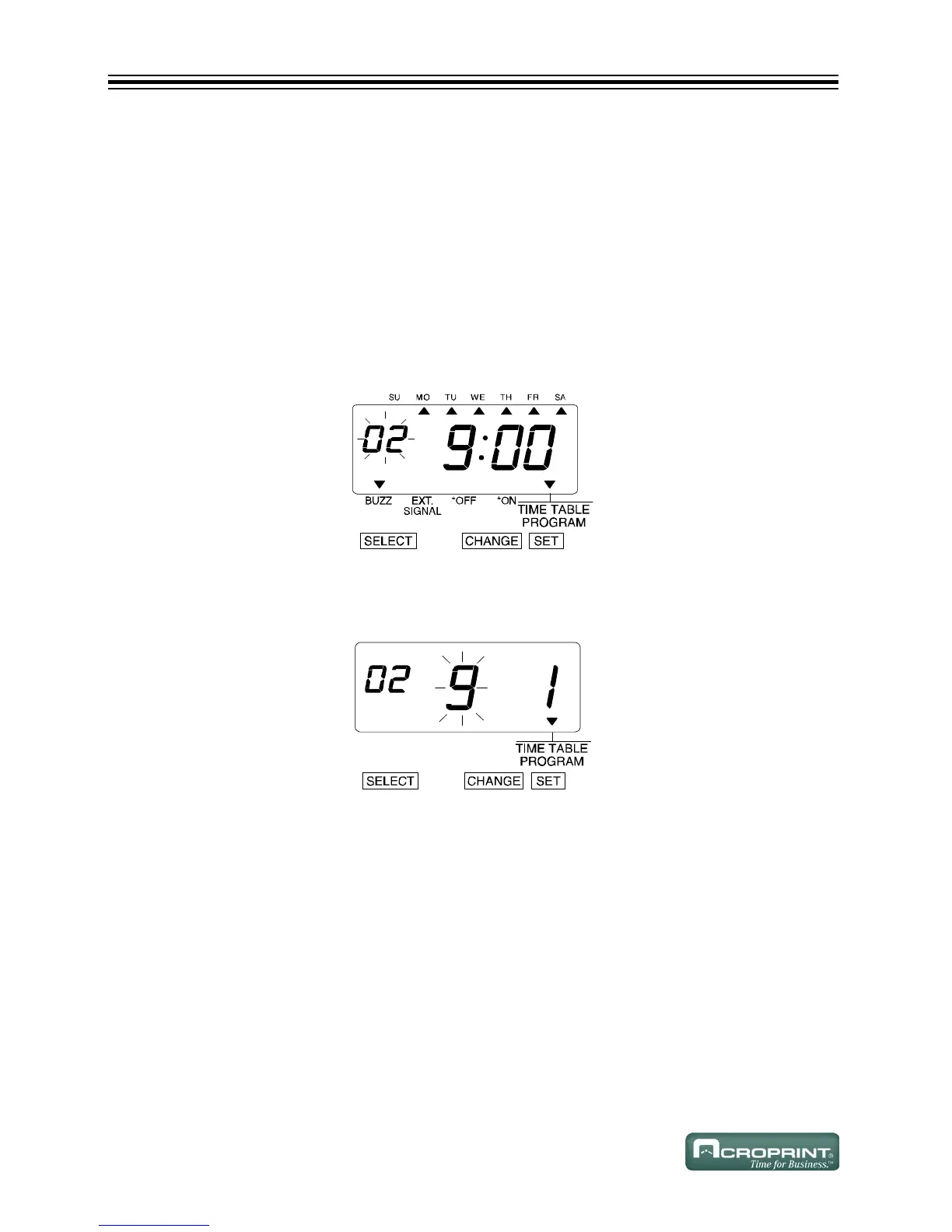
1. Press SELECT until the T is above the "TIME TABLE PROGRAM" mark.
2. The flashing digit indicates "Program No".
3. Press CHANGE.
4. After you confirm the program settings, press SET (6 times).
Delete Time Table Program Settings
Example: Delete the "Program No. 2".
1. Press SELECT until the T is above the "TIME TABLE PROGRAM" mark.
2. The flashing digit indicates "Program No".
3. Press CHANGE until the desired Program No. is displayed.
4. Press SET.
5. The flashing changes to the following figure.



 To Next Page