ES900 User’s Manual 53
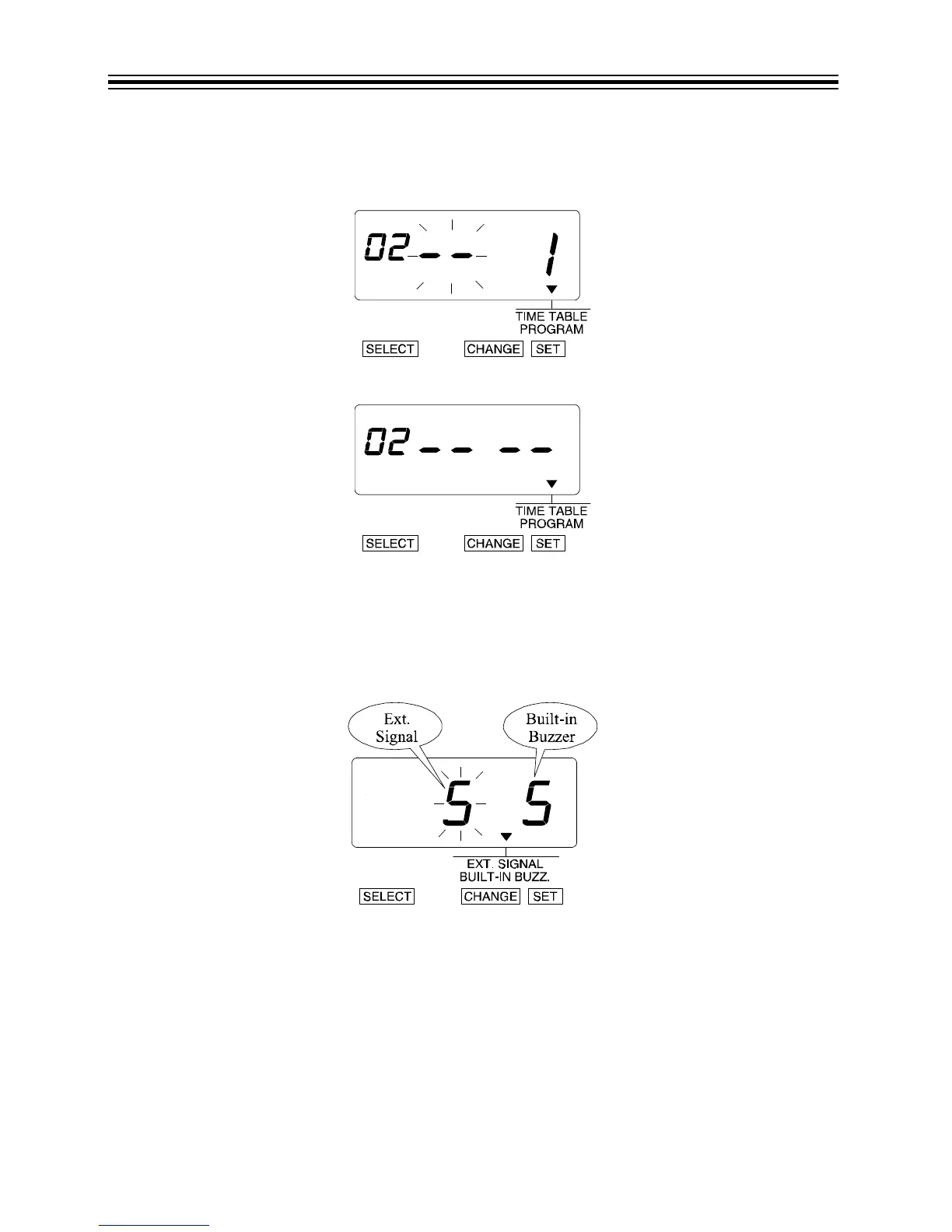
Delete Program No. 2
1. Press CHANGE until the option is "--".
2. Press SET.
3. The display changes to the following figure.
With the optional board installed, the durations of External Time Signal and Built-in Buzzer can be
set from 1 to 30 seconds.
Example: Change the External Time Signal to 30 seconds and the Built-in Buzzer to 10 seconds.
1. Press SELECT until the T is above the "EXT. SIGNAL/BUILT-IN BUZZ" mark.
2. The flashing digit indicates "Ext. Signal".



 To Next Page