ES900 User’s Manual 51
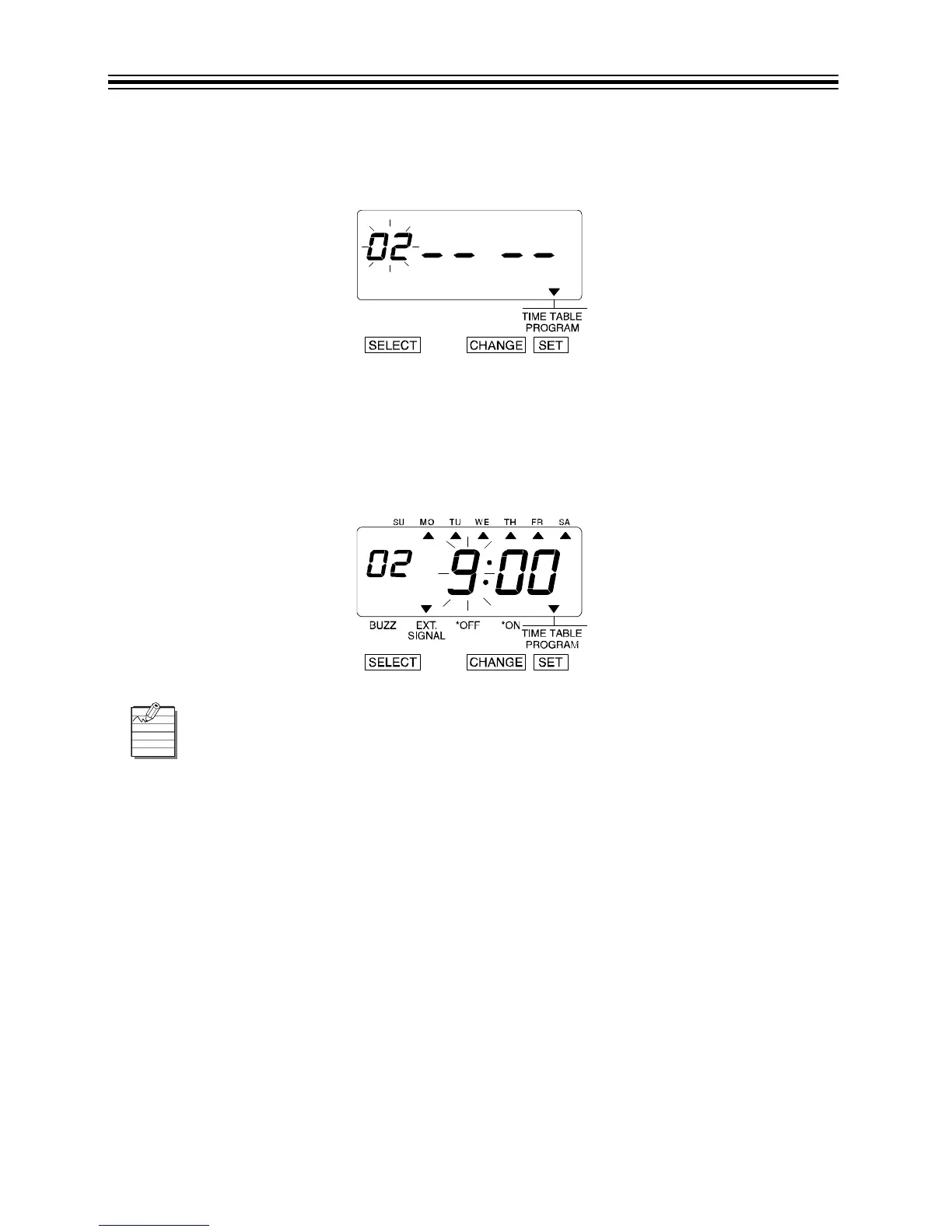
Set Example 2, Program No. 2
1. Press CHANGE twice, then press SET.
2. The display changes to the following figure.
3. Set Action. Refer to “Set Action” on page 49 as identified in Program 1.
4. Press SET.
5. Set Hour and Minutes. Refer to “Set Hour” on page 50 and “Set Minute” on page 50 as
identified in Program 1.
6. Press SET.
Make settings for any additional programming in the same manner as you did for
Program No. 1 and Program No. 2.
Up to 48 programs can be set (Program No. 1 through Program No. 48).



 To Next Page