16
Change Type of Minute
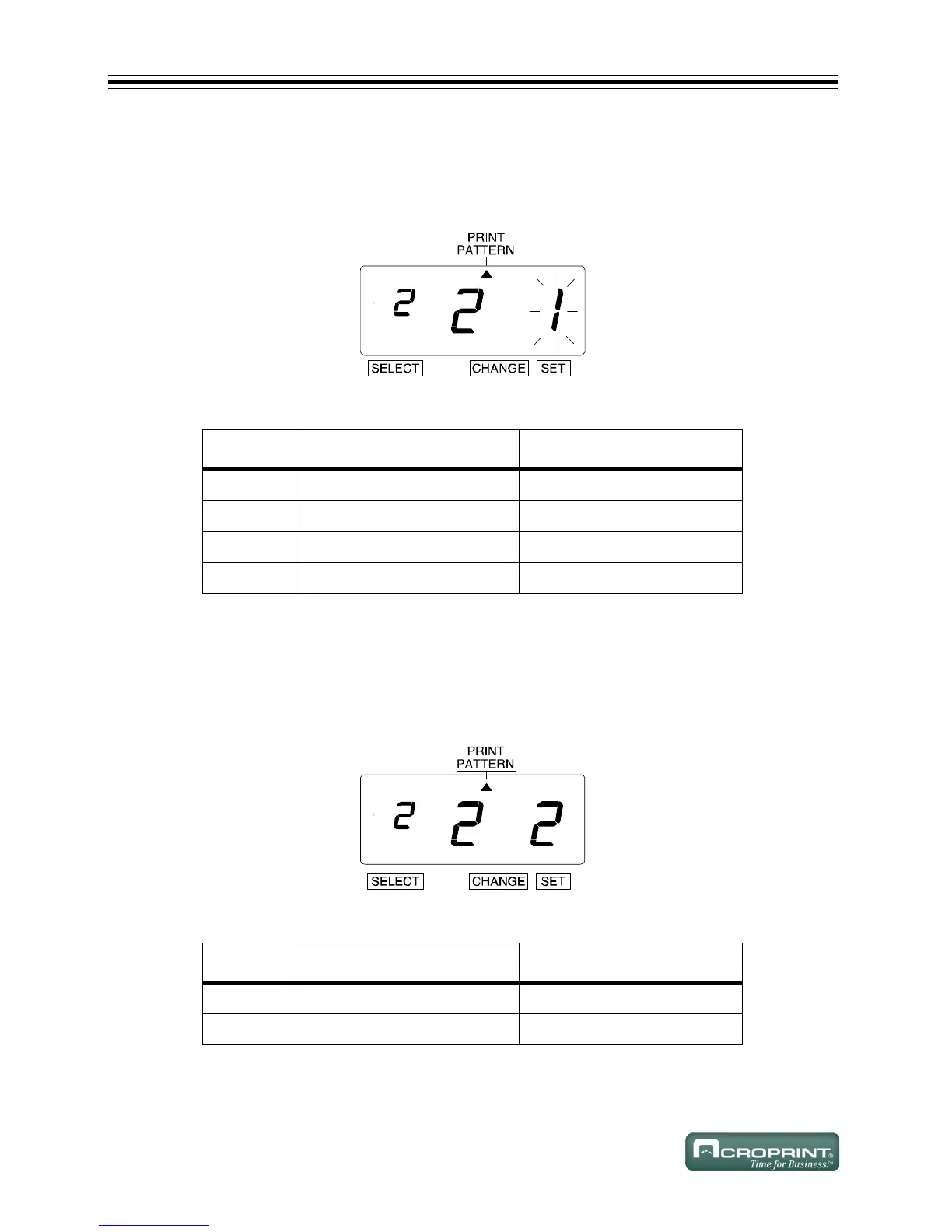
1. In this example, press CHANGE until the option is "2" (1/100 Min). Refer to Type of Minute
Options below.
2. Press SET.
Type of Minute Options
Change Leading Zero
1. The flashing changes from "Type of Minute" to "Leading Zero".
2. In this example, press CHANGE until the option is "2" (Leading Zero Option enabled).
Refer to Leading Zero Options below.
3. Press SET.
Leading Zero Options
O
PTION TYPE OF MINUTE PRINT EXAMPLE
1 1/60 Min JAN 31 2008 AM 10:10
2 1/100 Min JAN 31 2008 AM 10.17
3 1/20 Min (= 5/100 Min) JAN 31 2008 AM 10.15
4 1/10 Min JAN 31 2008 AM 10.1
O
PTION LEADING ZERO PRINT EXAMPLE
1 Zero Disabled JAN 1 PM 3:00
2 Zero Enabled JAN 01 PM 03:00



 To Next Page