ES900 User’s Manual 21
Change Print Activation
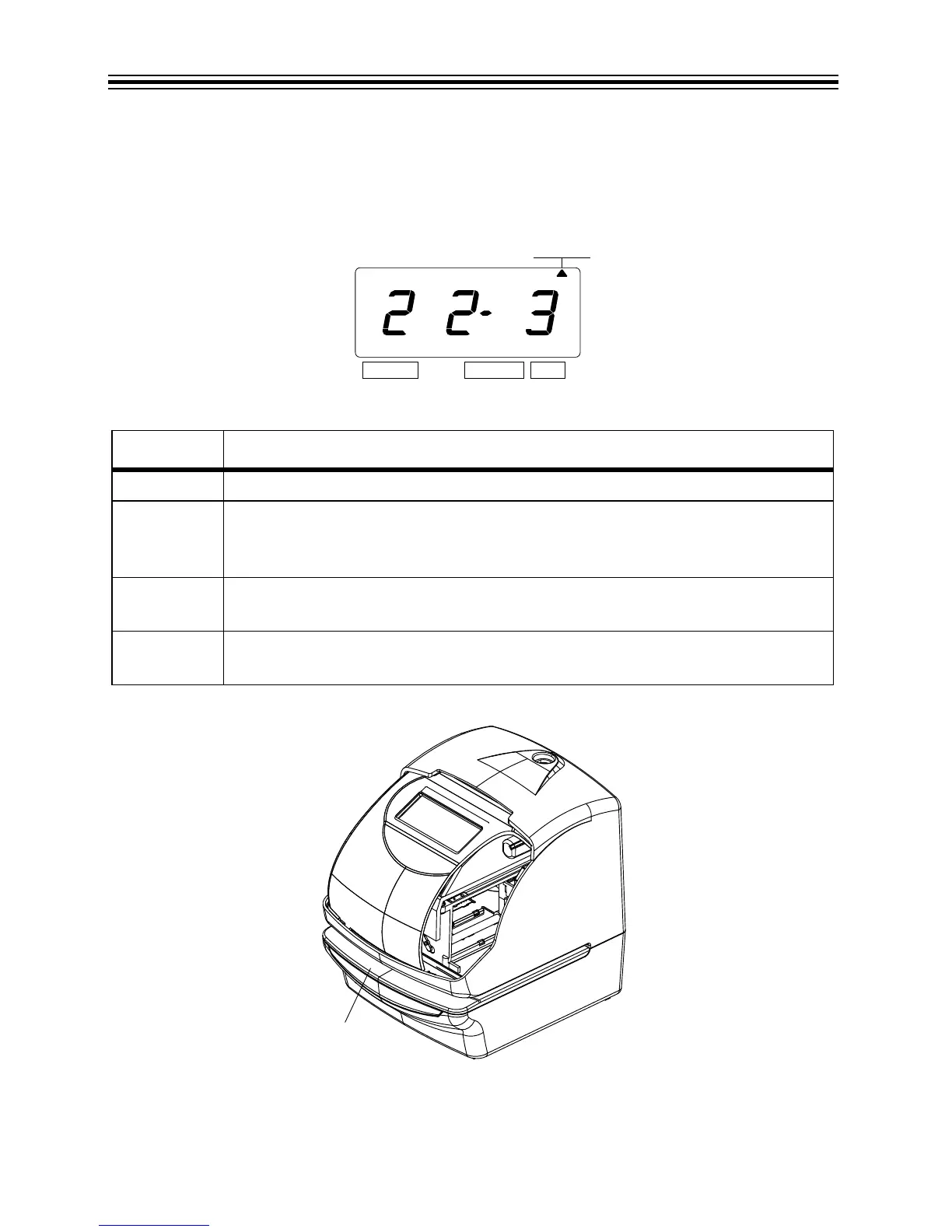
1. In this example, press CHANGE until the option is "3" (Manual). Refer to Print Method
Options below.
2. Press SET.
Print Method Options
Press Push Bar
O
PTION PRINT METHOD OPTIONS
1 Automatic – Allows you to print by inserting a card or piece of paper.
2 Semi-Automatic – Allows you to print by pressing the push bar only when a card
or piece of paper is inserted (prints only if the card or form reaches the sensor).
Refer to Press Push Bar below.
3 Manual - Allows you to print by pressing the push bar (even if the card or paper
does not reach the sensor). Refer to Press Push Bar below.
4 Combination – Allows you to print by pressing the push bar or inserting a card or
piece of paper. Refer to Press Push Bar below.



 To Next Page