44
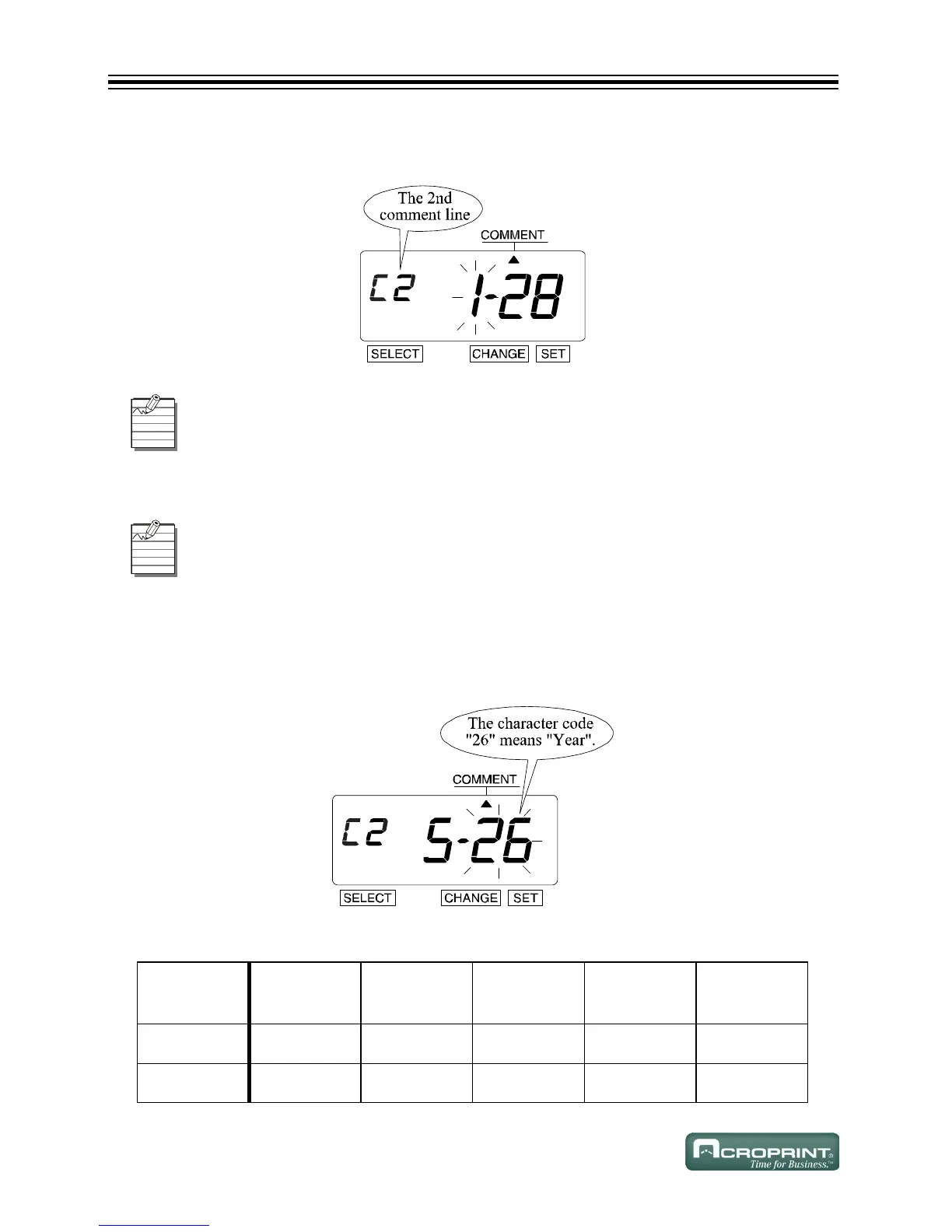
Confirming 2nd Comment Line
1. Press SET 4 times. The 2nd Comment Line displays.
Confirming 3rd Comment Line
Changing the Customized Comments
1. In this example, press CHANGE until the option is "5" (Year). Refer to Comment Lines below.
2. Press SET.
3. The "Character Position" changes to the "Character Code".
Comment Lines
Confirm the 2nd Comment Line in the same way that you confirmed the 1st Comment
Line.
Confirm the 3rd Comment Line in the same way that you confirmed the 1st Comment
Line.
C
HARACTER
POSITION
12345
C
ODE
28 01 27 01 26
M
EANING
Date SPACE Month SPACE Year



 To Next Page