5 Installing the medical device
Place the medical device in the position that is suitable for your activity.
The medical device must be placed on a secure and flat surface or a surface with a maximum slope of five degrees.
Check that the cords do not hinder the movement or free circulation of anyone.
Adjust the position of your medical device to correspond to your angle of vision and the characteristics of your
workstation, e.g. lighting or distance between the user and the medical device.
Ensure that your medical device is readily accessible. The disconnecting devices - the switch and the power plug - must
be easy to access.
Do not install your medical device near or on another device.
5.1 Fixing the medical device to a non-removable support
After its initial installation, the medical device is not designed to be moved. The medical device must be fixed to ensure
that it cannot be removed or moved without the use of a tool.
5.2 Install cords
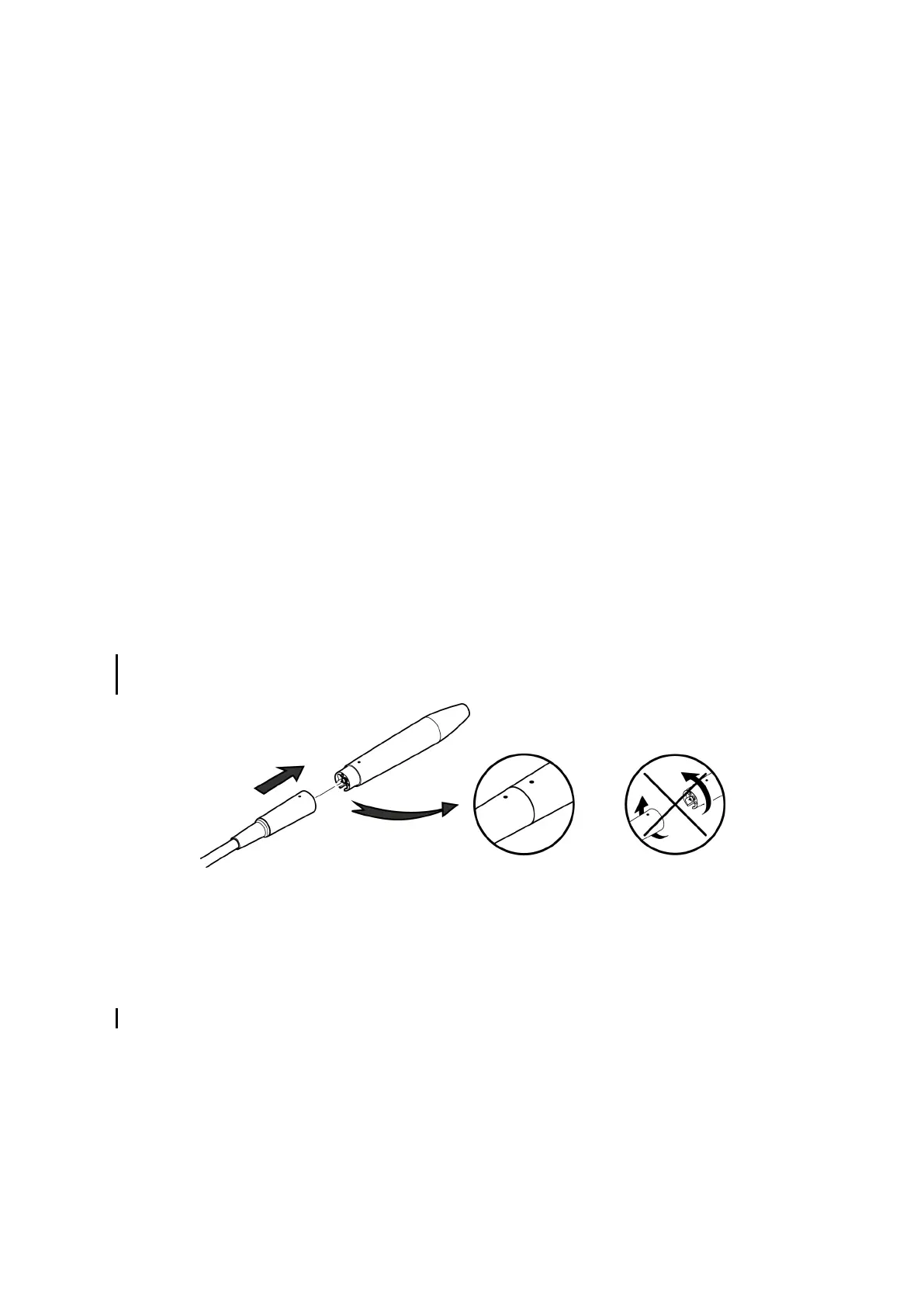
Never rotate the handpiece connector on its cord as this can damage your medical device.
Never wrap the handpiece cord around the medical device.
Make sure that it is not possible to wheel over or walk on the different cords.
The cord attached to its handpiece must be easily accessible. Make sure that the cord is slack during use.
5.3 Installing the control pedal
The control pedal must be positioned near the feet of the operator and must be readily accessible.
5.4 Connecting the ultrasonic
Check for any traces of humidity on the handpiece connections.If the connections are damp, dry them with the multi-
purpose syringe.
Lubricate the irrigation circuit seal located on the metal shaft on the back of the handpiece with silicone paste.
This will prolong its service life and prevent leaks. Do not use spray lubricant on dental instruments.
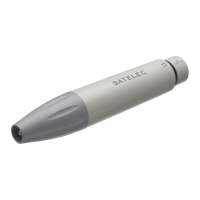
Connect the handpiece to the socket by aligning the indexing points, without rotating it.
5.5 Attaching a tip or a file
A tip or a file vibrates correctly when it is perfectly tightened without being forced beyond its stop point. Tighten the tip
with the torque wrench (F81320, F81321, F81322 or F81323) to ensure optimum ultrasonic function. Over-tightening of
the tip or file with the open-ended wrench can result in breakage of the tip, file or handpiece.
To prevent self-locking of the tip or the file, the latter must be removed and sterilised after each use.
User Manual | Newtron
®
P5 | J61101 | V6 | (13)|09/2017 | NBACEN030F - Page 13/38



 To Next Page