HARDWARE MANUAL
25
In case of using a non-PoE switch, power up the camera using a power adapter (not supplied)
As needed, power up the other connected devices.
Step 6: Access the Camera Live View
See Accessing the Camera on page 36 for more information.
Based on the live view, adjust the viewing angle orientation as needed. See How to Rotate
the Viewing Orientation on page 32.
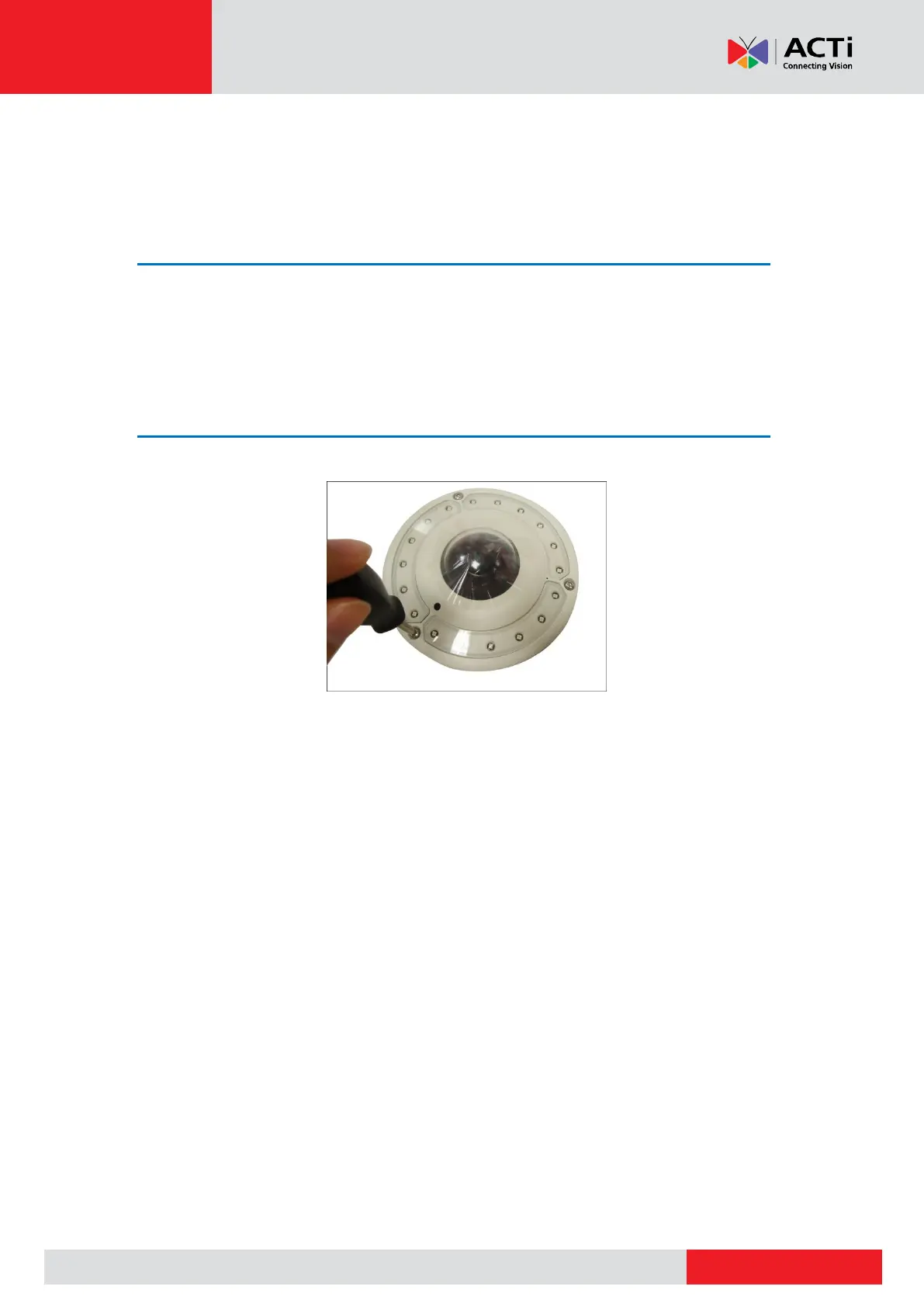
Step 7: Close the Cover
Tighten the three (3) screws to secure the cover.



 To Next Page