Hardware Manual
16
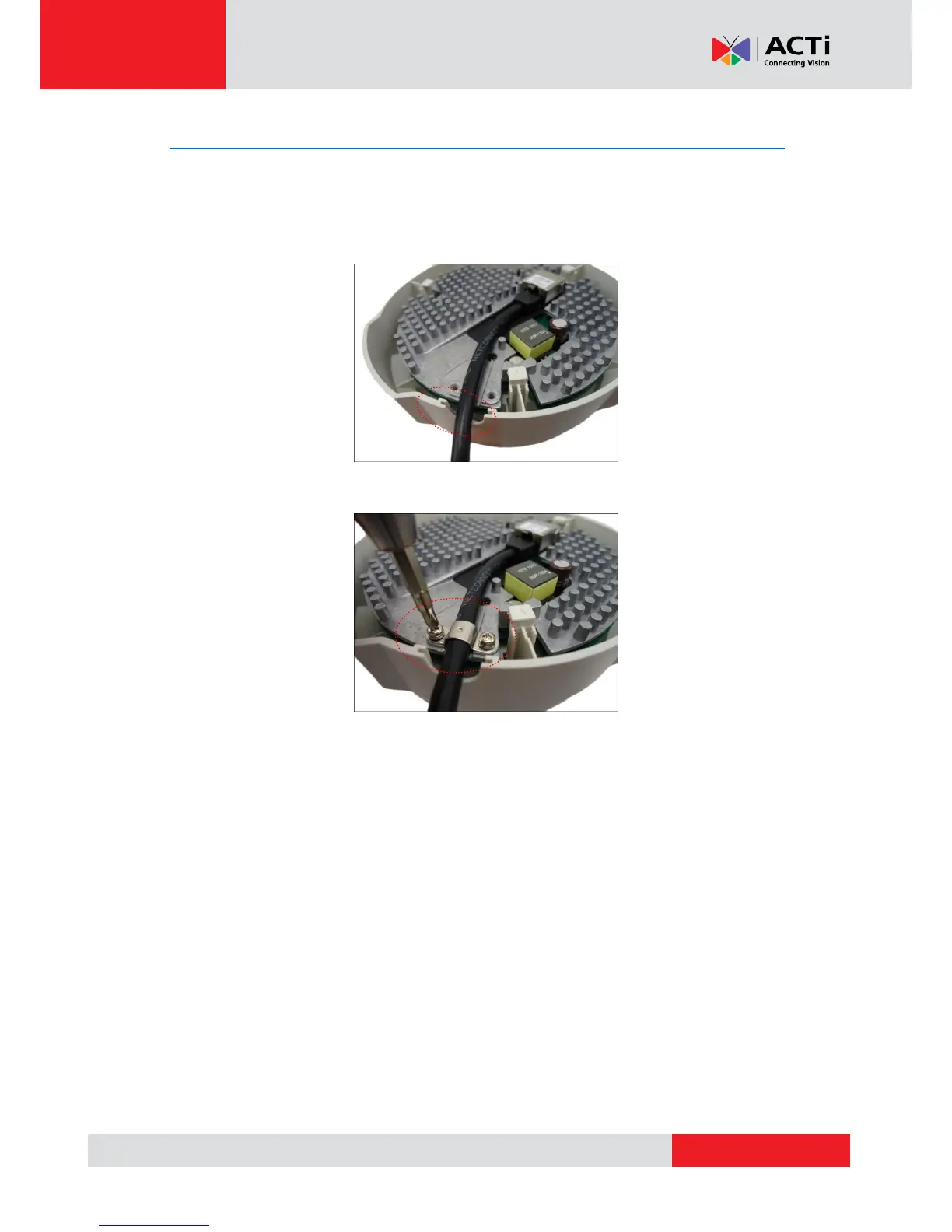
Step 4: Attach the Fixing Bracket
This step is required only for D54, D55, E52, E53, E54, E56, E57, E58, E59 camera models with
cables going along the surface. Otherwise, skip this step.
1. Route the cable to pass through the gap on the camera.
2. Attach the fixing bracket using the two (2) supplied screws to secure the cable.



 To Next Page