Hardware Manual
19
Step 8: Adjust the Viewing Angle and Focus
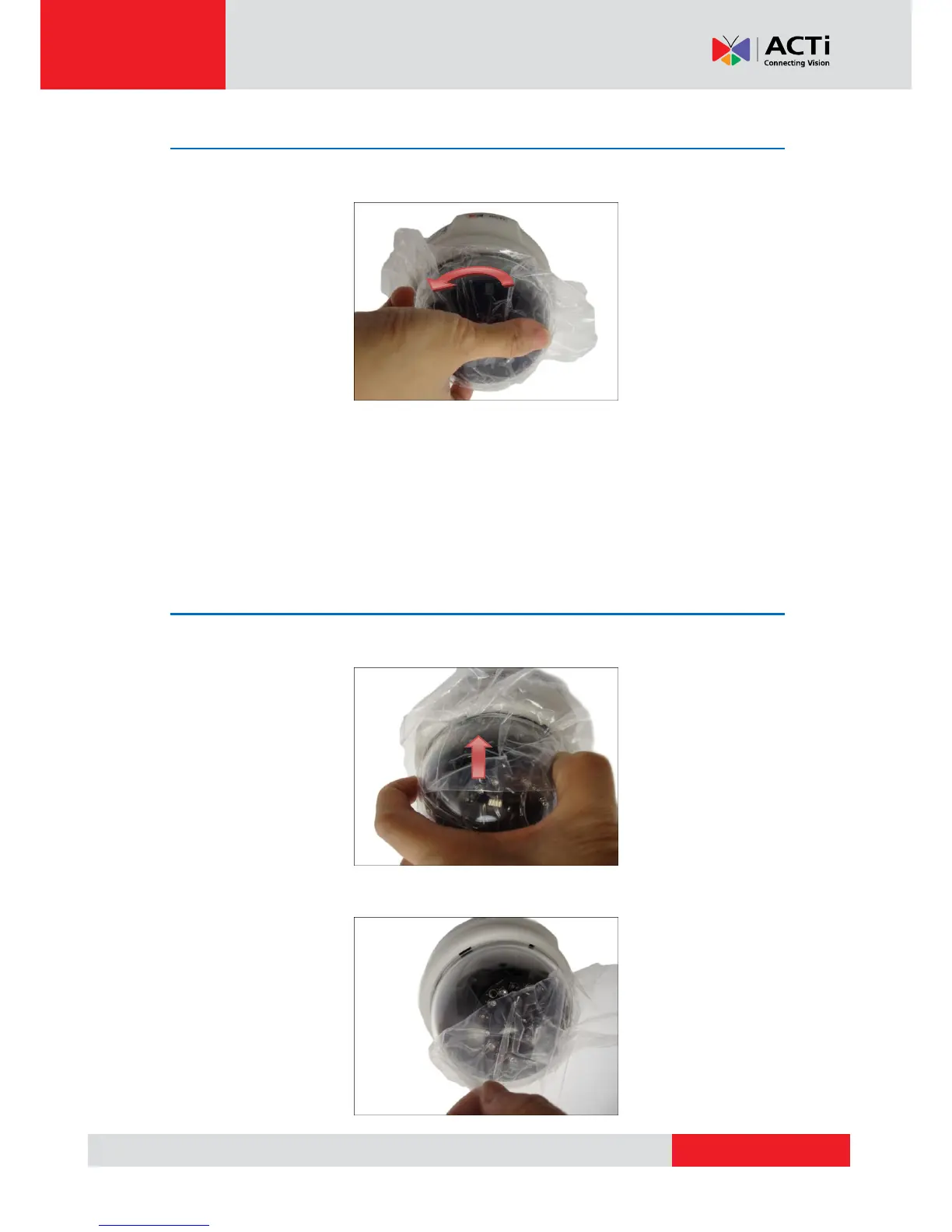
1. Rotate the dome cover counter-clockwise and then pull to remove it.
2. Based on the live view, adjust the viewing angle and orientation of the camera. Adjustments
vary depending on model; see How to Adjust the Viewing Angle and Focus on page 21 for
detailed information.
Step 9: Close the Dome Cover
1. Slightly press on the edges of the dome cover and push it into the groove until it clicks.
2. Remove the plastic covering the dome cover.



 To Next Page