Hardware Manual
23
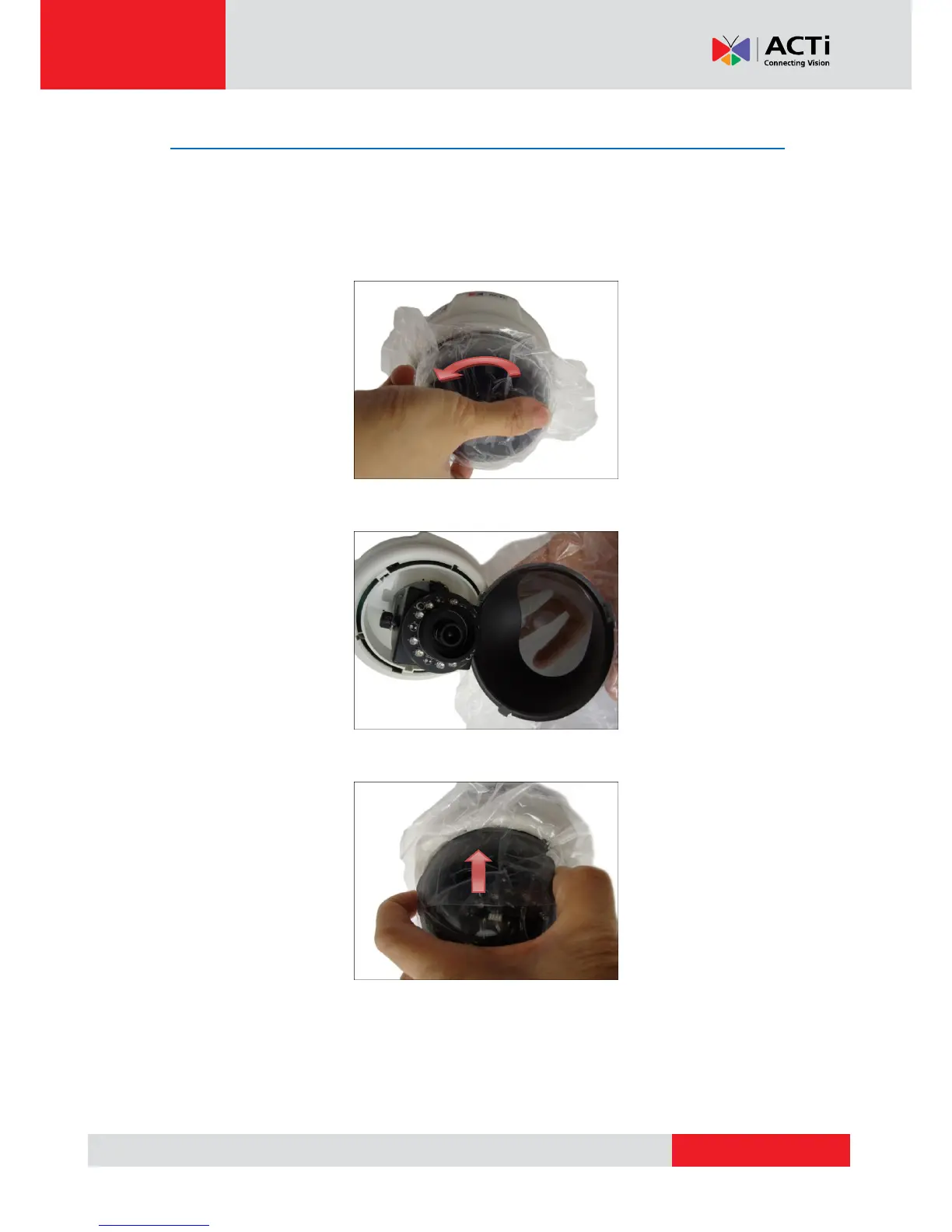
How to Replace the Dome Cover
For more discrete surveillance needs, the bundled dome cover can be replaced with a smoke
dome cover available for purchase. To replace the dome cover, do the following:
1. Rotate the current dome cover counter-clockwise and then pull to remove it.
2. Align the shroud of the replacement dome cover to the camera lens.
3. Slightly press on the edges of the dome cover and push it into the groove until it clicks.



 To Next Page