Hardware Manual
17
Step 5: Install the Camera
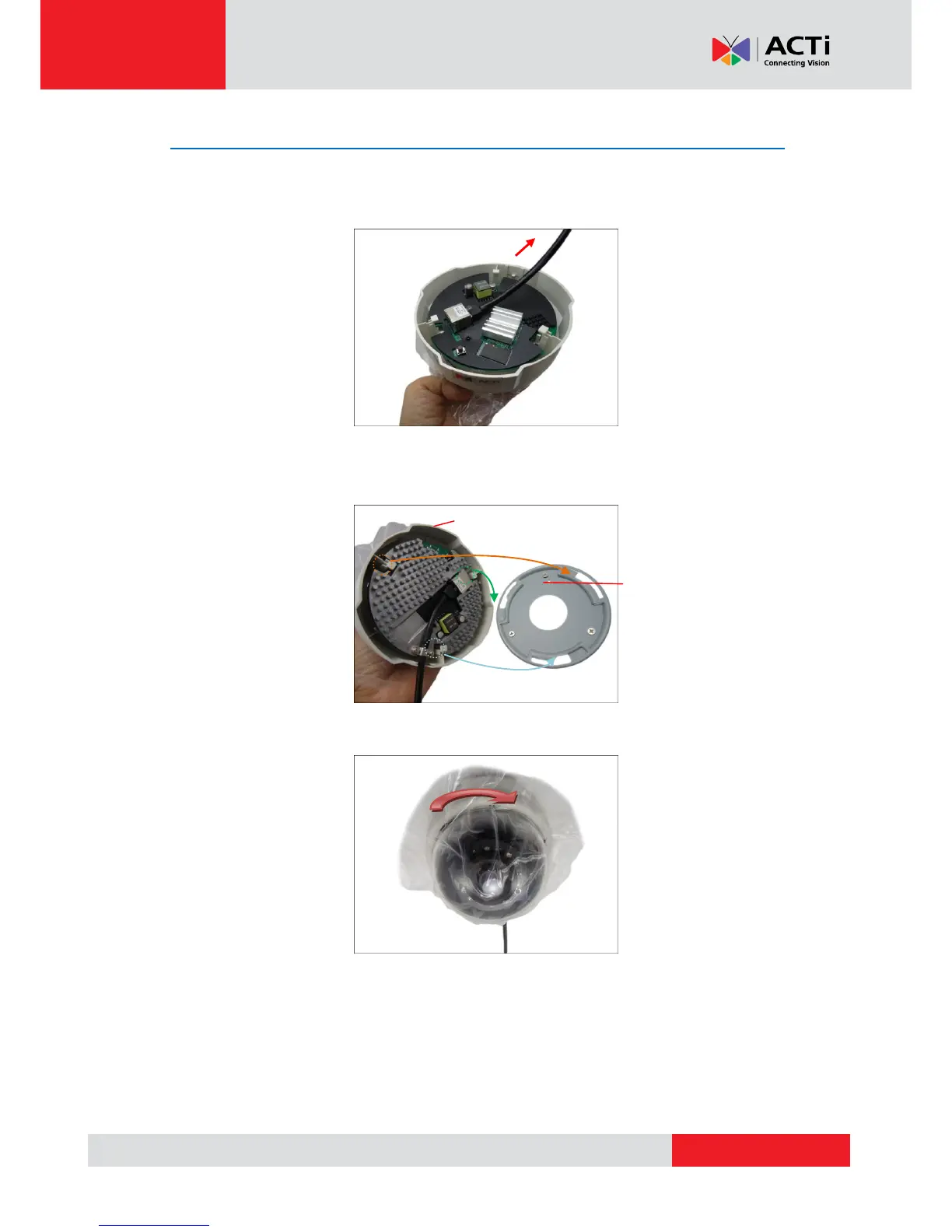
1. If the cable passes through a hole on the surface, push the extra length of cable into the
hole. Otherwise, skip this step.
2. With the arrow on the mounting plate aligned to the direction of the camera logo, insert the
hooks on the camera to the slots on the mounting plate.
3. Slide the camera clockwise until it locks into place.



 To Next Page