Installation Guide
20
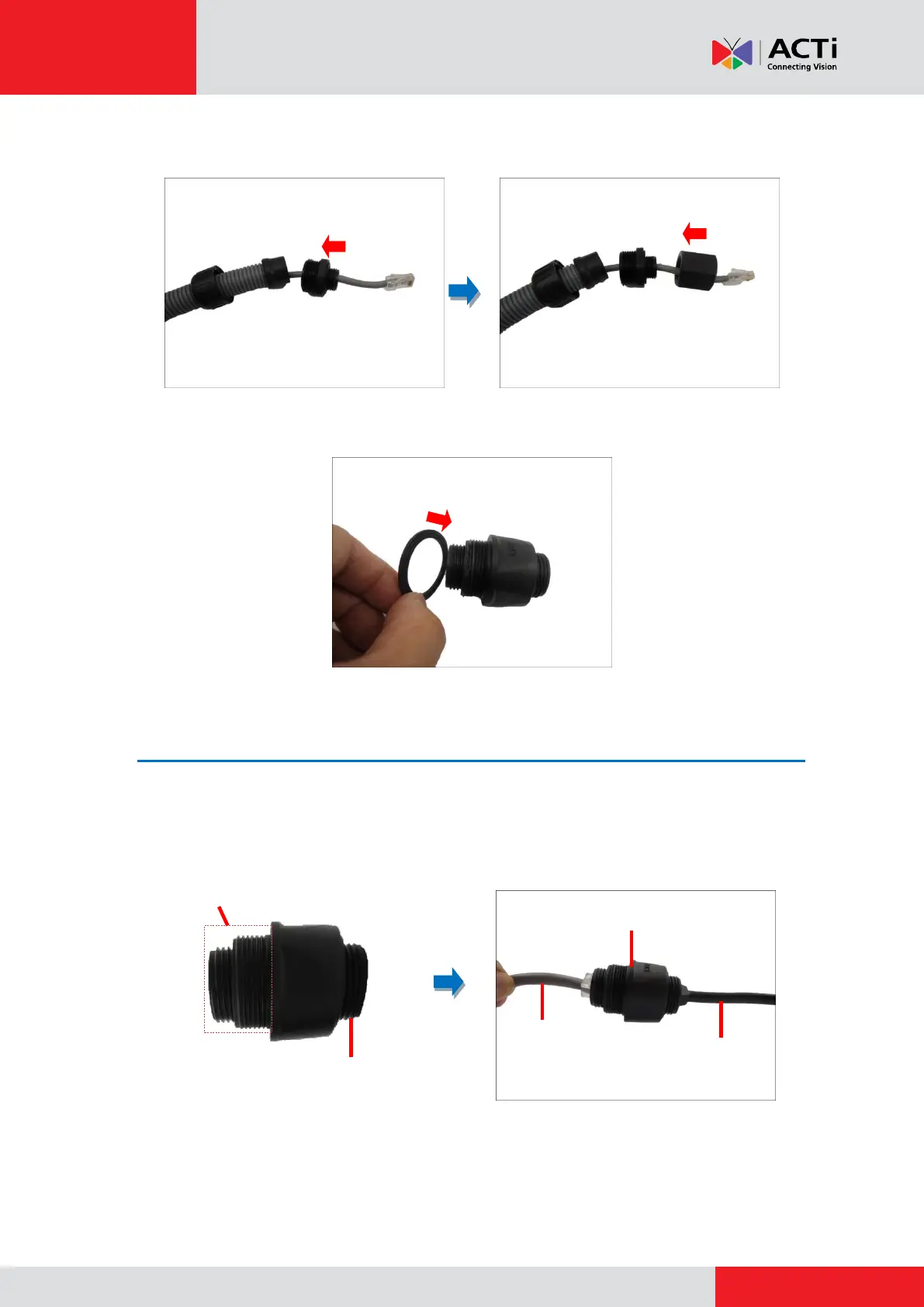
7. Insert the body through the Ethernet cable and then the converter.
8. Insert the washer into the thicker side of the 2-sided female type connector.
Step 4: Connect the Cables
1. Connect the Ethernet cable of the network side to the thicker-end of the 2-sided female type
connector, and the camera side to the shorter end.
Ethernet cable
of the camera
Ethernet cable
from the network
2-Sided Female
Type Connector



 To Next Page