Hardware Manual
11
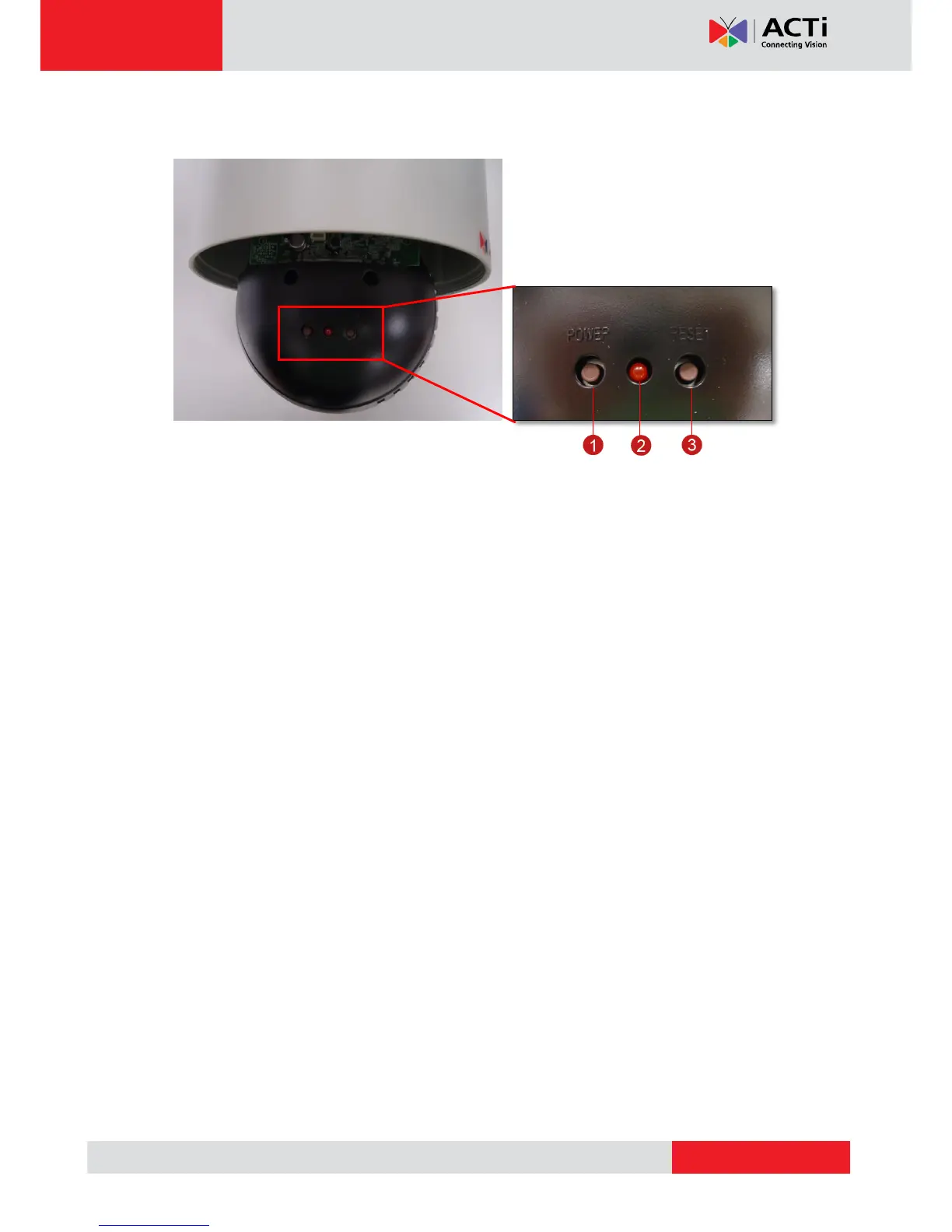
Internal View
1) Power Button (in KCM-8111 only)
The Power Button is used in case there is a need restart the camera. To restart the camera,
press the Power Button using a pointed object, such as a pen.
2) Power LED
The Power LED lights red when the camera is powered up.
3) Reset Button
The Reset Button is used to restore the factory default settings of the camera, including the
administrator’s password. See How to Reset the Camera on page 39.



 To Next Page