Hardware Manual
38
Other Accessories and Adjustments
How to Replace the Dome Cover
Depending on your surveillance needs, you may want to replace the bundled dome cover with a
smoke dome cover available for purchase.
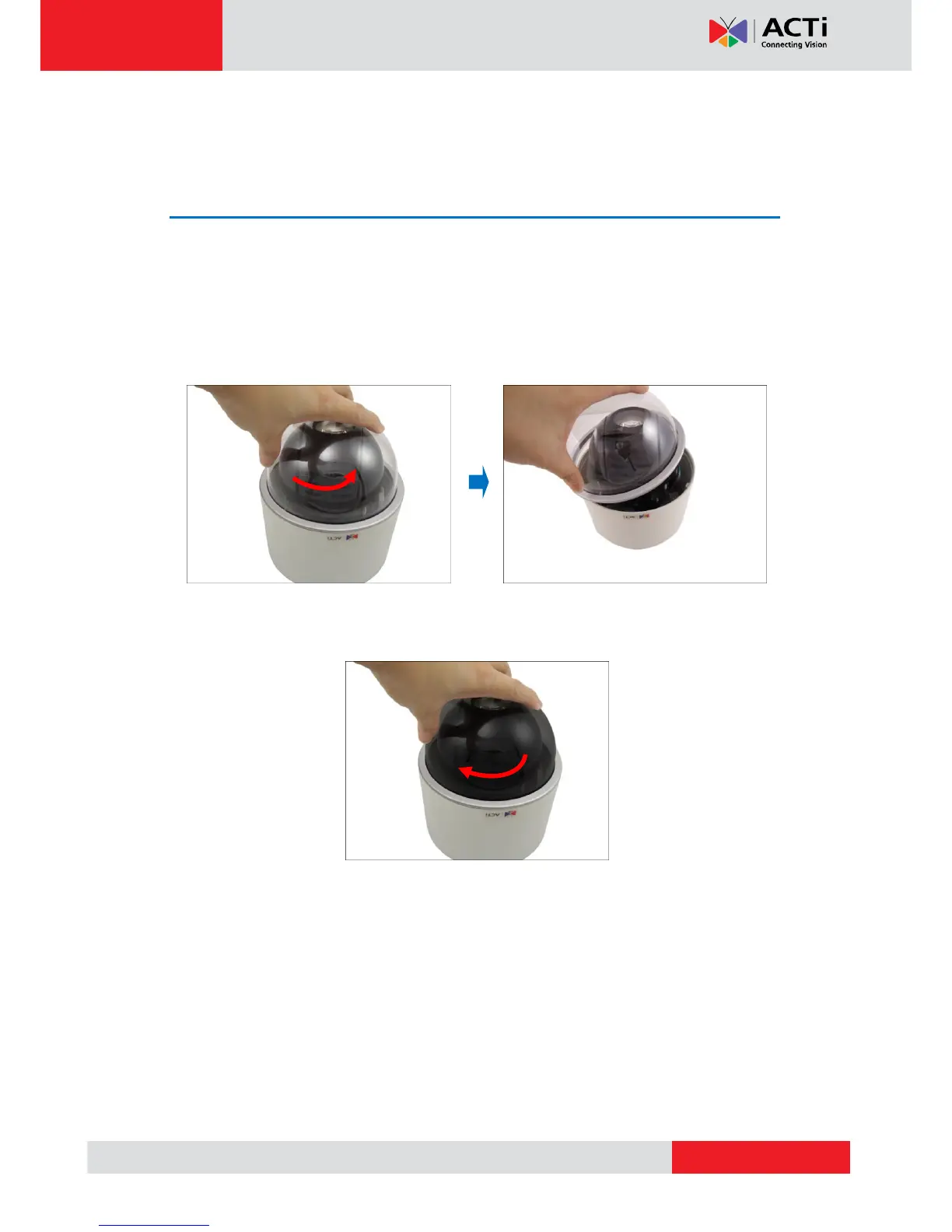
To replace the dome cover, do the following:
1. Rotate the dome cover counter-clockwise to remove it.
2. Rotate the replacement dome cover clockwise to attach it.



 To Next Page