Hardware Manual
24
Using the Flush Mount
Use the Flush Mount when installing the camera on a dropped ceiling; there is space above the
ceiling where the camera body can be hidden from view and only the dome cover can be seen
underneath the ceiling.
NOTE: The Flush Mount is not included in the camera package. Contact your sales agents to
purchase.
Before installation, prepare the following:
To mount the camera, follow the procedures below:
Step 1: Drill a Hole on the Ceiling
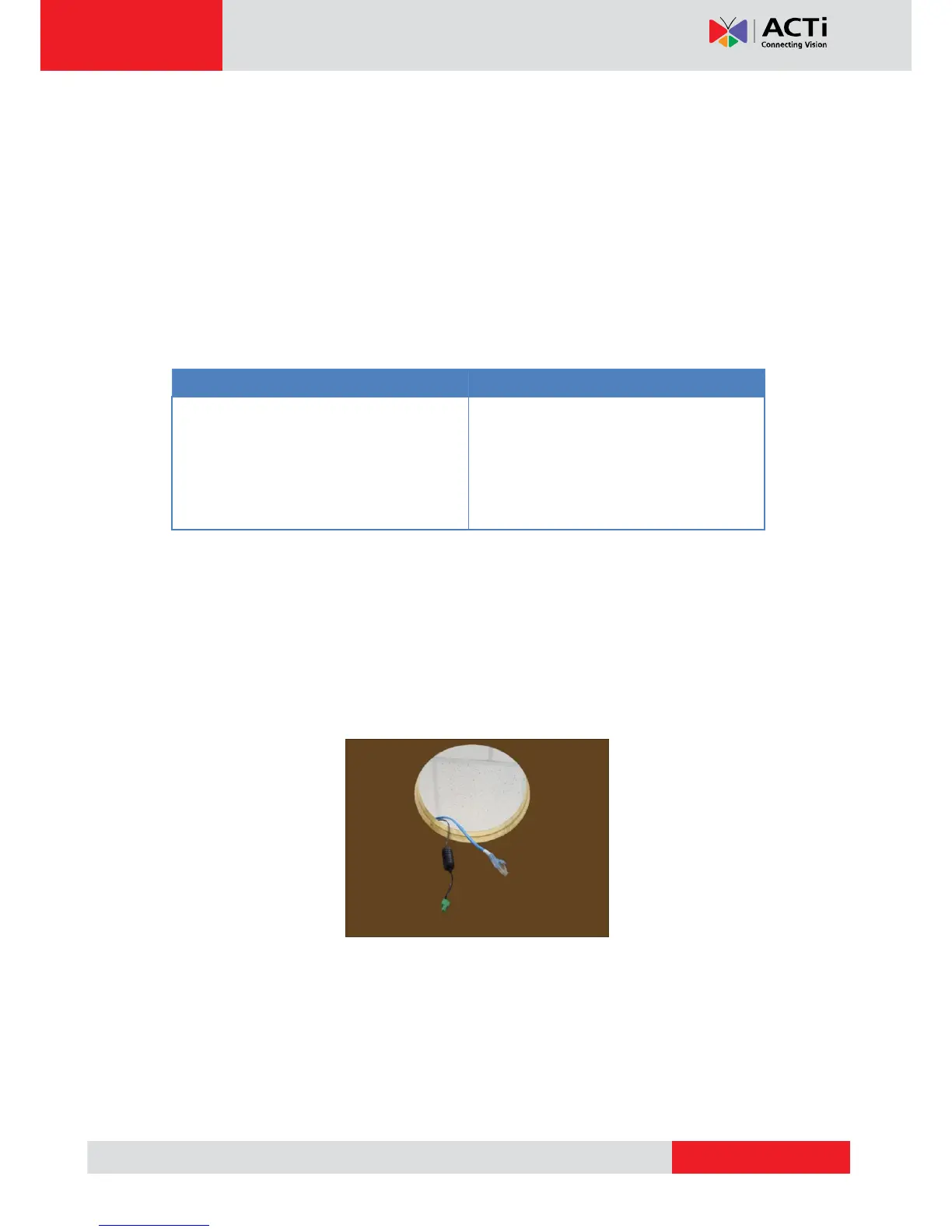
Drill a 184-mm diameter hole on the ceiling where you want to mount the camera, then route the
network cable, power adapter, and other cables (e.g. DI/DO, audio cables, etc.) through the
hole.



 To Next Page