Hardware Manual
13
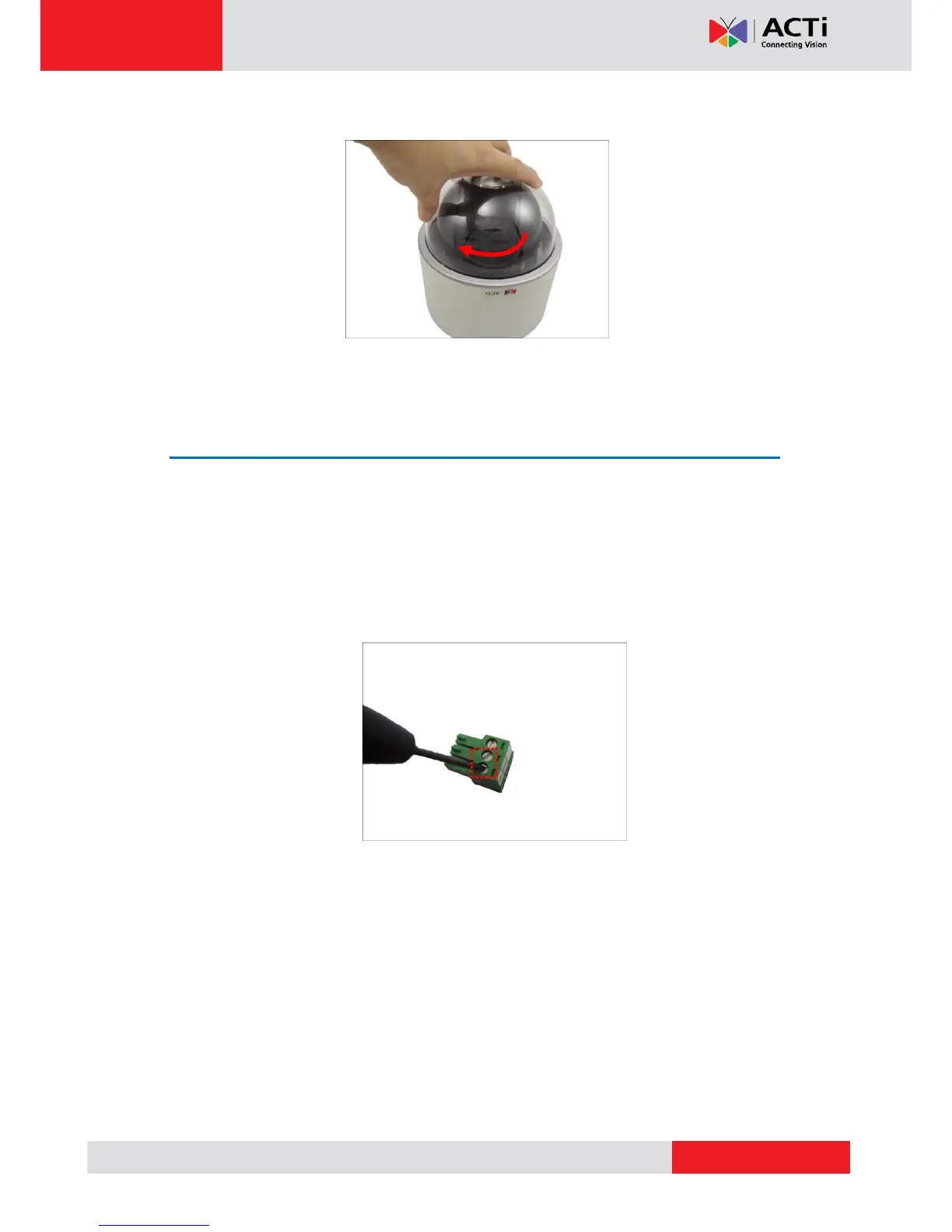
3. Rotate the dome cover clockwise to attach it.
Preparing the Power Adapter
In case of using a non-PoE switch or your PoE switch has limited power supply, you can use the
bundled power adapter and directly connect the camera to a power outlet. The power adapter
must be connected to the supplied terminal block before use.
To do this, follow the procedures below:
1. Loosen the screws of the 12V and GND pins of the power terminal block.



 To Next Page