Hardware Manual
30
Using the Pendant Mount
In case of high ceilings, the camera can be lowered by pendant mount.
NOTE: The Pendant Mount is not included in the camera package. Contact your sales agents
to purchase.
Prepare the following:
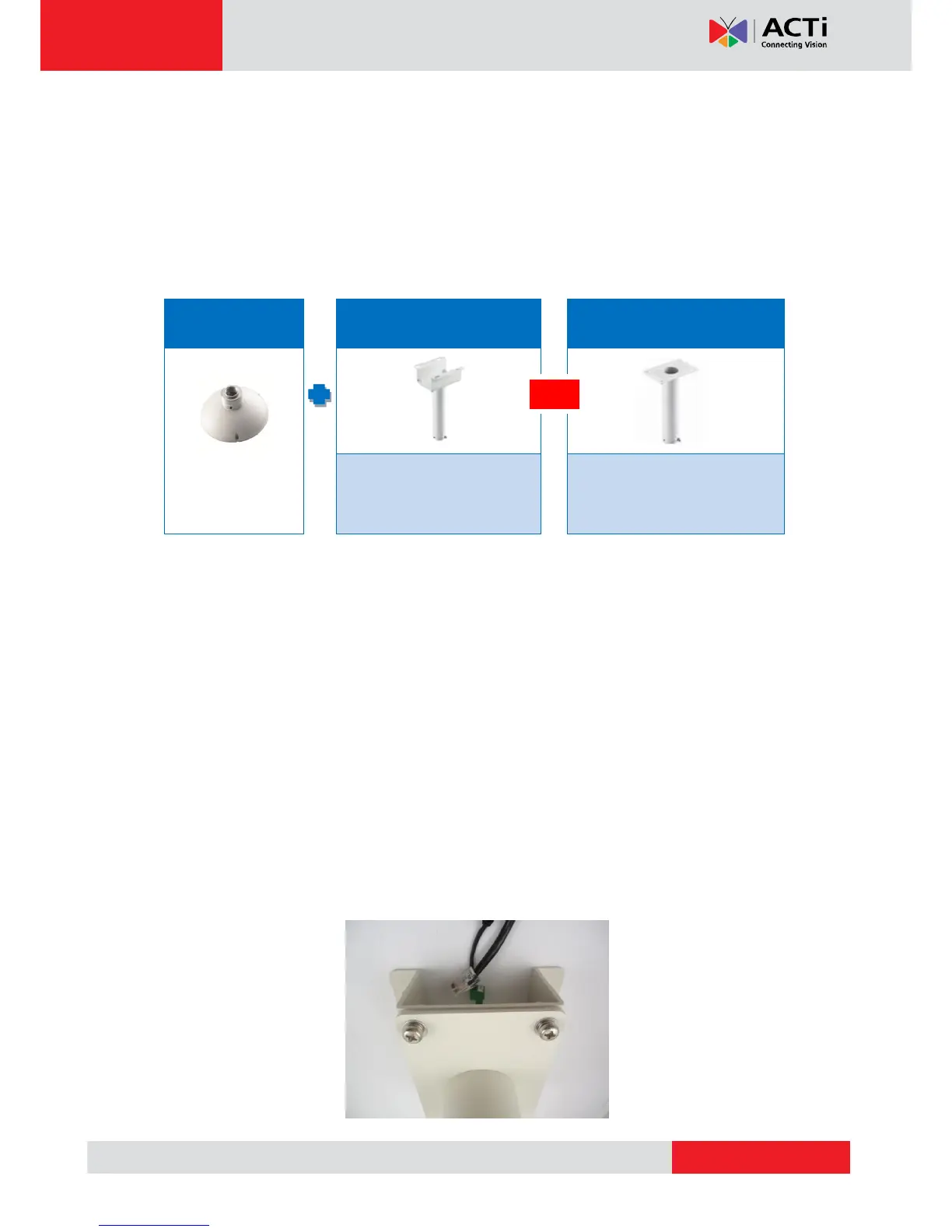
Pendant Mount Kits (PMAX-0110 and either PMAX-0103 or PMAX-0102)
Mounting Screws (included in the mount kit package)
Network Extension Cable (included in the PMAX-0110 kit)
Screwdriver (not included)
Step 1: Install the Straight Tube
1. Use the drill template (included in the straight tube package) to mark and drill the mounting
holes on the ceiling.
2. Insert the power adapter, network cable, and other necessary cables (if any) to pass
through the straight tube. Note that you must insert the power adapter cable first to fit the
tube.
NOTE:
If using a straight tube without bracket, route the cables to pass through the hole on
the ceiling.
The following illustrations show the installation using a straight tube with bracket.



 To Next Page