Hardware Manual
31
3. Install the straight tube on the ceiling.
NOTE: If the straight tube is not long enough, you may use one or more extension tubes
(purchased separately).
Step 2: Install the Mount Kit (PMAX-0110)
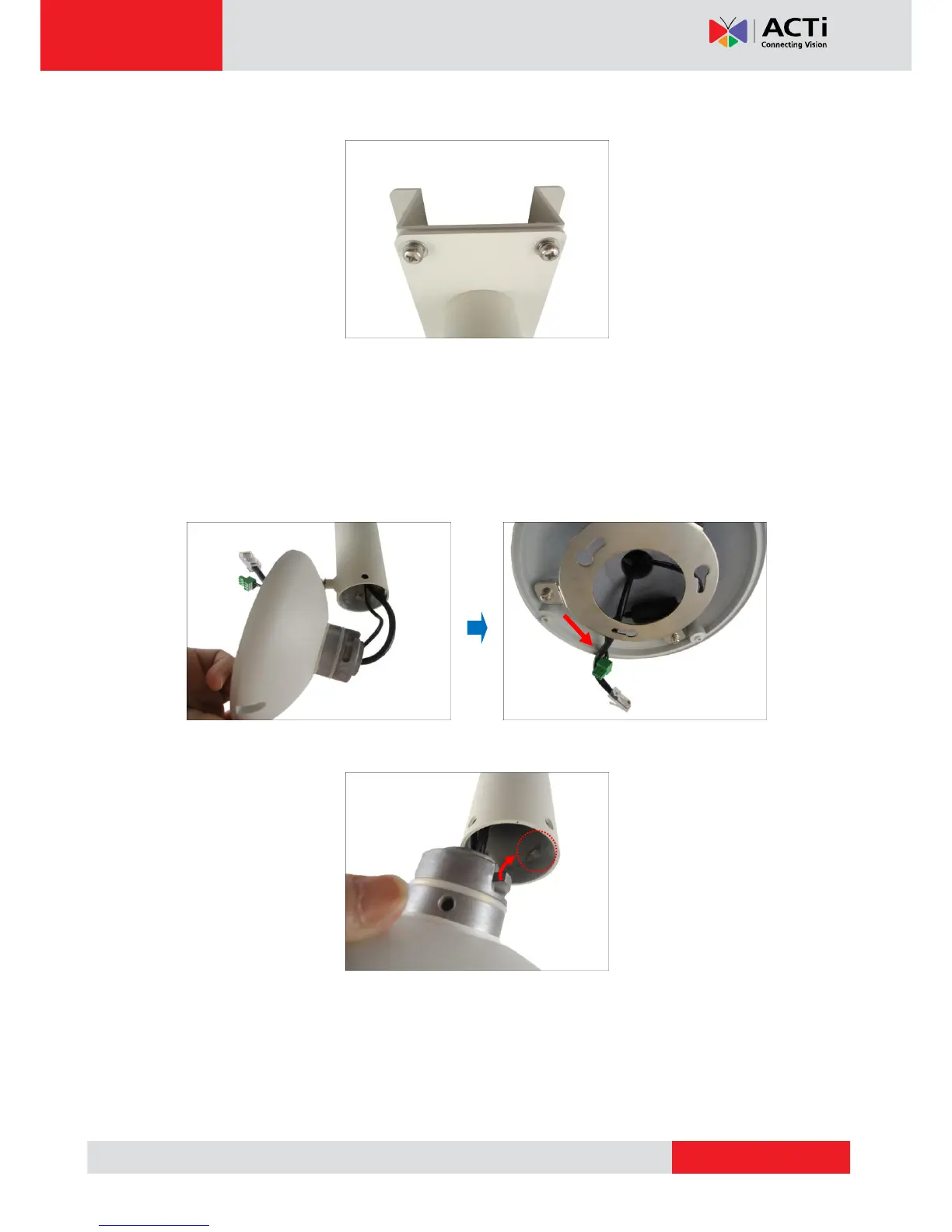
1. Insert the cables from the tube into the mount kit and route them to pass through the outer
bracket.
2. Align the slot of the mount kit to the tab inside the straight tube and install the mount kit.



 To Next Page