Hardware Manual
32
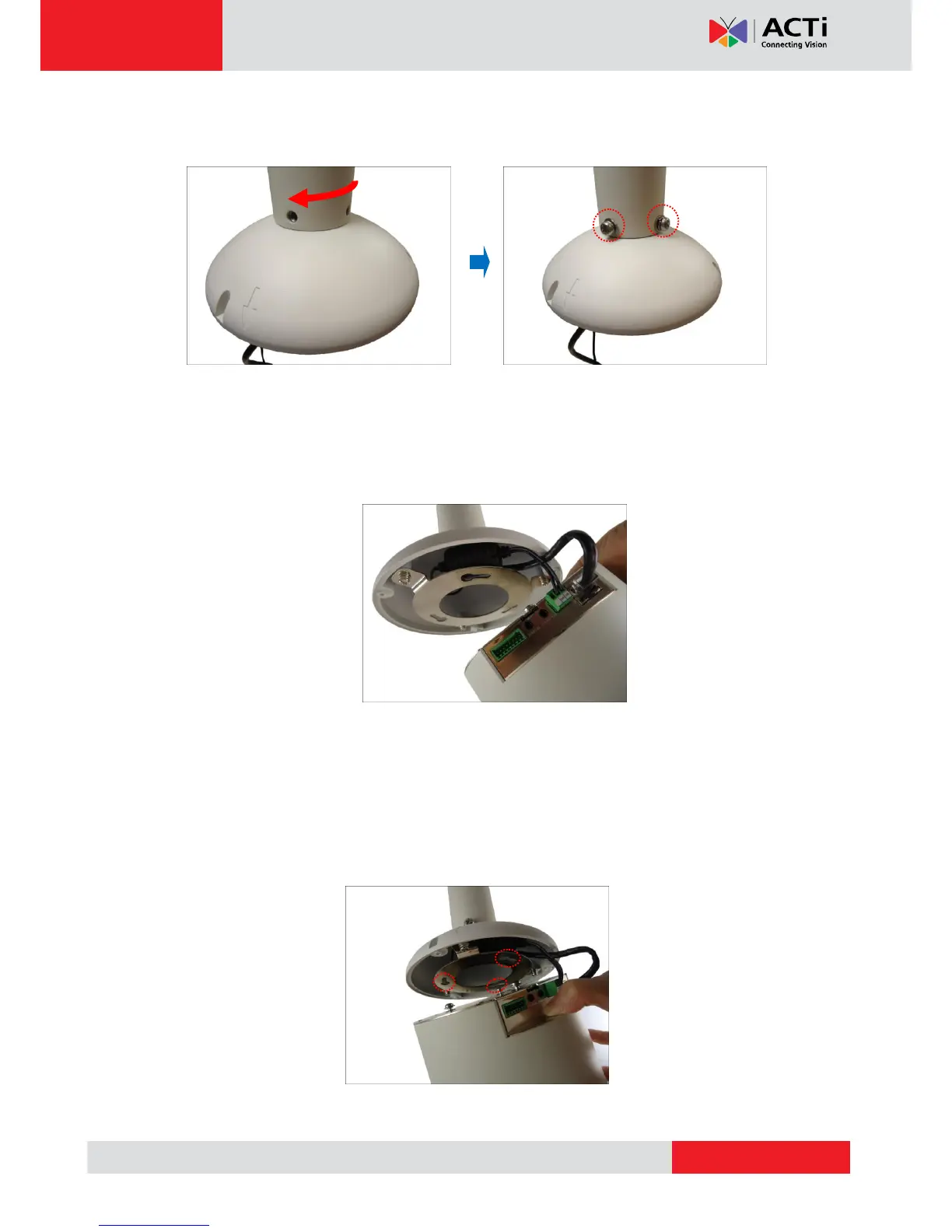
3. Twist the mount kit to align the screw holes and attach the two (2) mounting screws
(included in the mount kit package).
Step 3: Install the Camera
1. Connect the network cable to the Ethernet port of the camera. If necessary, connect the
other cables (such as power adapter, DI/DO, etc.) to the corresponding connectors.
NOTE: Try to push the network cable further into the mount.
T I P: If the network cable texture is rough and not easily bent, use the bundled network
extension cable (included in the mount kit package) to easily route the cables because of its
flexibility.
2. Align and insert the camera base hooks to the mounting holes.



 To Next Page