Hardware Manual
45
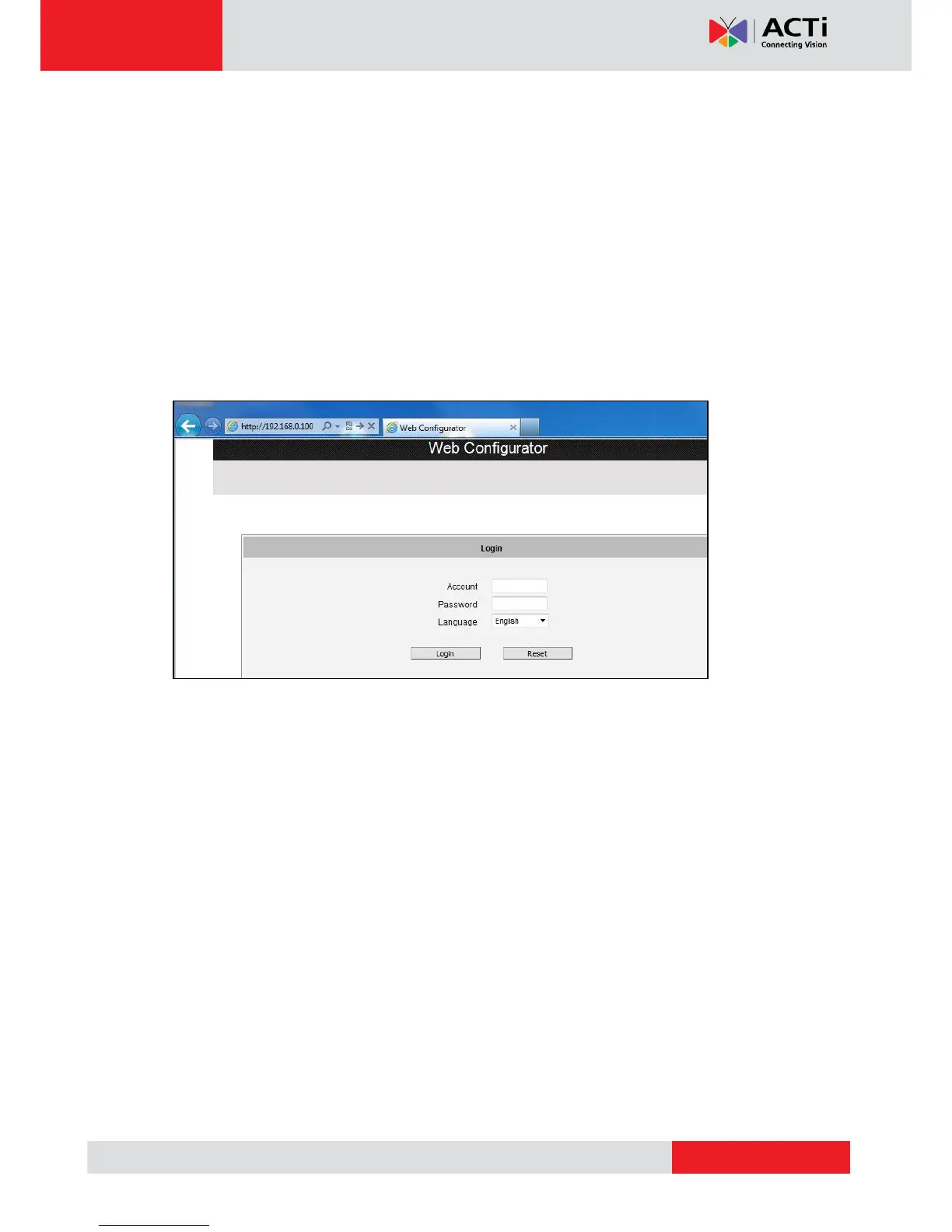
Assuming that the camera’s IP address is 192.168.0.100, you can access it by opening the
Web browser and typing the following address into Web browser’s address bar:
http://192.168.0.100
Upon successful connection to the camera, the user interface called Web Configurator would
appear together with the login page. The HTTP port number was not added behind the IP
address since the default HTTP port of the camera is 80, which can be omitted from the
address for convenience.
Before logging in, you need to know the factory default Account and Password of the camera.
Account: Admin
Password: 123456
For further operations, please refer to the Firmware User’s Manual.



 To Previous Page