1b. Assemble in the 1u orientation
Assembling the bracket so that the device screen faces upward is called a 1u rack mount
because it uses 1 unit of space on your rack.
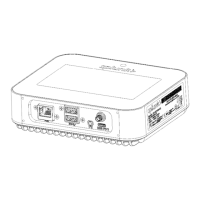
See the following images to assemble the bracket and attach the Splunk Edge Hub to the
bracket in the 0u orientation.
Align the 4 holes in a square position and use the screws to attach the bracket pieces together:
Align the three holes with the corresponding ones on the Splunk Edge Hub and use the screws
to attach the device to the bracket:


 To Next Page