SETUP
About the 5-Day Weather Forecast
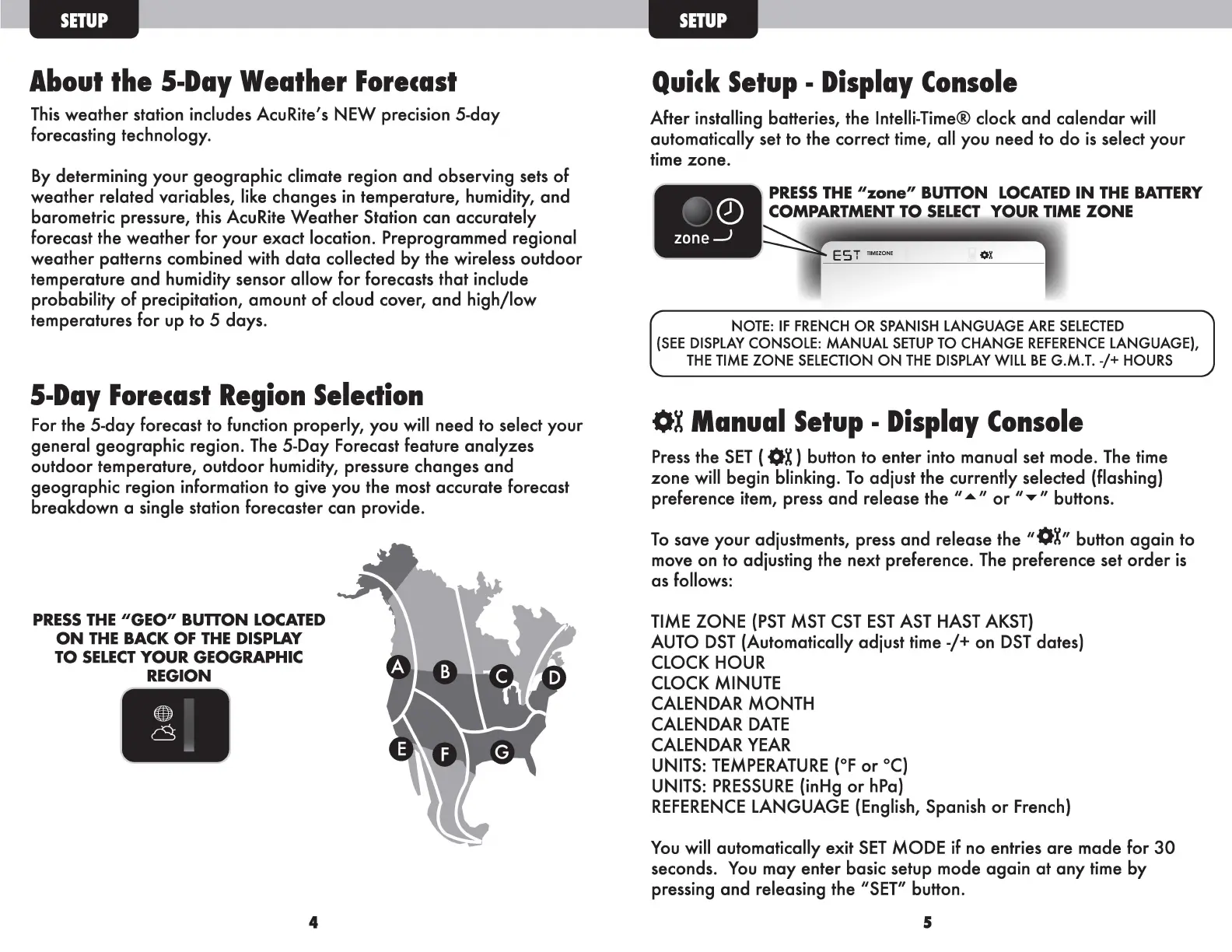
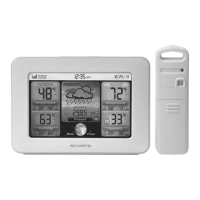
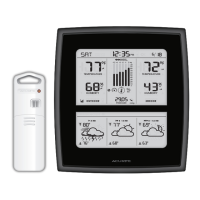
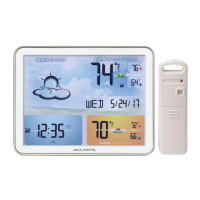
This weather station includes AcuRite's NEW precision 5-day
forecasting technology.
By determining your geographic climate region and observing sets of
weather related variables, like changes in temperature, humidity, and
barometric pressure, this AcuRite Weather Station can accurately
forecast the weather for your exact location. Preprogrammed regional
weather patterns combined with data collected by the wireless outdoor
temperature and humidity sensor allow for forecasts that include
probability of precipitation, amount of cloud cover, and high/low
temperatures for up to
5 days.
5-Day Forecast Region Selection
For the 5-day forecast to function properly, you will need to select your
general geographic region. The 5-Day Forecast feature analyzes
outdoor temperature, outdoor humidity, pressure changes and
geographic region information to give you the most accurate forecast
breakdown a single station forecaster can provide.
PRESS THE
11
GE0
11
BUTION LOCATED
ON THE BACK OF THE DISPLAY
TO SELECT YOUR GEOGRAPHIC
REGION
4
SETUP
Quick Setup - Display Console
After installing batteries, the lntelli-Time® clock and calendar will
automatically set to the correct time, all you need to do is select your
time zone.
PRESS THE
11
zone
11
BUTION LOCATED IN THE BATIERY
Q)
COMPARTMENT TO SELECT YOUR TIME ZONE
zone
......J
Es T IIM<ZONE ox
r
NOTE: IF FRENCH OR SPANISH LANGUAGE ARE SELECTED
(SEE DISPLAY CONSOLE: MANUAL SETUP TO CHANGE REFERENCE LANGUAGE),
THE TIME ZONE SELECTION ON THE DISPLAY WILL BE G.M.T.
-/+HOURS
OX Manual Setup - Display Console
Press the SET (OX)button to enter into manual set mode. The time
zone will begin blinking. To adjust the currently selected (flashing)
preference item, press and release the " ... " or "..,." buttons.
11
To save your adjustments, press and release the
11
0X button again to
move on to adjusting the next preference. The preference set order is
as follows:
TIME ZONE (PST MST CST EST AST HAST AKST)
AUTO DST (Automatically adjust time-/+ on DST dates)
CLOCK HOUR
CLOCK MINUTE
CALENDAR MONTH
CALENDAR DATE
CALENDAR YEAR
UNITS: TEMPERATURE (°For
0
C)
UNITS: PRESSURE (inHg or hPa)
REFERENCE LANGUAGE (English, Spanish or French)
You will automatically exit SET MODE if no entries are made for 30
seconds. You may enter basic setup mode again at any time by
pressing and releasing the "SET" button.
5



 To Next Page