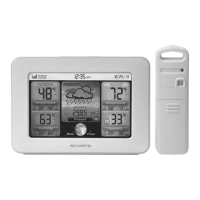
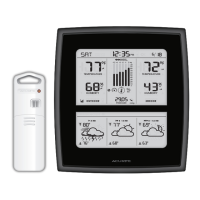
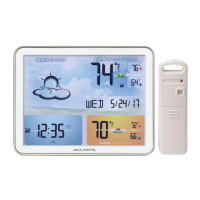
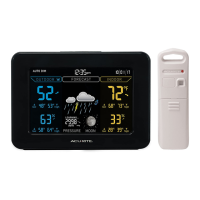
Placement
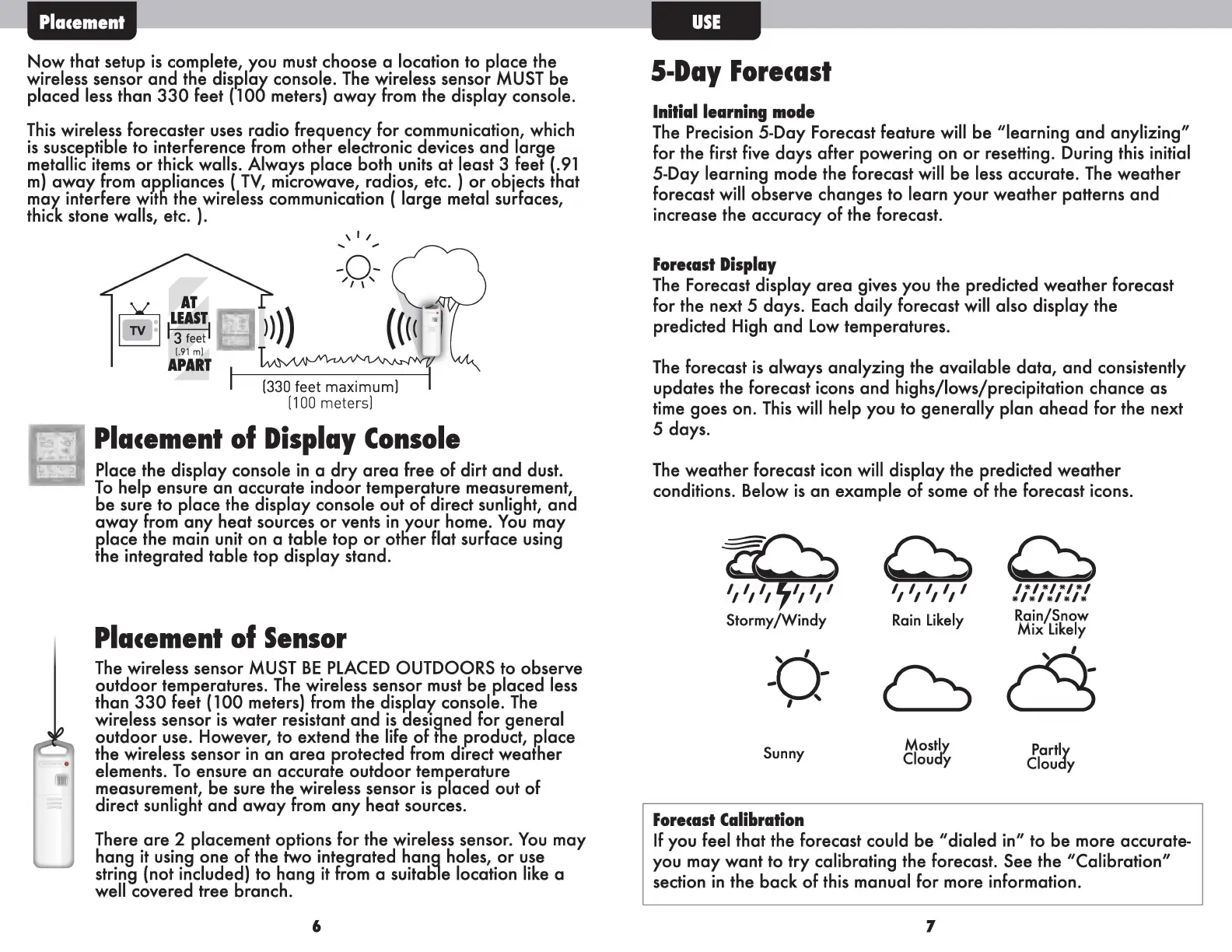
Now that setup is complete, you must choose a location to place the
wireless sensor and the display console. The wireless sensor MUST be
placed less than 330 feet ( 100 meters) away from the display console.
This wireless forecaster uses radio frequency for communication, which
is susceptible to interference from other electronic devices and large
metallic items or thick walls. Always place both units at least 3 feet (.91
m) away from appliances ( TV, microwave, radios, etc. ) or objects that
may interfere with the wireless communication ( large metal surfaces,
thick stone walls, etc. ).
\ I /
... ...
AT
ILEASTI
3 feet
1.91ml
APART
(330feet maximum]
[ 100 meters]
Placement of Display Console
----• Place the display console in a dry area free of dirt and dust.
To help ensure an accurate indoor temperature measurement,
be sure to place the display console out of direct sunlight, and
away from any heat sources or vents in your home. You may
P.lace the main unit on a table top or otlier flat surface using
the integrated table top display stand.
Placement of Sensor
The wireless sensor MUST BE PLACED OUTDOORS to observe
outdoor temperatures. The wireless sensor must be placed less
than 330 feet ( 100 meters) from the disP.lay console. The
wireless sensor is water resistant and is aesigned for general
outdoor use. However, to extend the life of fhe product, P.lace
the wireless sensor in an area protected from direct weather
elements. To ensure an accurate outdoor temJ?erature
measurement, be sure the wireless sensor is placed out of
direct sunlight and away from any heat sources.
There are 2 placement options for the wireless sensor. You may
hang it using one of the two integrated hang holes, or use
string (not included) to hang it from a suital:ile location like a
well covered tree branch.
6
5-Day Forecast
Initial learning mode
The Precision 5-Day Forecast feature will be "learning and anylizing"
for the first five days after powering on or resetting. During this initial
5-Day learning mode the forecast will be less accurate. The weather
forecast will observe changes to learn your weather patterns and
increase the accuracy of the forecast.
Forecast Display
The Forecast display area gives you the predicted weather forecast
for the next
5 days. Each daily forecast will also display the
predicted High and Low temperatures.
The forecast is always analyzing the available data, and consistently
updates the forecast icons and highs/lows/precipitation chance as
time goes on. This will help you to generally plan ahead for the next
5 days.
The weather forecast icon will display the predicted weather
conditions. Below is an example of some of the forecast icons.
~~
,, ,, ,, ,, I !l!l!l!l!
Stormy/Windy
R · L°k I Rain/Snow
am
1
8
Y Mix Likely
I '
0
6~
Mostly
Partly
Sunny
Cloudy
Cloudy
Forecast Calibration
If you feel that the forecast could be "dialed in" to be more accurate-
you may want to try calibrating the forecast. See the "Calibration"
section in the back of this manual for more information.
7


 To Next Page
 Loading...