111
GB
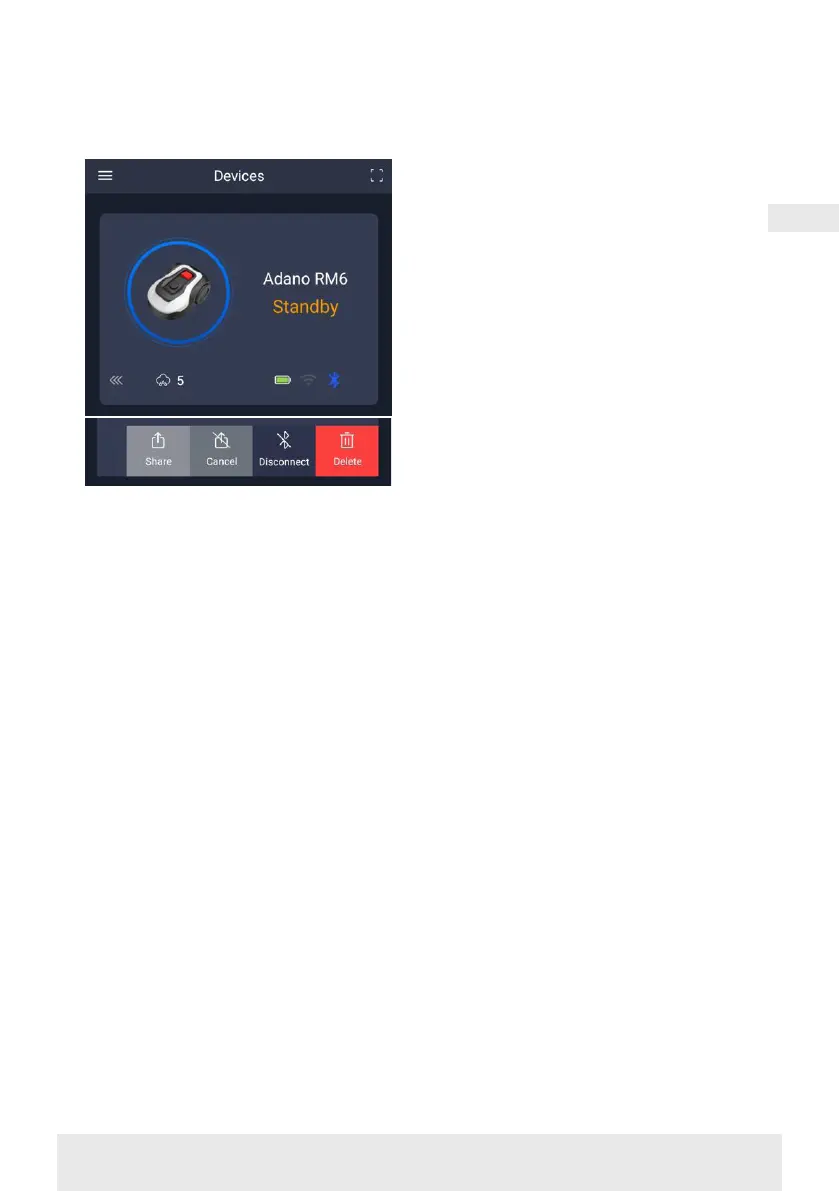
In this case, select ‘Stop sharing’
and confirm.
NOTE: when the mower moves to an
area of your lawn with poor or no Wi-Fi
signal, instructions sent from the app
are only executed when the mower re-
turns to an area with good Wi-Fi signal.
The Bluetooth icon will only light up
when the phone is near the robot and
connected. The robot can be controlled
over Wi-Fi even if you are away from
home, if the coverage is OK.
USING THE APP
Using the app provides extended func-
tions compared to operating via the
robot's display. The main features are
listed here.
Home
After logging in and tapping on the
robot icon, you will find yourself on
the home screen, where you can see
the robot, its battery status, whether
it has a Wi-Fi/Bluetooth connection
and whether the robot is in standby or
active mode.
Further down the screen you will see
3 round buttons: RETURN – WORK –
STOP
• If the robot is running and you want
it to go home, first press STOP and
then ‘RETURN’.
• To start the robot manually, first press
STOP (so that the WORK button turns
white) and then ‘WORK’.
• In general, you need to press the
STOP button first before selecting
RETURN or WORK.
Battery mode
Note that the battery level will typically
show 9X% (and not 100%) and that it will
slowly decrease. This is quite normal
and is done to protect the battery and
prolong its lifetime (it is not optimal for
the battery to be 100% charged all the
time).
The charging station will start charging
the battery when it gets below 90%.
Schedule
Under ‘schedule’ you can see scheduled
cutting times and set when the robot
should run.
• Press ‘Edit’ to edit the schedule.
• Tap on the day of the week you want
to set the robot to run.
• Then select the start and end times
and press ‘Confirm’.
• Edge trimming: You can put a blue
tick in the top line ‘edge’ (under ‘Edit’)
if you want the robot to trim the
edges the first time it starts. The robot
will then follow the boundary wire all
the way around and cut along it (note
that the robot will still leave an uncut
edge of grass, as the blade cannot cut
all the way to the edge for safety rea-
sons). If you start the robot manually
via START + OK on the display, the
robot will not trim the edges.
• To avoid the mower leaving tracks, it
is recommended that you only select
‘edge’ a few days a week.
• Once a schedule is defined (orange)
you can also change the start/end


 To Next Page