Chapter 5: Installing the Controller and Disk Drives ● 50
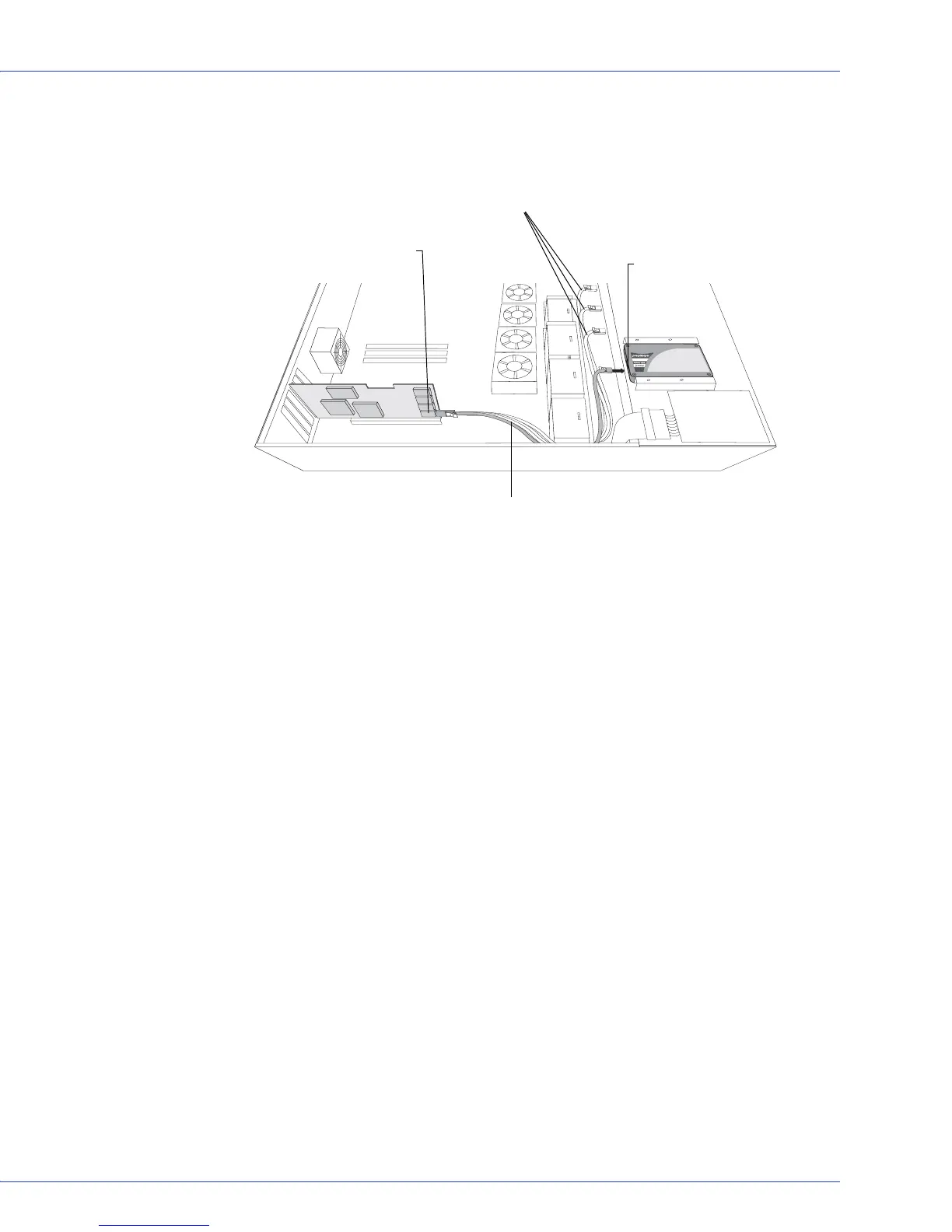
2 Use an internal mini-SAS to SATA cable to attach the SSD(s) to the controller, as shown in
the following example.
3 When all SSDs have been installed and connected, close your computer
cabinet, reattach
the power cord, then continue with
Connecting External Devices
on page 50
.
Connecting External Devices
Note: If you are not connecting any external devices, see the following section, Next Steps.
Use high-quality cables to connect your controller to your external device(s), such as disk
drives or disk drive enclosures.
Adaptec recommends using only Adaptec cables. For more information or to purchase cables,
visit the Adaptec Web site at www.adaptec.com.
Next Steps
If you are installing the controller driver and an operating system onto a bootable array,
continue with Creating a Bootable Array on page 51.
If you are completing a standard installation onto an existing operating system, continue with
Installing the Driver on an Existing Operating System on page 62.
MaxIQ SSD connected to controller
with internal mini-SAS to SATA Fanout
cable (SFF-8087 to 4x-SATA)
Internal x4 mini-SAS connector
Single-port connector
To other SSDs



 To Next Page