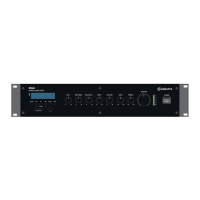
953.422UK User Manual
Media player
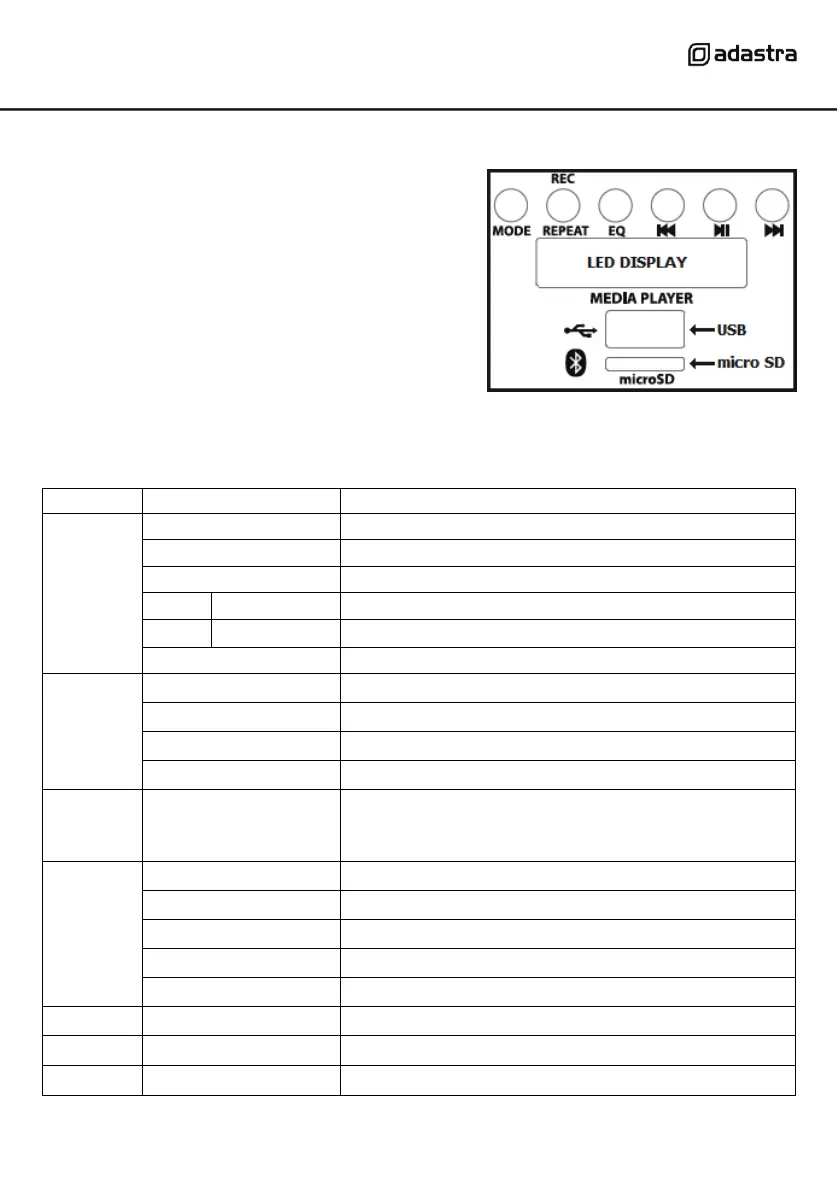
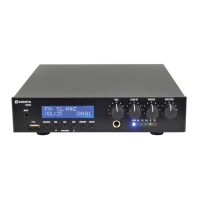
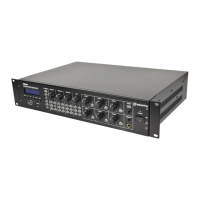
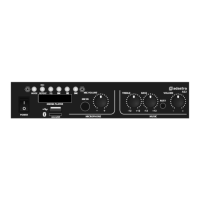
The media player has several different audio source
options, which are accessed using the “MODE”
button. Five more buttons control the playback (and
recording) of tracks, which is displayed in the LED
display directly below the buttons.
Below the LED display is a USB port for inserting a
flash drive (USB pen drive) and below this is a slot
for a micro SD card (or TF card)
Functions of the media player are described in the table below.
Select front panel AUX1 input 3.5mm stereo jack
Select rear panel AUX2 input L+R RCA connectors
Select rear panel AUX3 input L+R RCA connectors
Mp3 playback - only if USB/microSD inserted
FM radio station – shows channel, then frequency
Repeat all tracks in the current folder
Play all tracks in random order
Repeat all tracks on media
Hold REPEAT for 5 seconds in AUX or FM modes to
record to USB or SD (if no USB) press pause to stop.
Note: cannot record from BT / USB / microSD
Normal output – no additional EQ
Previous track or FM channel (station)
Play or pause the current track (USB/SD/Bluetooth)
Next track or FM channel (station)


 To Next Page