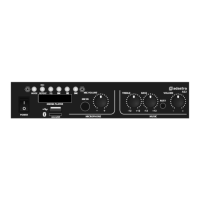
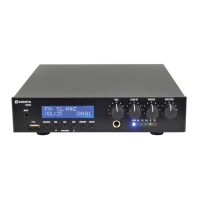
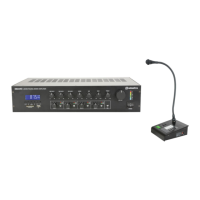
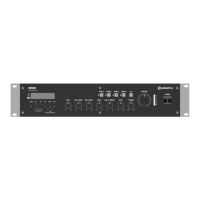
DM series mixer-amplifiers User Manual
Bluetooth Mode
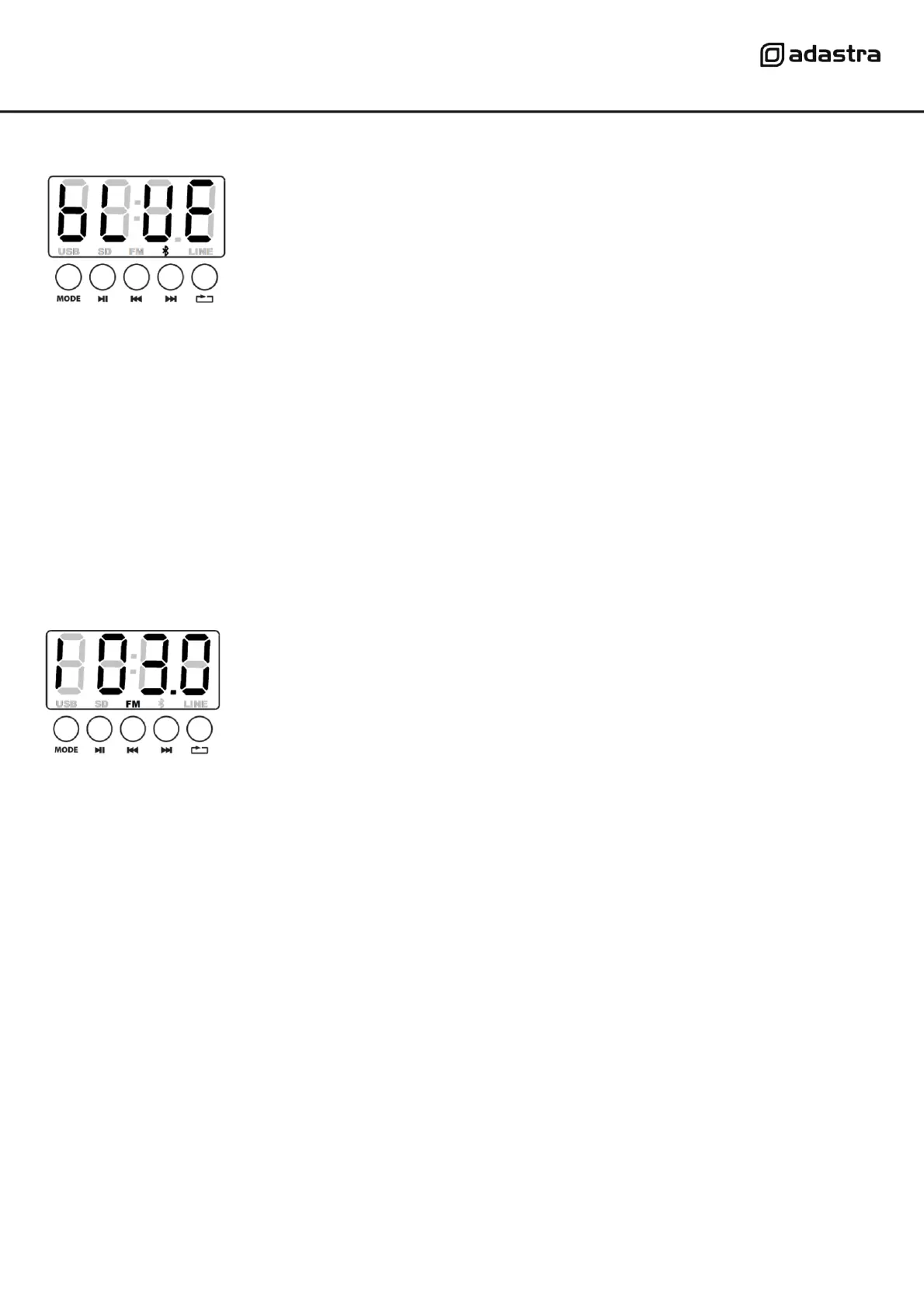
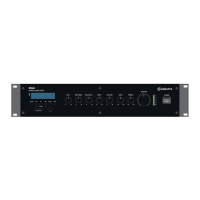
Pressing the mode button until the display shows “bLUE” enters Bluetooth
receiver mode.
On a smart phone or other Bluetooth enabled device, scan for available
devices and the DM series amplifier will be represented with the Bluetooth ID
“MP3A”.
Select to pair with this device and once successful, wireless audio playback should be enabled
through the media player of the DM series amplifier. If this does not happen, check that there are
not more than 1 available devices with the ID “MP3A” and ensure that the volume is turned up on
the sending device.
Once paired, the smartphone or other device should connect automatically when in range of the DM
series amplifier and when Bluetooth is enabled.
FM tuner
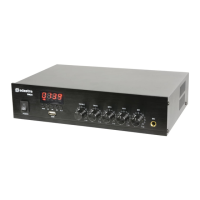
Pressing the mode button until “FM” appears in the lower part of the display
enters FM tuner mode.
The display will show the current radio frequency in MHz.
Note: reception will be considerably better if an FM antenna is connected on the rear panel.
Press Play/Pause to initiate the auto-tune process, which will scan for the 10 strongest frequencies
and store them automatically as P01 – P10.
These stored stations can then be navigated using the Previous and Next navigation buttons.
The Program number will be displayed, followed shortly by the tuning frequency.
Before powering down, turn down the level controls. To avoid loud pops through the speakers.


 To Next Page