SA180 User Manual
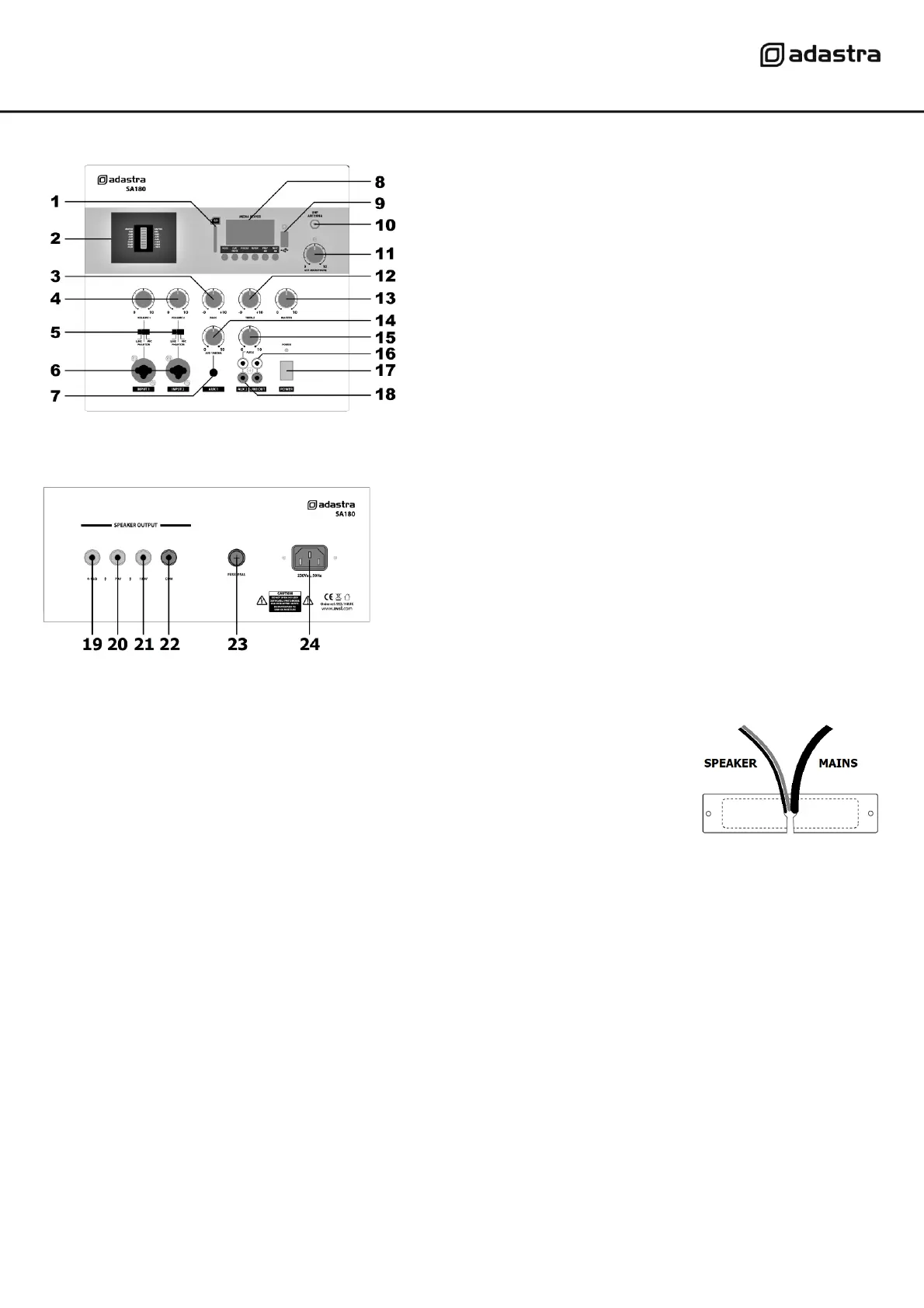
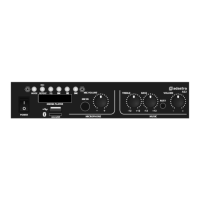
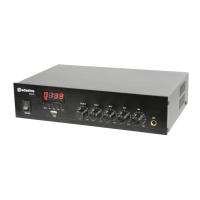
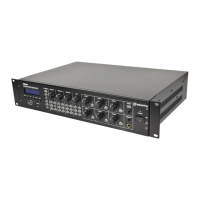
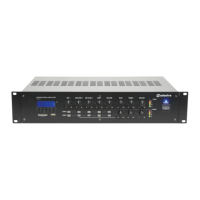
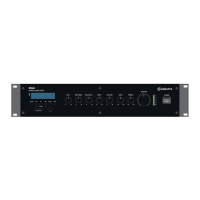
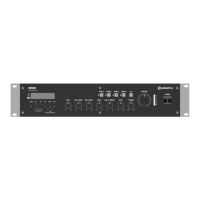
Front panel
Bottom panel
Connections
Connect the bottom panel IEC inlet (24) to the mains using the supplied mains lead
(or an equivalent approved type). Ensure that the mains voltage is correct (230Vac)
and the mains outlet is switched on. Mains and speaker output connections are fed
through the bottom of the cabinet and the wires can be bundled together and fed
through a securing plate (supplied) to deter tampering with the connections.
The SA180 has a total of 4 input channels. INPUT 1 and INPUT 2 are connected by either XLR or 6.3mm jack
to the combo connectors on the front panel (6). It is important to determine which type of input source is
connected and make the appropriate selection on the input type selector switch (5).
If the input is a standard microphone, slide the switch to “MIC”.
If the input is a condenser microphone which requires phantom power, slide the switch to “PHANTOM”.
If the input is a line level input (CD player, MP3 player, electronic keyboard etc.), slide the switch to “LINE”.
AUX 1 input is connected via a mini jack (3.5mm stereo) to accept a line input from smart phone, tablet or
laptop etc. If the input is stereo, the left and right sides will be mixed (summed) to mono. This input shares a
channel with the internal media player (see below) and is controlled by the AUX1/MEDIA volume control (14)
AUX 2 input is connected via a twin RCA connector to accept a line input. If the input is stereo, the left and
right sides will be mixed (summed) to mono. This input is independent of the media player and is controlled
by the AUX 2 volume control (15)
Further mixer-amplifiers or slave amplifiers can be connected from the LINE OUT RCA sockets (16).
This output carries the full mix of all channels, including the media player, as fed to the speakers.


 To Next Page