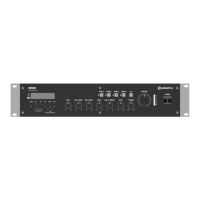
SA180 User Manual
Media player
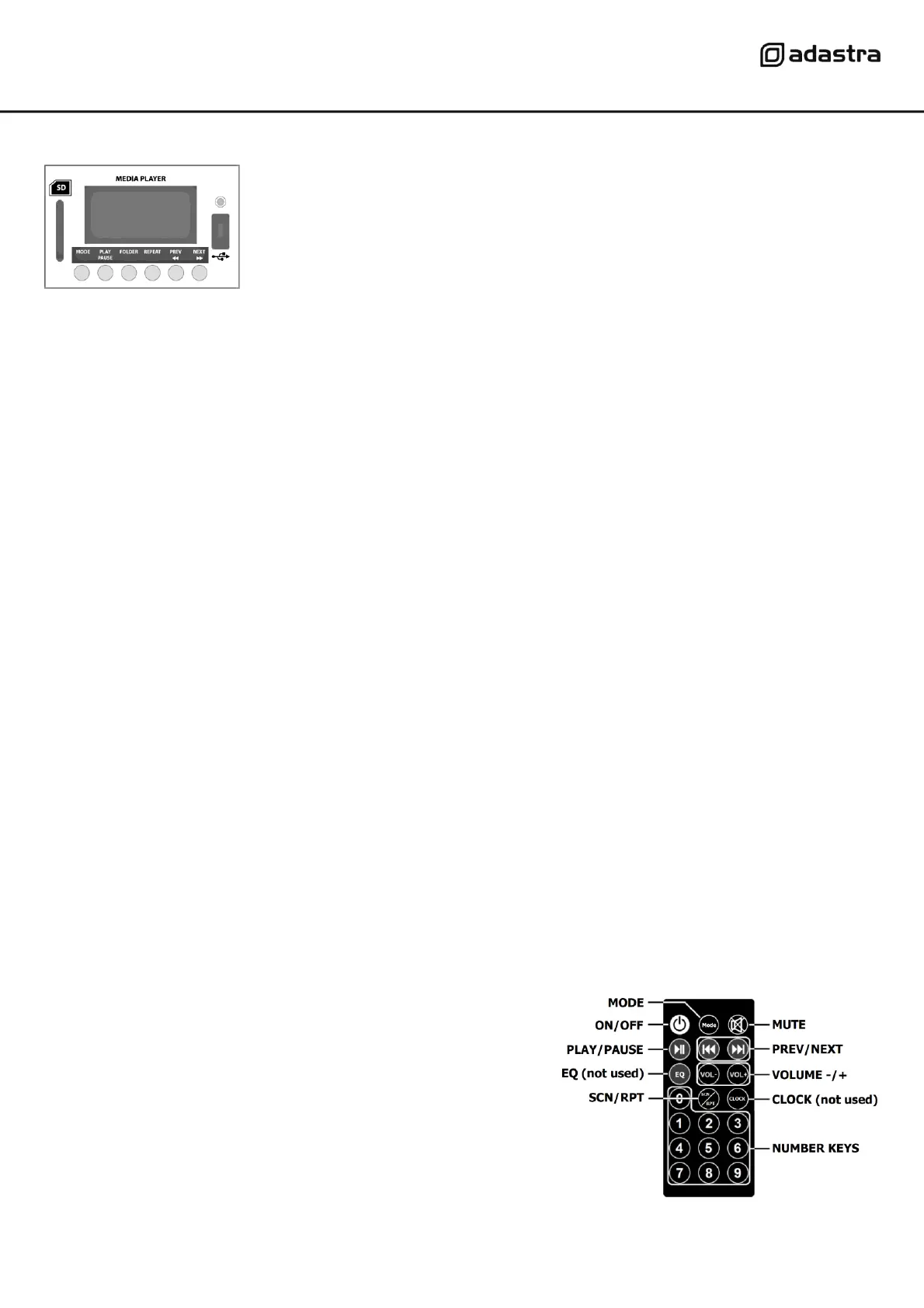
Pressing the MODE select button will step through USB, SD card or Bluetooth playback sources.
For playback of mp3 files stored on USB stick or SD card, insert the media into the relevant connector.
If playback does not start automatically, press the PLAY/PAUSE button and check the display for playback.
If the tracks cannot play, check that the files stored on the media are the correct format and not corrupted.
Gradually turn up the AUX 1/MEDIA volume control (14) and check for output through the speakers.
Increase the AUX 1/MEDIA volume to the required level.
Press PLAY/PAUSE to play or pause the current track and use PREV and NEXT buttons to navigate through
stored tracks on the USB or SD storage media.
If the tracks are stored in separate folders, pressing FOLDER and using PREV and NEXT buttons will navigate
between the stored folders. Press PLAY/PAUSE to select a folder, use PREV/NEXT to select a track within the
folder and press PLAY/PAUSE to play it.
Press the REPEAT button to set up a repeated playback with options for Repeat Folder (all tracks in the
current folder in order), Repeat One (repeat current track) Repeat ALL (all tracks on selected media in order)
or Repeat Random (all tracks on media in random order)
Bluetooth
The Bluetooth function allows connection of a smart phone or tablet to the media player section for playback
of stored files or streamed digital audio.
In order to use this function, it will be necessary to pair the sending device to the receiver as follows.
1. Open the Bluetooth settings menu on the smart phone or tablet (or other sending device)
2. Scan for devices and look for “Bluetooth” in the list of available devices
(ensure that the SA180 is powered on with Bluetooth mode selected and within reception range)
3. Select “Bluetooth” and the SA180 media player display will show “Connected” if successful.
4. Play audio from the sending device, ensuring that volume controls are not turned down/muted
5. Turn up the AUX 1/MEDIA volume control (14) on the front panel to the required level.
The Previous, Next and Play/pause buttons will operate in Bluetooth as remote playback controls.
The SA180 is also supplied with a handheld remote control with
functions as shown opposite and described below.
MODE Select USB/SD/Bluetooth
ON/OFF Switch media player on or off
PLAY/PAUSE Play or pause current track
SCN/RPT Select repeat mode
MUTE Mute or un-mute output
PREV/NEXT Navigate between tracks
NUMBER key in track number and wait for direct access
To avoid loud pops through the speakers, turn down the MASTER control before powering down.


 To Next Page