Need help?
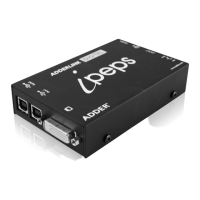
Do you have a question about the ADDER AdderLink Digital iPEPS and is the answer not in the manual?
Details the various ports and connectors on the Digital iPEPS unit for connectivity.
Guides on connecting video, USB, audio, and power cables.
Configuring network connectivity via IP and connecting the power supply.
How to interact with the host system using the VNC viewer.
Guides on selecting, switching between, and configuring host computers.
 General
| Category | Extender |
|---|---|
| Model | AdderLink Digital iPEPS |
| Product Type | KVM Extender |
| Maximum Resolution | 1920 x 1200 |
| USB Support | Yes |
| Audio Support | Yes |
| Power Supply | 5V DC |
| Number of Local Users Supported | 1 |
| Number of Remote Users Supported | 1 |
| Maximum Distance | 100 meters |
| Operating Temperature | 0°C to 40°C (32°F to 104°F) |
| Storage Temperature | -20°C to 70°C |
| Connectivity Technology | IP/Ethernet |

 To Next Page