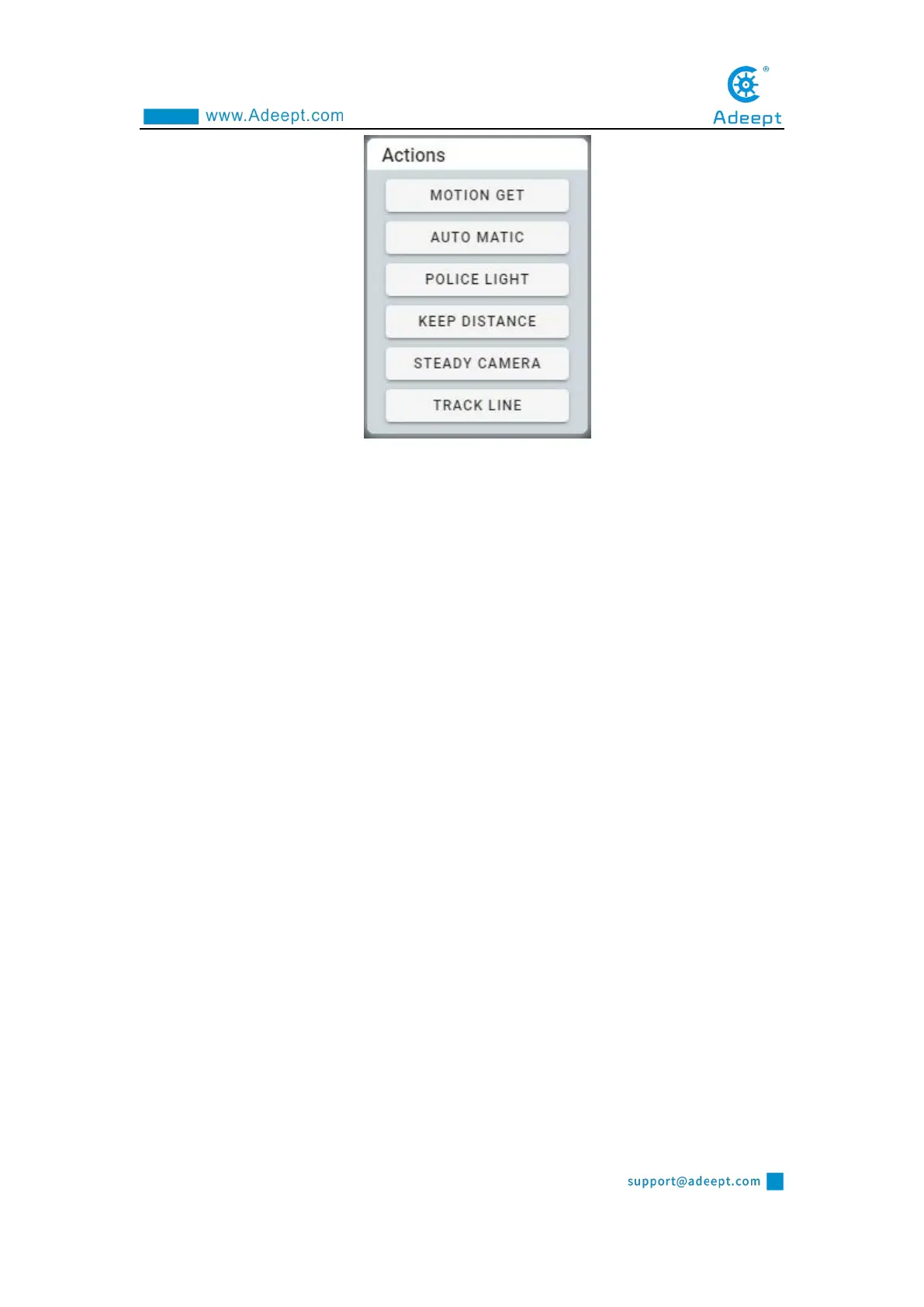
MOTION GET: switching watchdog mode. In this mode, the robot product stops
moving and reacts to the moving objects detected in the camera, and the moving
objects are framed in the video of the Vedio module.
AUTO MATIC: switching automatic obstacle avoidance mode. In this mode, the
robot product will automatically advance and use the ultrasonic module to detect
obstacles. When encountering obstacles, try to find other ways.
POLICE LIGHT: switching the police light mode. In this mode, the LED lights of
the robot product will flash like a warning light.
STEADY CAMERA: switching camera stabilization mode. In this mode, the
robot product will try to maintain the vertical stability of the camera.
TRACK LINE: switching hunting mode. In this mode, the robot product will try
to move along the white lines on the black ground.
2.5.2 FC Control Module
Control the switch of the color tracking function and the setting of the color to be
tracked.



 To Next Page