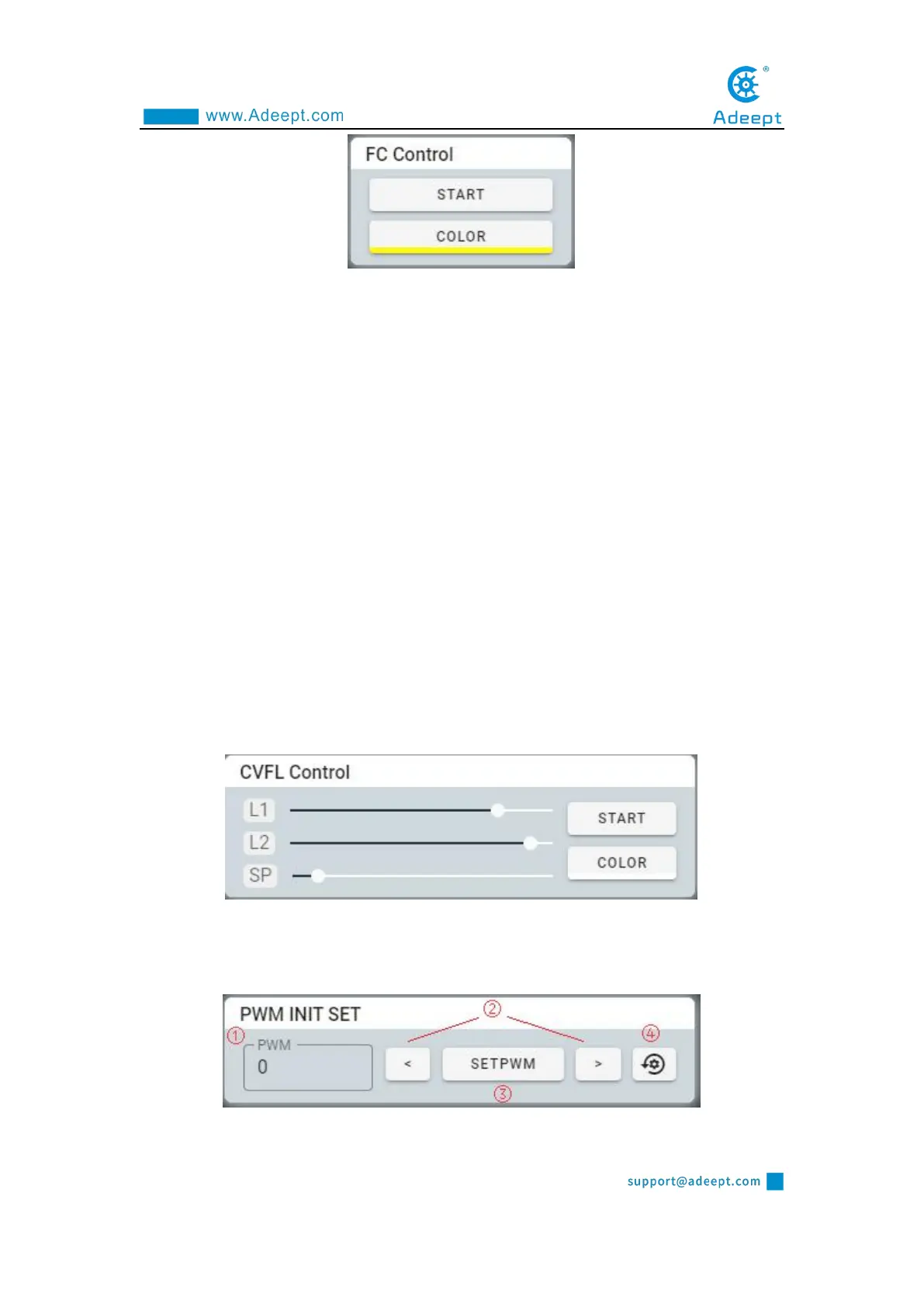
COLROR: choosing the color you want to track.
START: switching color tracking mode.
2.5.3 CVFL Control Module
The switch that controls the visual patrol function.
L1, L2: the two parameters L1 and L2 are used to set the height of the two
auxiliary lines. Robot products will only recognize the lines in the screen surrounded
by two auxiliary lines.
SP: deflection tolerance. The larger the value set, the more the robot tends to go
straight.
COLOR: switching to search for white lines on black or black lines on white.
START: switching the visual tracking function.
2.5.4 PWM INIT SET module



 To Next Page