109
USING ADOBE AUDITION
Mixing multitrack sessions
Last updated 2/16/2012
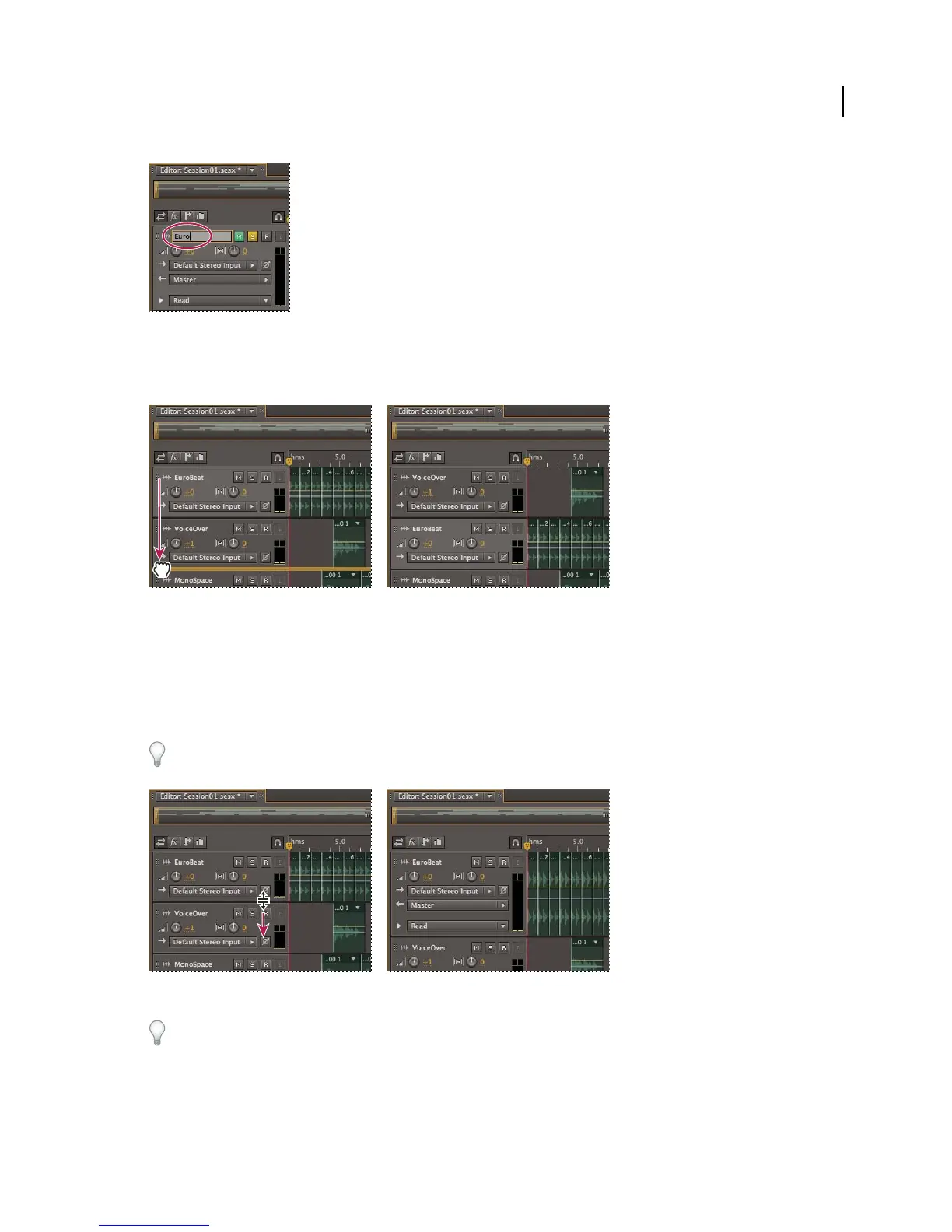
Name text box in the Editor panel
• Position the pointer to the left of the track name, and then drag either up or down in the Editor panel, or right or
left in the Mixer.
Moving a track in the Editor panel
Vertically zoom tracks
When you use the vertical Zoom options in the lower right of the Editor panel, all tracks zoom simultaneously. If a
session contains many tracks, however, you may prefer to zoom them individually.
• In the track controls, drag the top or bottom border of the track up or down.
To quickly zoom all tracks, roll the mouse wheel over the track controls. To horizontally resize all track controls, drag
the right border.
Vertically zooming an individual track
For additional techniques, see “Zoom audio in the Editor panel” on page 9.



 To Next Page