ADPRO iFT Gateway Hardware Installation Manual
33104_01 27
4. Ifyouhavedownloadedthefile,double-clickittoopenit.Ifthefollowingmessageappears,chooseSelect a
program from a list of installed programs,andthensetNotepad asdefaultapplication.
12.3 Retrieving Reports
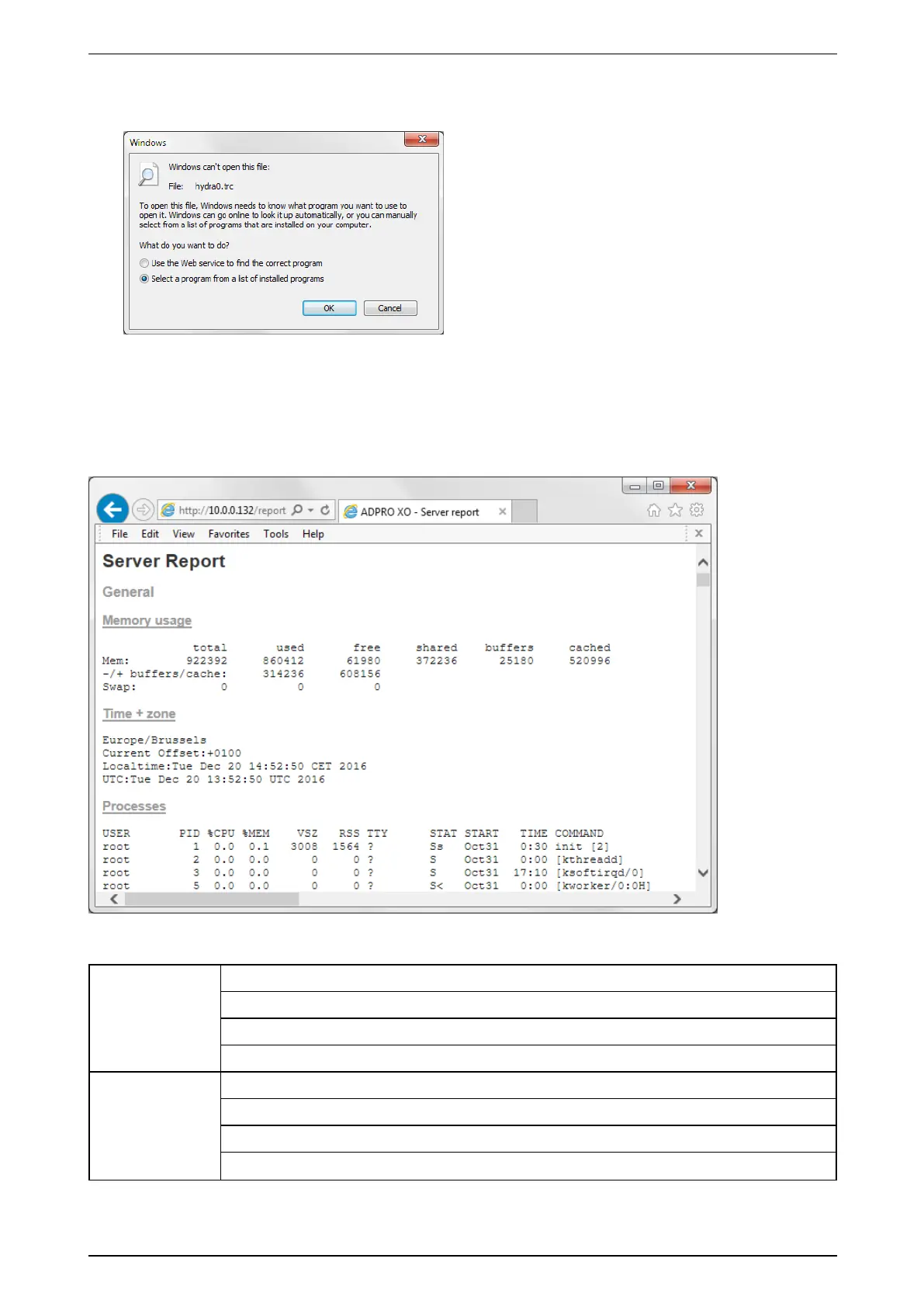
TheXOdevicealsogeneratesreports.Youcanviewthesereportsviatheinternetbrowser.TypetheIPaddress
oftheXOdeviceintheaddressbarofthebrowserandadd/report.phptotheIPaddress.
Example:http://10.0.0.10/report.php
TheServerReportcontainsthefollowinginformation:
General Memoryusage
Time+zone
Processes
Uptime
Performance Vmstat
I/Ostat
PIDstat
MPstat



 To Next Page