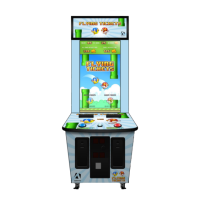
Crazy Tower Arcade Manual V7.1
Chapter 05 – Operator Menu
16 | P a g e
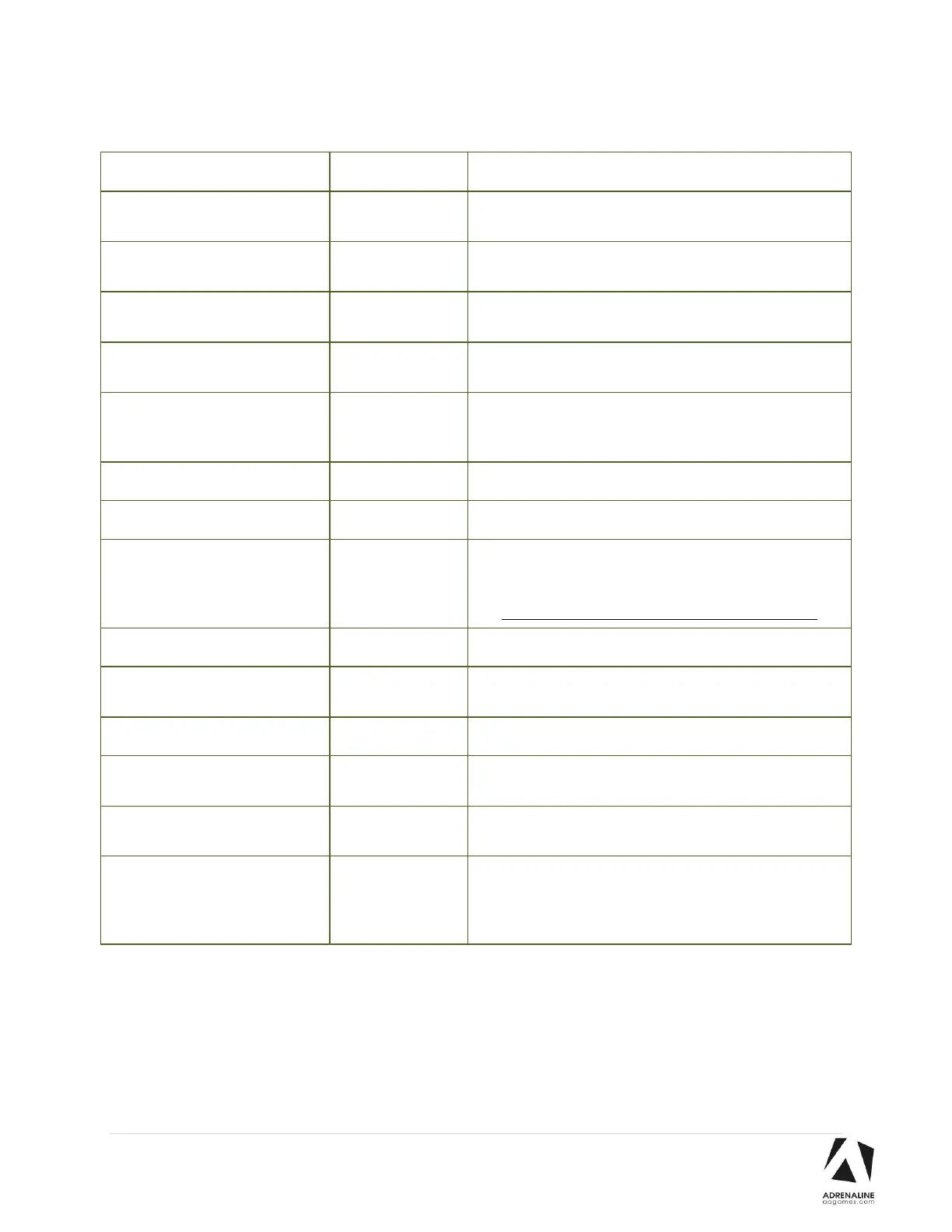
Adjusts the number of credits required to play. “0” sets
the unit in free play mode.
Adjusts the in-game audio volume. “0” will mute the
game.
Adjusts the audio volume of the attract loop. “0” will
mute the attract loop.
Adjusts the value of physical tickets. Physical tickets are
either worth “1” ticket or “2” tickets.
Changes the credit type. “Credits” = Coins and
“Card” = Card Reader. This will change the in-game text
accordingly.
Adjusts the Redemption availability.
Adjusts the in-game text accordingly.
Adjusts the ticket distribution mode
(Continuous: during the game; End Game: At the end of
the game).
If you have a Card Reader please use END GAME.
Adjusts the minimum number of tickets per game.
Adjusts the number of tickets given when the Bonus is
reached.
Sets how frequently the Bonus could be awarded.
Adjusts the number of tickets given per floor added
(Increment per 0.1).
Adjusts the fixed number of tickets given per game.
Enable or Disabled the Internet Lookup Update. If you
keep it enabled but do not connect the Internet to your
unit you will have a 2m30s onscreen delay when the unit
powers on.



 To Next Page